


Video corrupted after exporting from Premiere Pro
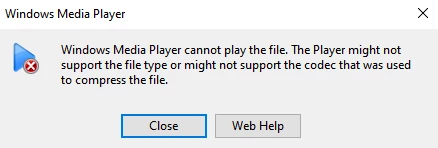
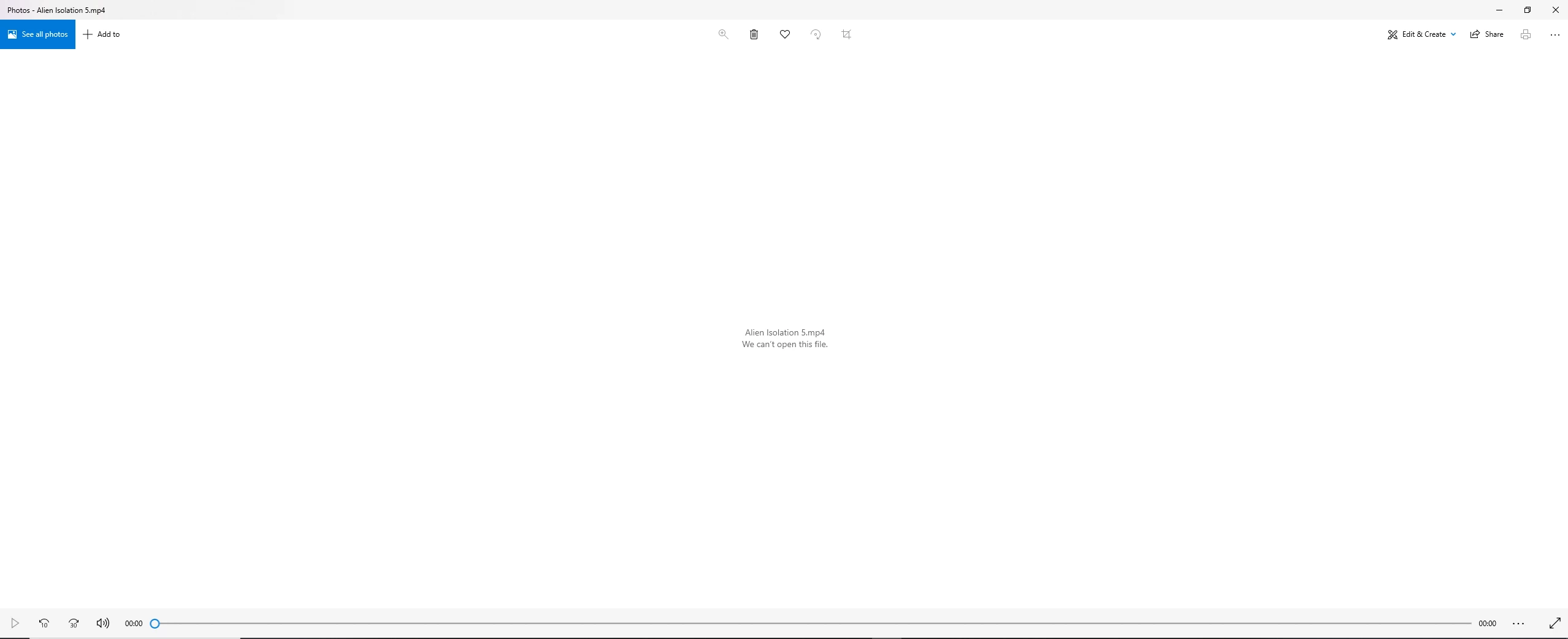
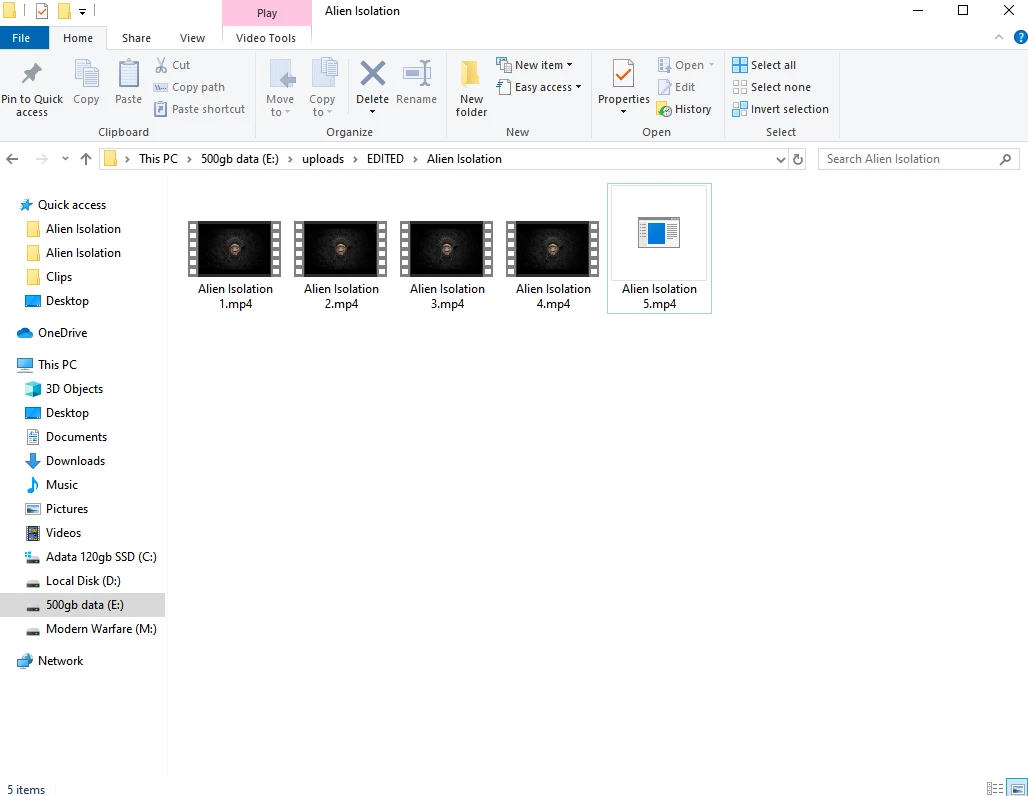
I have been using premiere pro for a while and with no trouble, but recently every time I export a video I got to watch it after and it appears to be corrupted. The video seems great when I watch it in premiere pro but once it is exported either the first bit of the video will be fine then it just freezes and closes the video or when I click to open it it will say "we can't open this file". I have been using the same exact export settings for all of my videos and it has been working excellently up until last night.
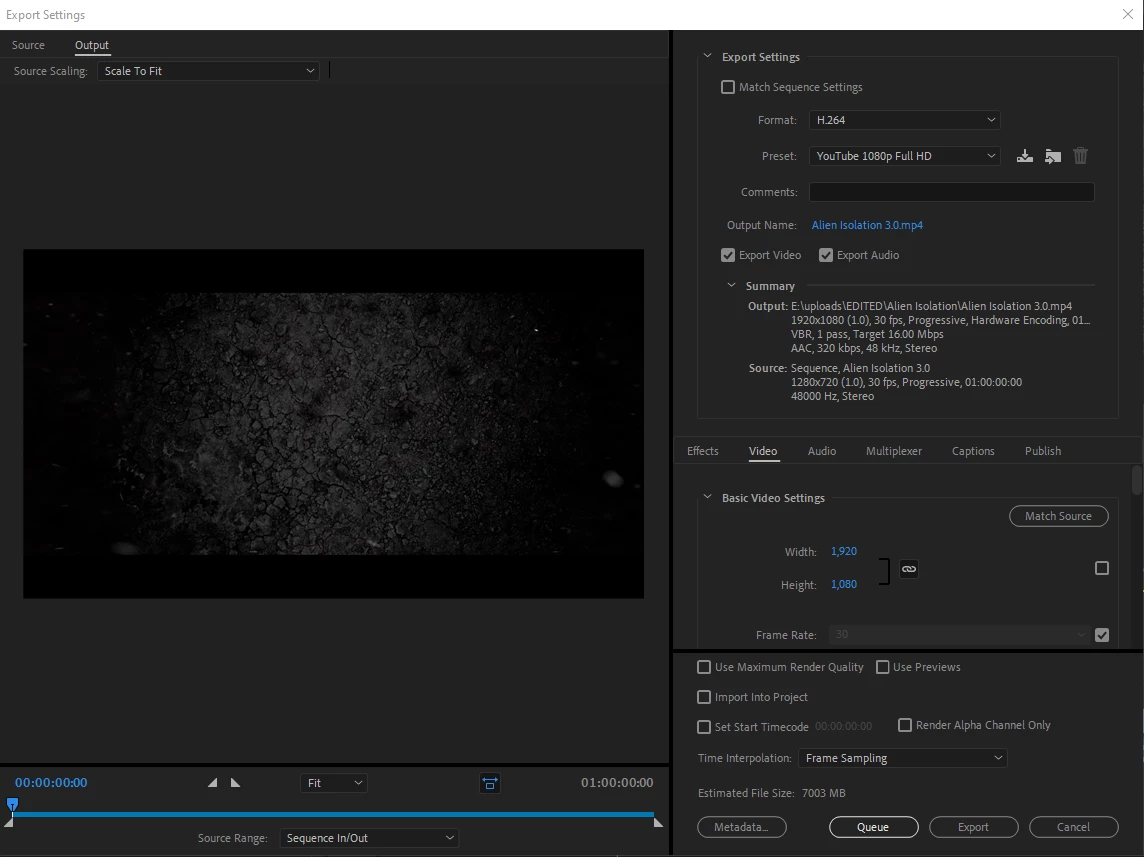
H.264 YouTube 1080p Full HD are the settings I use so whatever the presets for those are is what I am using, my export folder has not changed and I have tested all of the videos before I import them and they all have worked fine. I have also tried multiple video players. Also, myAdobe Media Encoder says "completed with warnings" please help I am on a strict deadline
 AdChoices