GBOILLE VIDEOCONTENT
Participant
May 5, 2021
質問

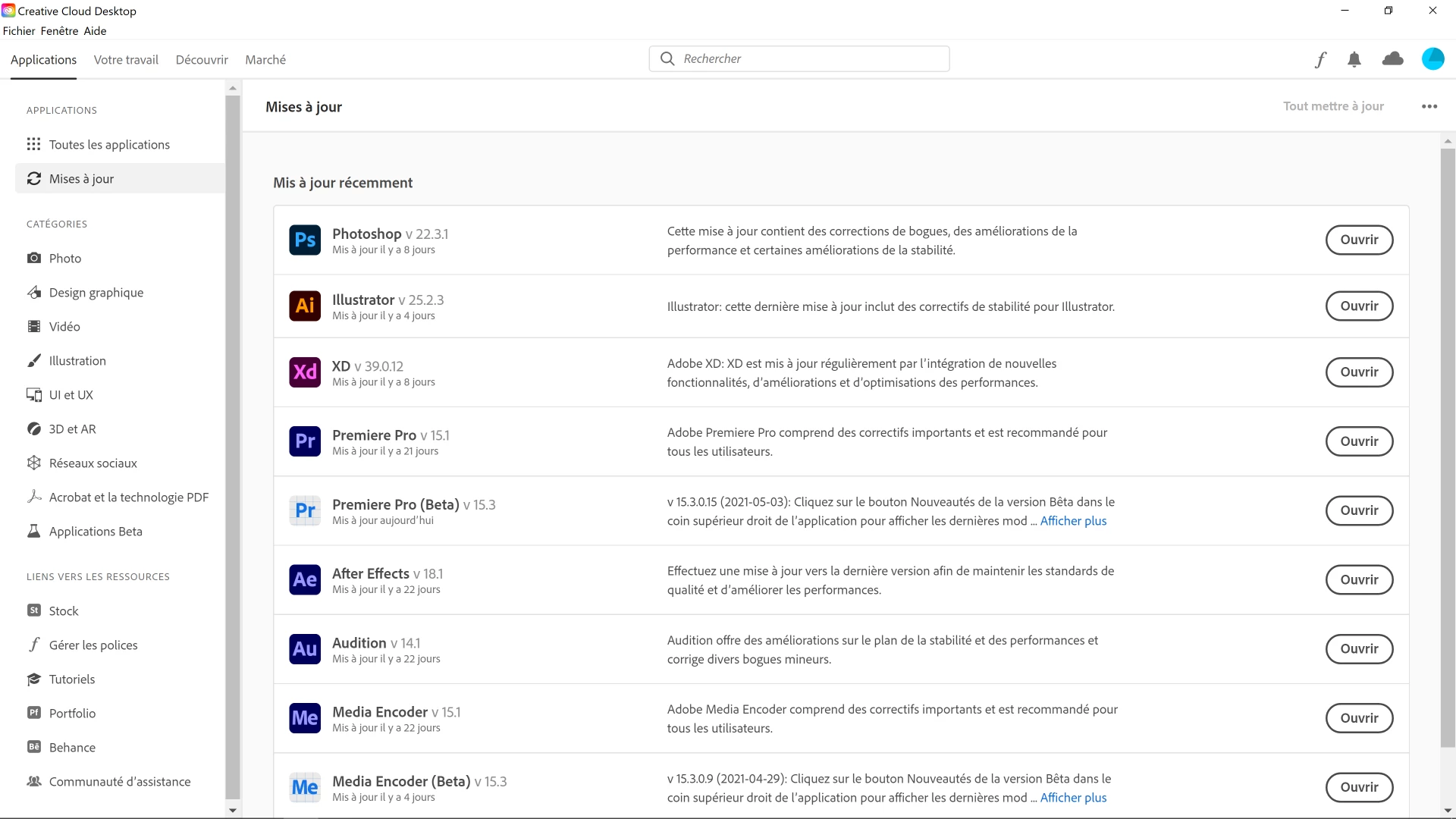
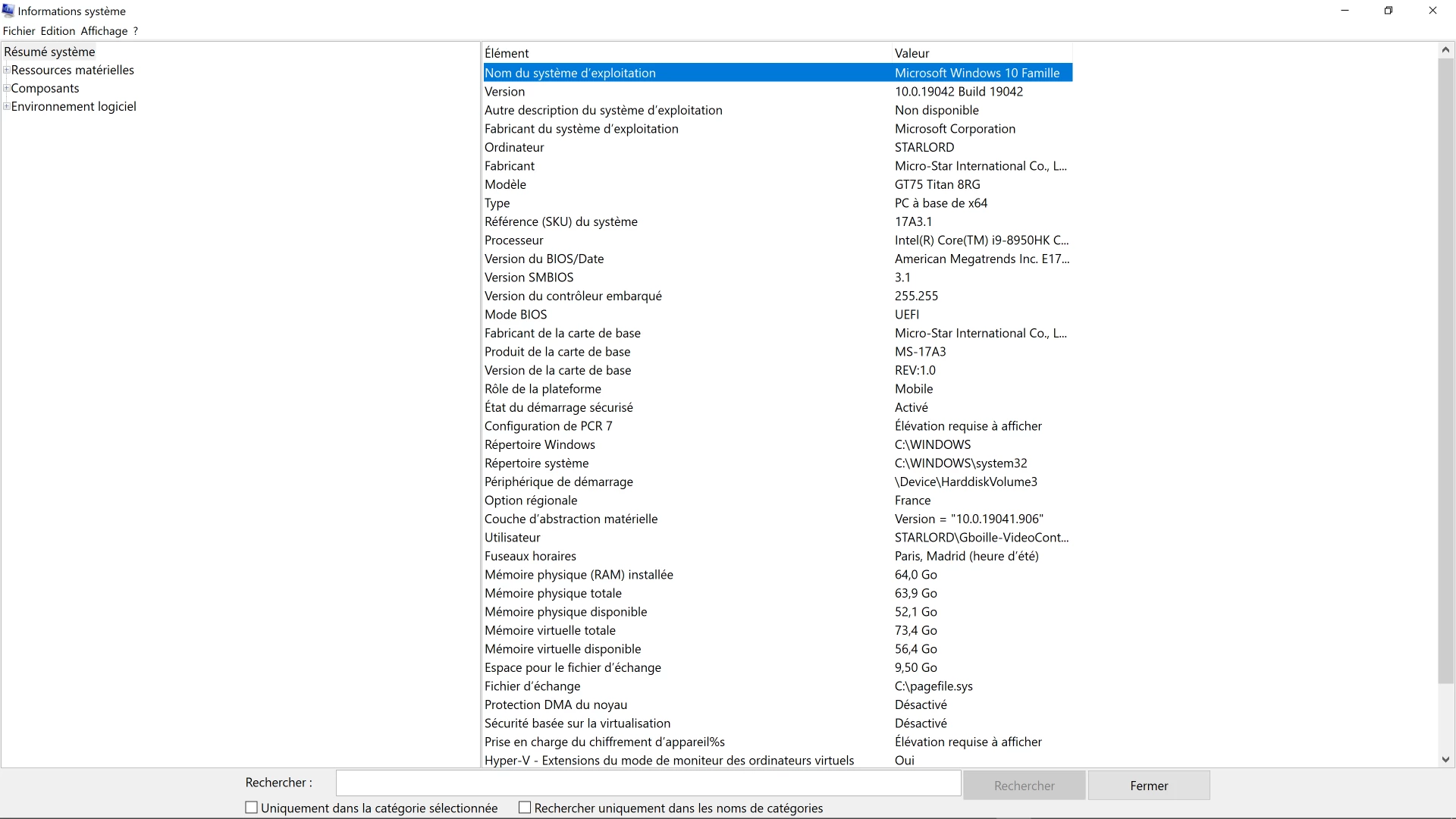
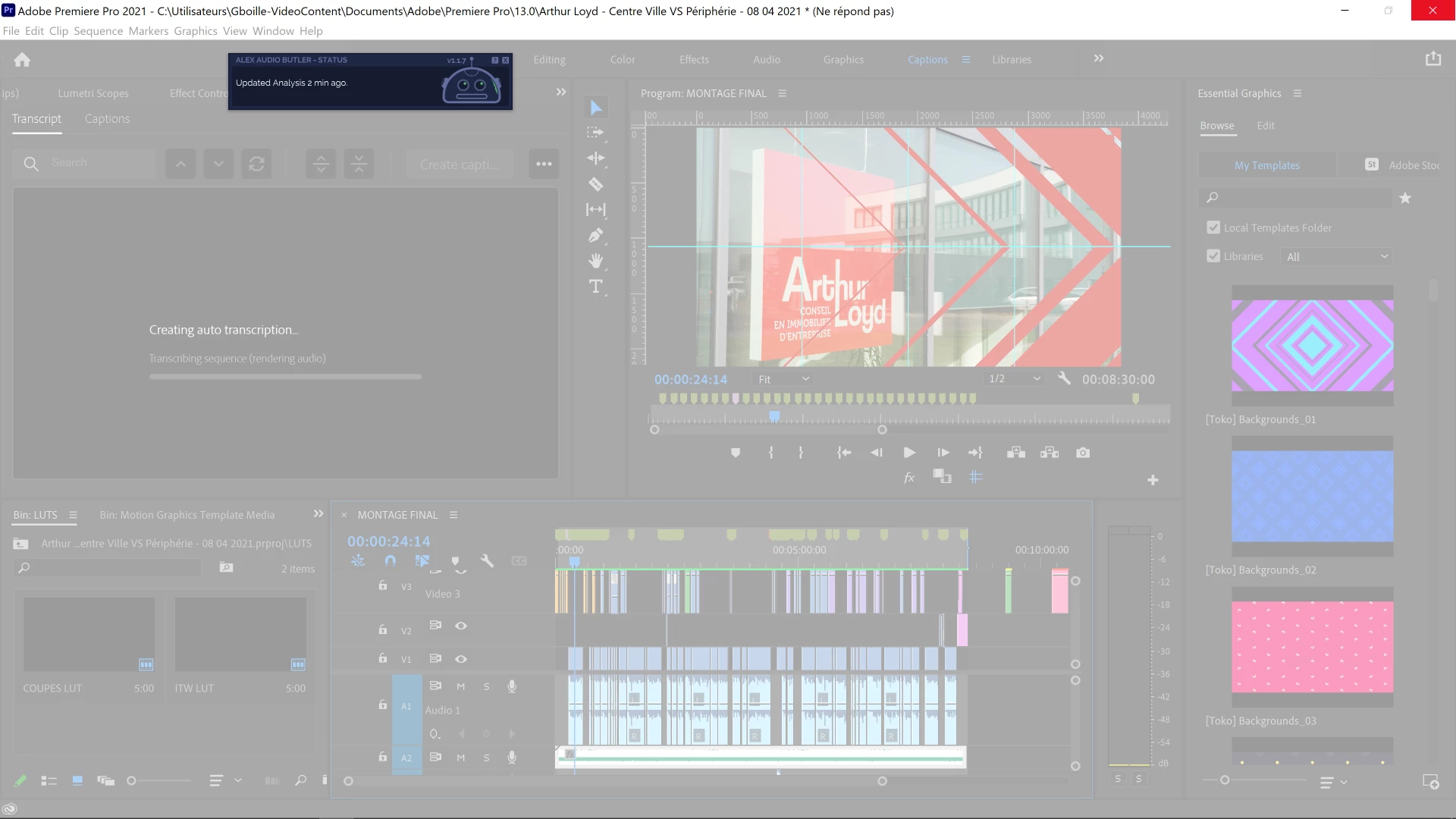
Premiere Pro 15.1 Auto Transcription Stuck At Rendering Audio

  • May 5, 2021
  • 返信数 1.
  • 5279 ビュー

Hello Adobe Premiere Pro Team,


I'm working on a 8min30secs edit which contains several long sequences of interview of a single person in french. I'm trying to use the text to speech function - which is amazing - and works perfectly fine with others edit by the way - on those interview sequences with no success.

I've tried multiple fixes to make it work such as : 

- Rendering the whole file

- Clear the Media Cache 

- Turn off audio plug-ins to avoid conflict

- Update all audio plug-ins especially Alex Audio Butler 17.1 running on this edit


The software crash with I'm using the timeline and does not respond. 


Do you have a solution to this issue or will it be fixed for a next update ? 

You can reach me anytime about this bug.

Best Regards,


Grégoire BOILLE
 

このトピックへの返信は締め切られました。

返信数 1

Stan Jones
Community Expert
Community Expert
May 5, 2021

Have you tested with the audio butler plugin disabled?


I would test by exporting the audio only. Backup all files. Import the audio export and add it to a new audio track. Use that as the source for the caption transcription. Does that work?


Stan


GBOILLE VIDEOCONTENT
Participant
May 5, 2021

Hi Stan,


"Have you tested with the audio butler plugin disabled?"

I've tested with Alex Audio Butler turned off several times but no success. 


"I would test by exporting the audio only. Backup all files. Import the audio export and add it to a new audio track. Use that as the source for the caption transcription. Does that work?"


Your workaround worked perfectly ! I've been able to create captions from the transcription.

Many thanks for this quick answer and fix.


Have a great day !


Stan Jones
Community Expert
Community Expert
May 5, 2021

Glad the workaround does the trick. I would pursue with the audio butler people to see if they have tested the new workflow and if they have other users with the issue.


Stan