


Participating Frequently
November 25, 2024
Answered
Texture Projection Issue in Adobe Substance Stager: Mosaic Effect Instead of Full Image
- 2 replies
- 499 views
- Translate
Hi everyone,
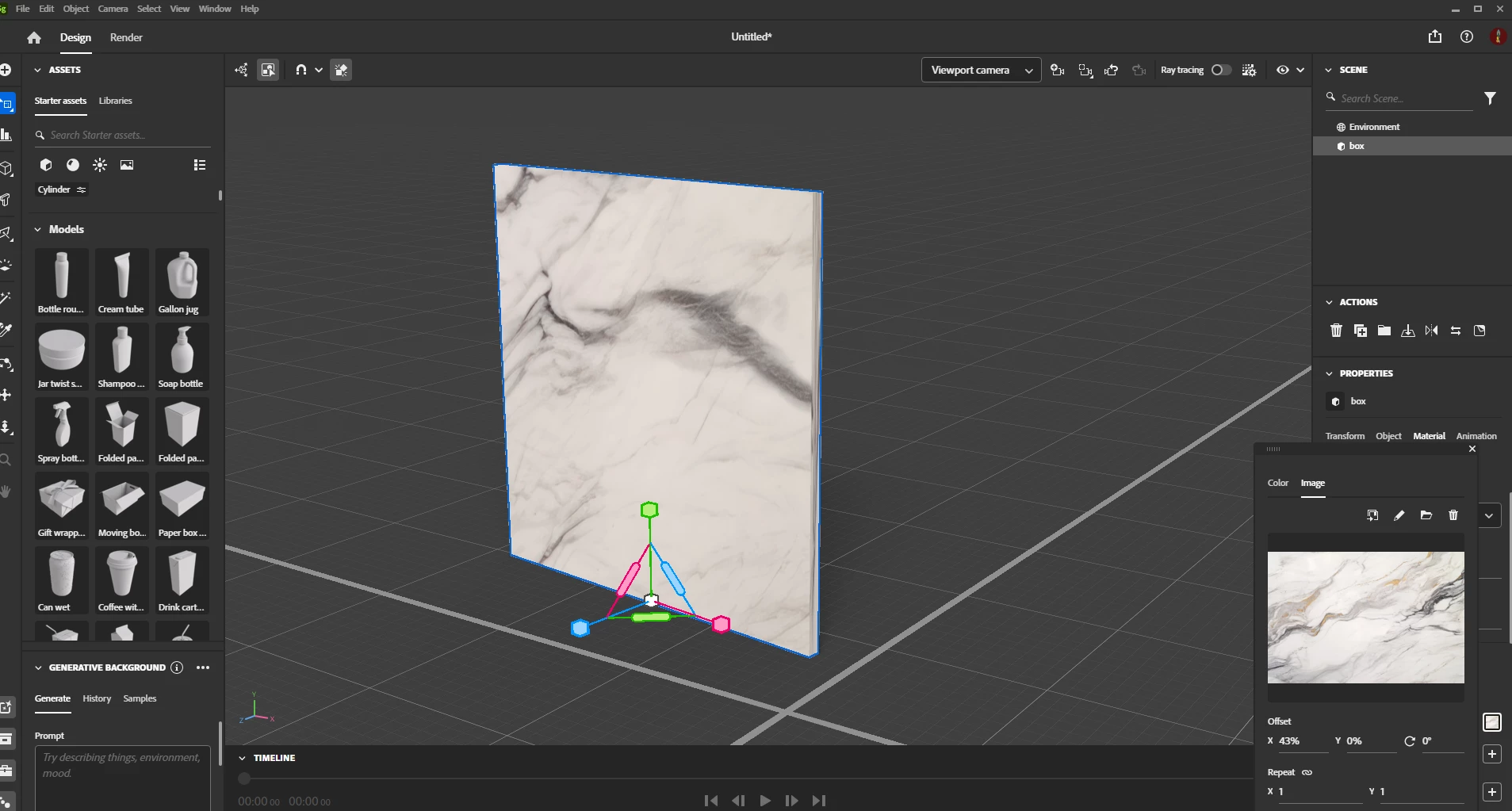
I’ve encountered an issue in Adobe Substance Stager while trying to apply a photo as a texture to a surface. Instead of projecting the photo onto the surface as a single image, it’s being repeated multiple times in a mosaic pattern of small tiles (see attached images).
The black surface represents the original material, and the lighter one shows the unintended mosaic result.
Does anyone know how to resolve this and ensure the image is projected correctly, covering the surface as a single texture?
I’d really appreciate any advice!
Thanks in advance.
Attachments:
- Original black surface (correct material setup).
- Lighter surface with mosaic pattern (incorrect result).
- The Original Picture Id like to project on the dark surface

 AdChoices