



RH 2017: How to generate outputs for ZoomIn so that images look good?
Hello my friends,
Our company wants to put all our various products documentation sets under a single ZoomIn portal. To those who don't know about ZoomIn, here's their website:
https://www.zoominsoftware.com/
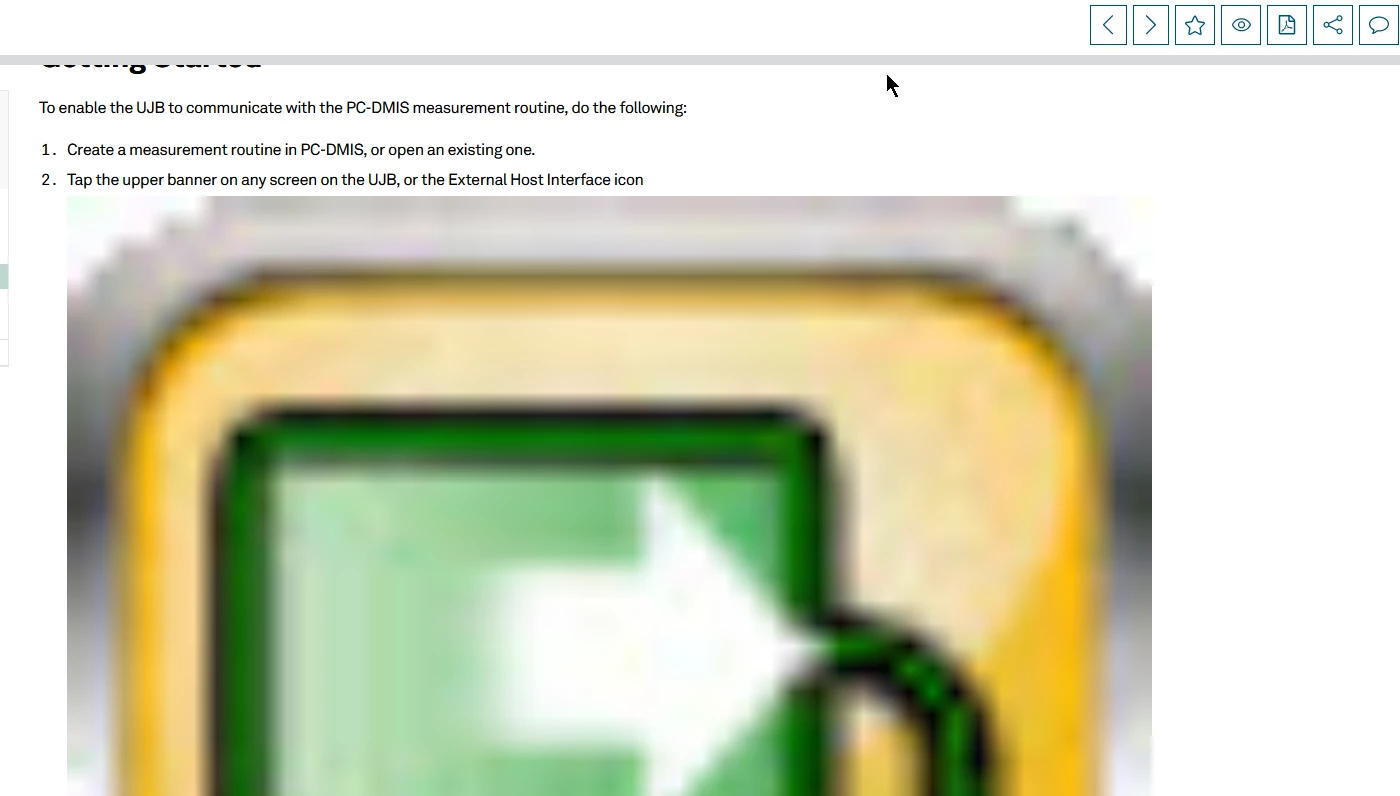
I was told I should generate our RoboHelp projects as an epub output and upload that. However, for some reason, in our ZoomIn portal, the images are super stretched and are forced to 100% width, like this:
Here's the code that sets it to 100% inside Firefox's Inspector:
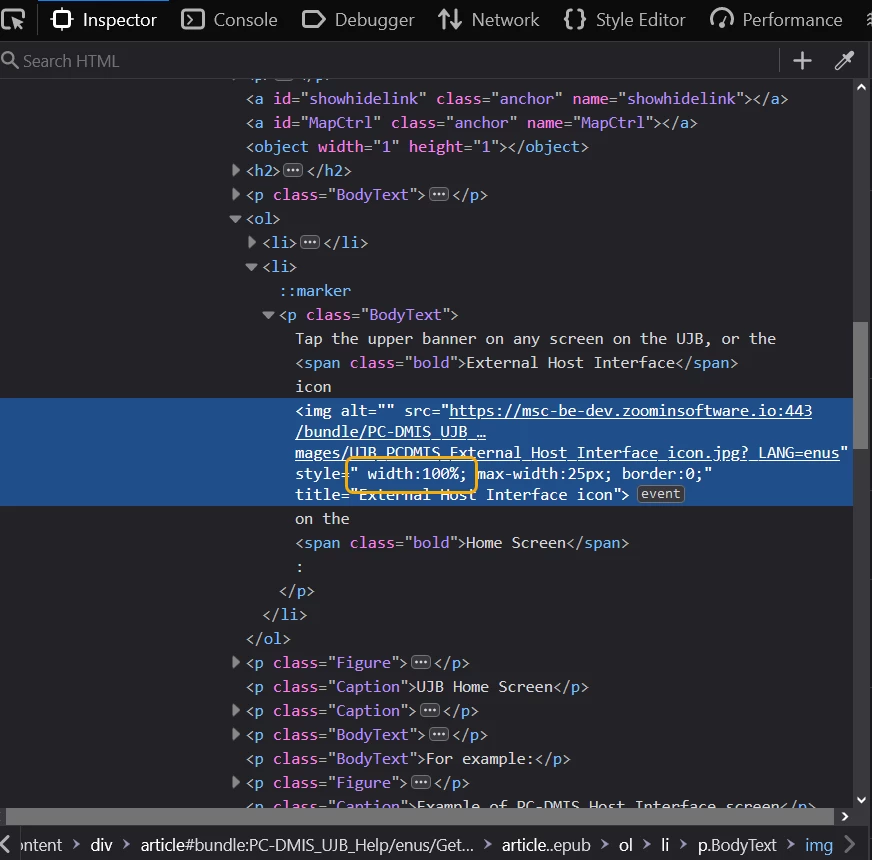
If I delete that styling, it does set it back to the expected size.
Is this something epub output is doing or something in ZoomIn?
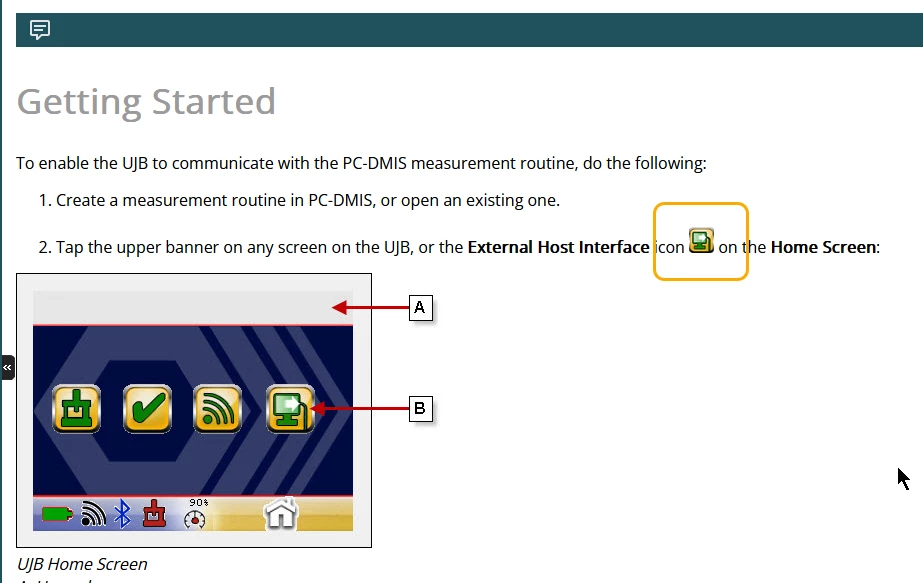
I don't have anything in my native code or css styling that does this. For example, in our normal generated HTML5 output (not in ZoomIn), the icon is a normal size and looks like this:
Has anyone else worked with ZoomIn with RH 2017 projects?
If so, do you know of a way to control this behavior?
Thank you in advance.
 AdChoices