


Persistent "We can't verify your subscription status" Error 12010 After Plan Change
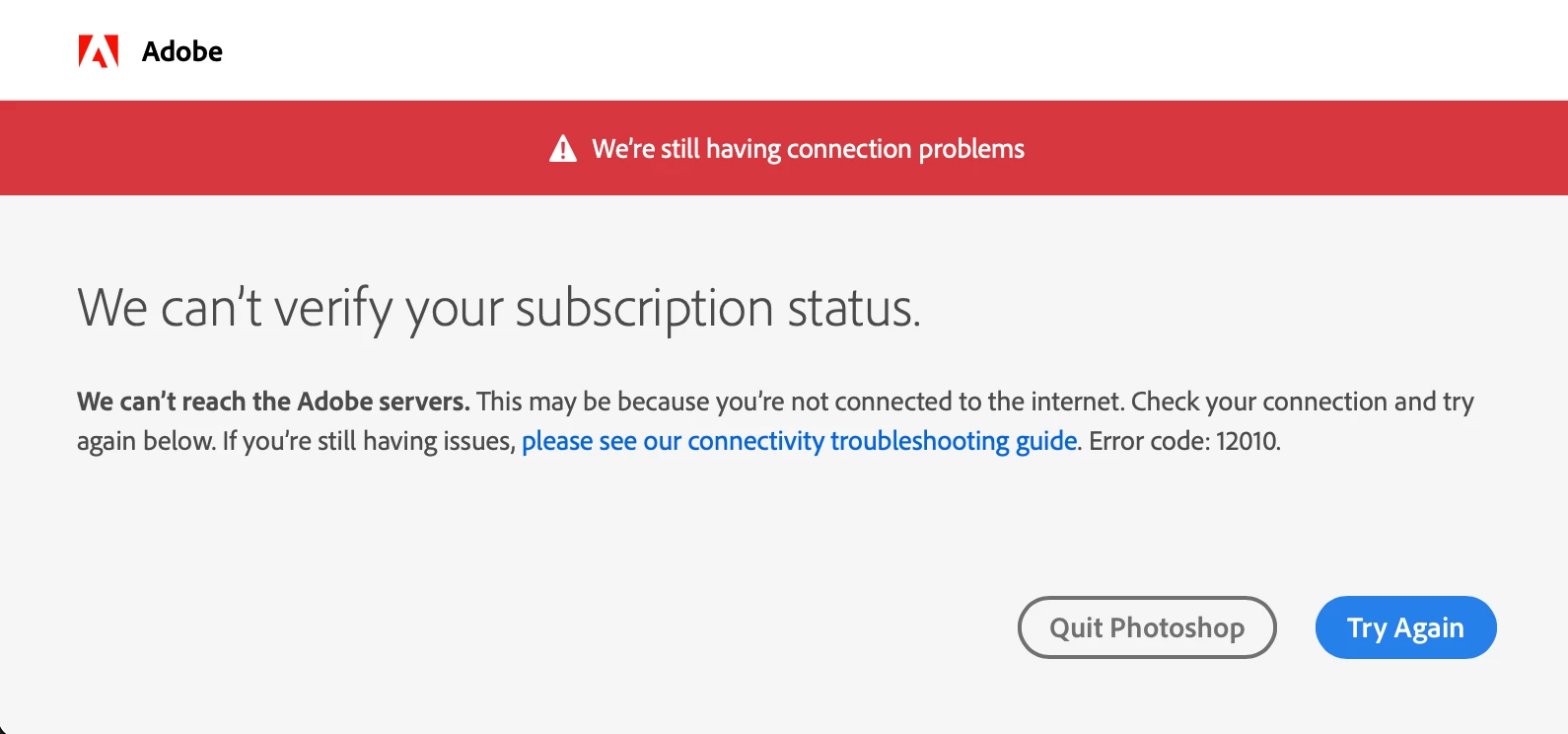
I'm having persistent "We can't verify your subscription status" errors each day I launch Photoshop. This started happening about two weeks ago. Nothing on my computer has changed, no major upgrades or updates were done to it. I have an iMac M3 (2023) running macOS 15.5 with 24 GB RAM.
I've tried many things to solve this problem, including the following:
- Confirmed my Mac's clock is being synched automatically
- Firewall turned off on my network
- Using Google's DNS for my WiFi service
- Not using any VPNs
- Used the CreativeCloudCleanerTool to remove CC and Photoshop apps fully
- Deleted the Adobe cache files from ~/Library/Application Support/Adobe/OOBE
- Deleted all Adobe and CC entries from Keychain
- Killed any CC or Adobe processes still running in Activity Montior
- Rebooted my computer
- Re-installed CC and Photoshop and logged back into my CC account
Despite doing all this, every day when I start Photoshop (26.8.1) I get the above subscription error window. I then have to open CC app, sign out of my account, then sign back in. Then Photoshop will start up fine throughout the day.
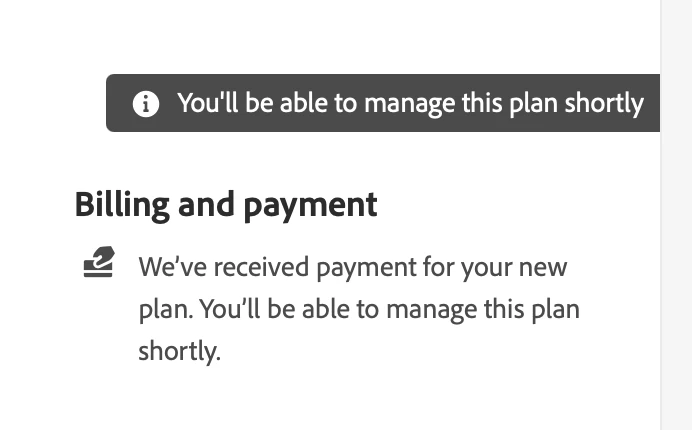
This seems to have all started after I changed my plan from a monthly payment to a yearly payment a few weeks ago. When I log into my Adobe account, above the Billing and Payment section it says "You'll be able to manage this plan shortly," but it's been saying that for weeks. Is this what's causing these "can't verify subscription" errors?
 AdChoices