


質問
Adobe PDF Icon wont show on Mac Outlook since Updating to Ventura
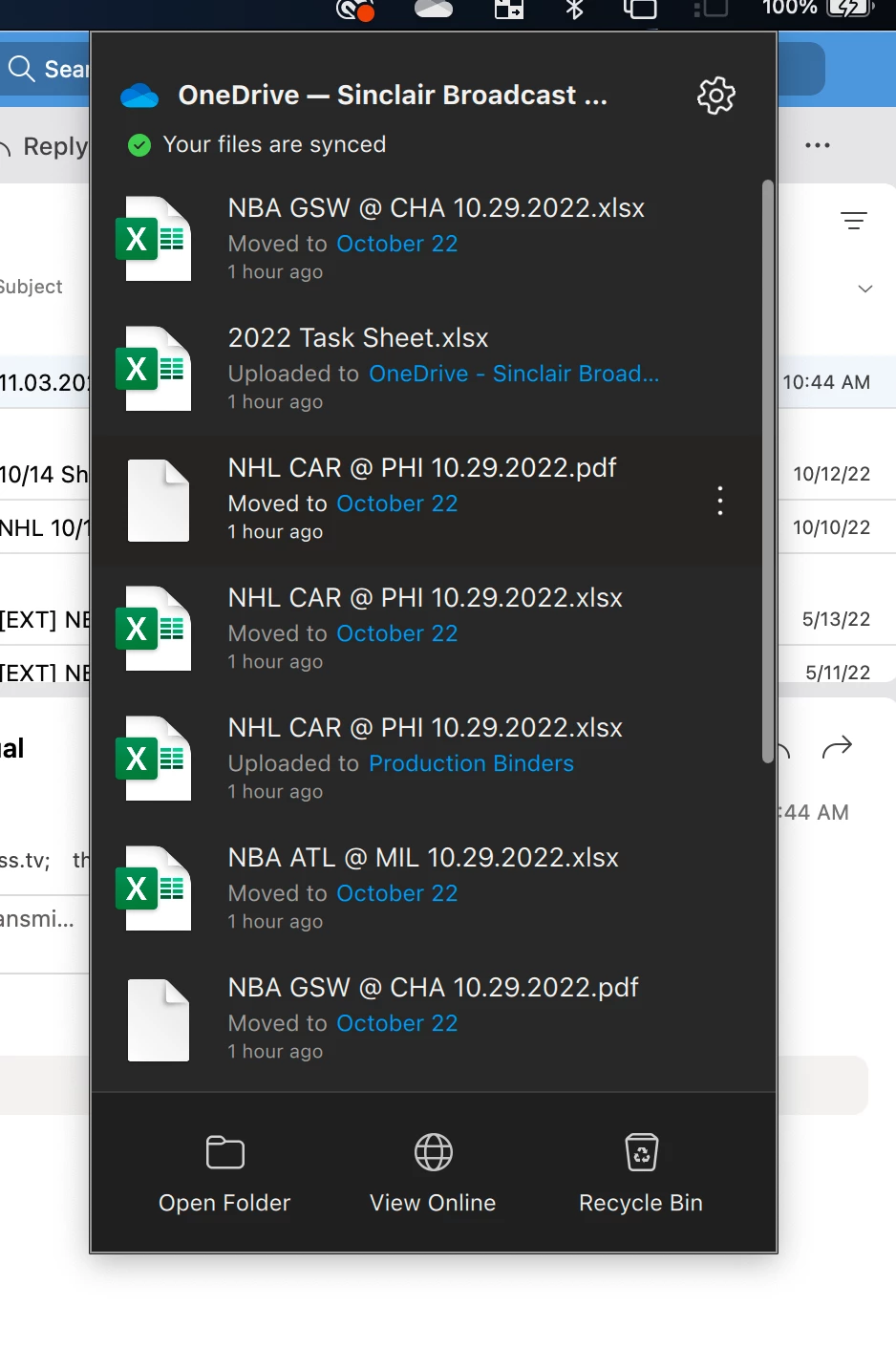
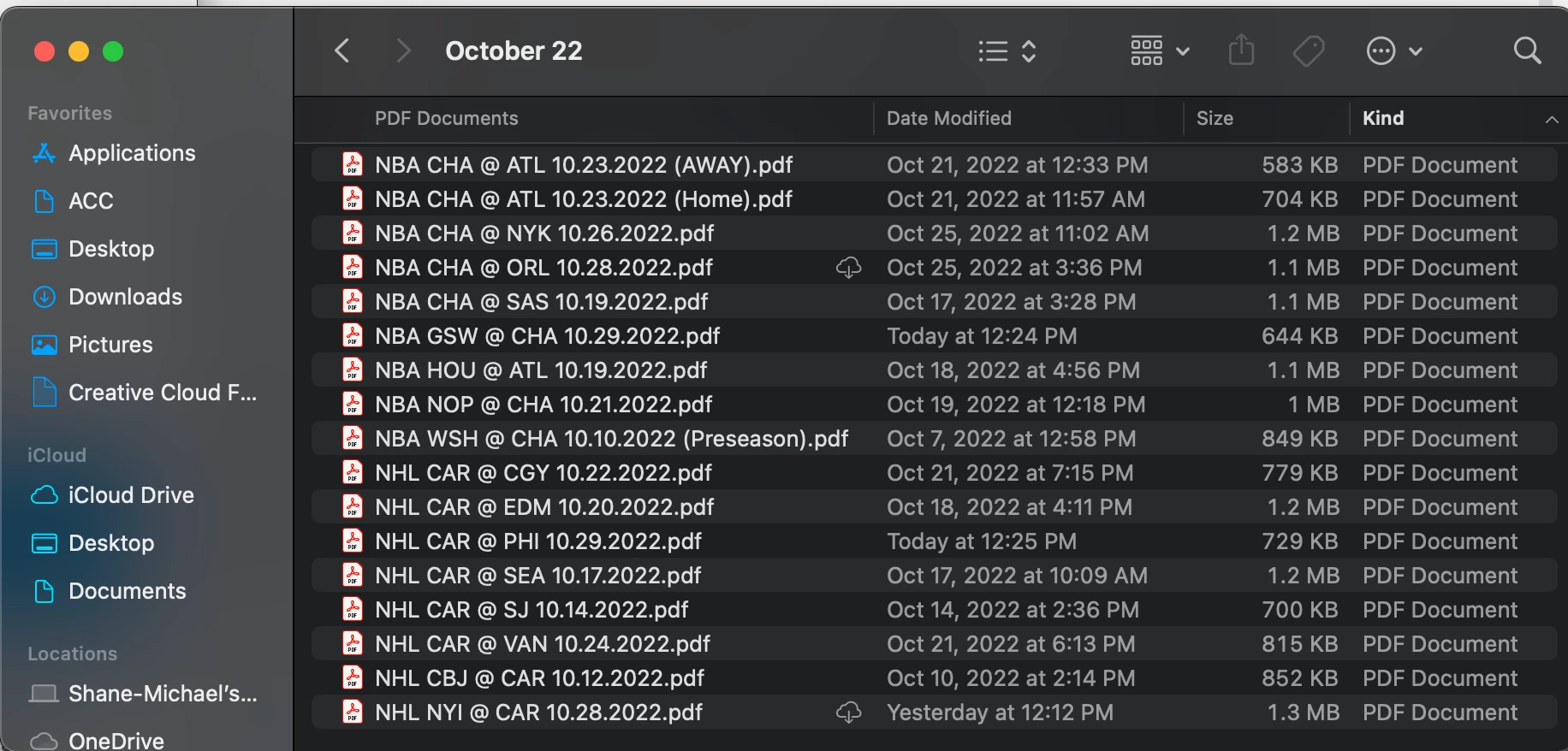
Since updating my Mac to OS Ventura, the Adobe icon is gone in both Microsoft Outlook & One Drive. I contacted apple and they suggested a handful of things, uninstalling the adobe and reinstalling, creating a new mac profile, reinstalling the OS system and booting the computer in safe mode. Ive done all these things and the issues is not resolved. The icon is a general icon when it should show a adobe acrobat logo next to it. Does Adobe or Microsoft have to issue an update to their apps to resolve this? As you can see in the photos, theyre fine in the finder but not displaying logos in outlook and onedrive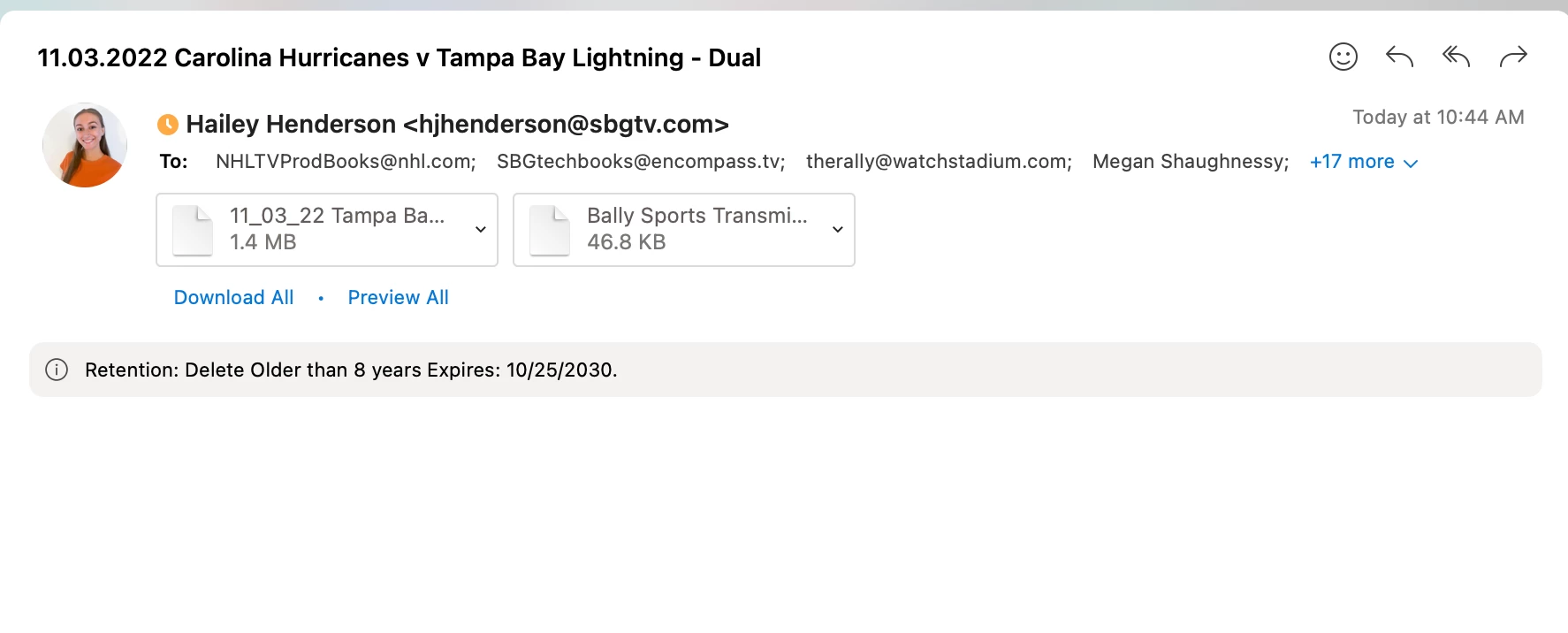
 AdChoices