


Saving 2 pages of Indesign file to one Page PDF file
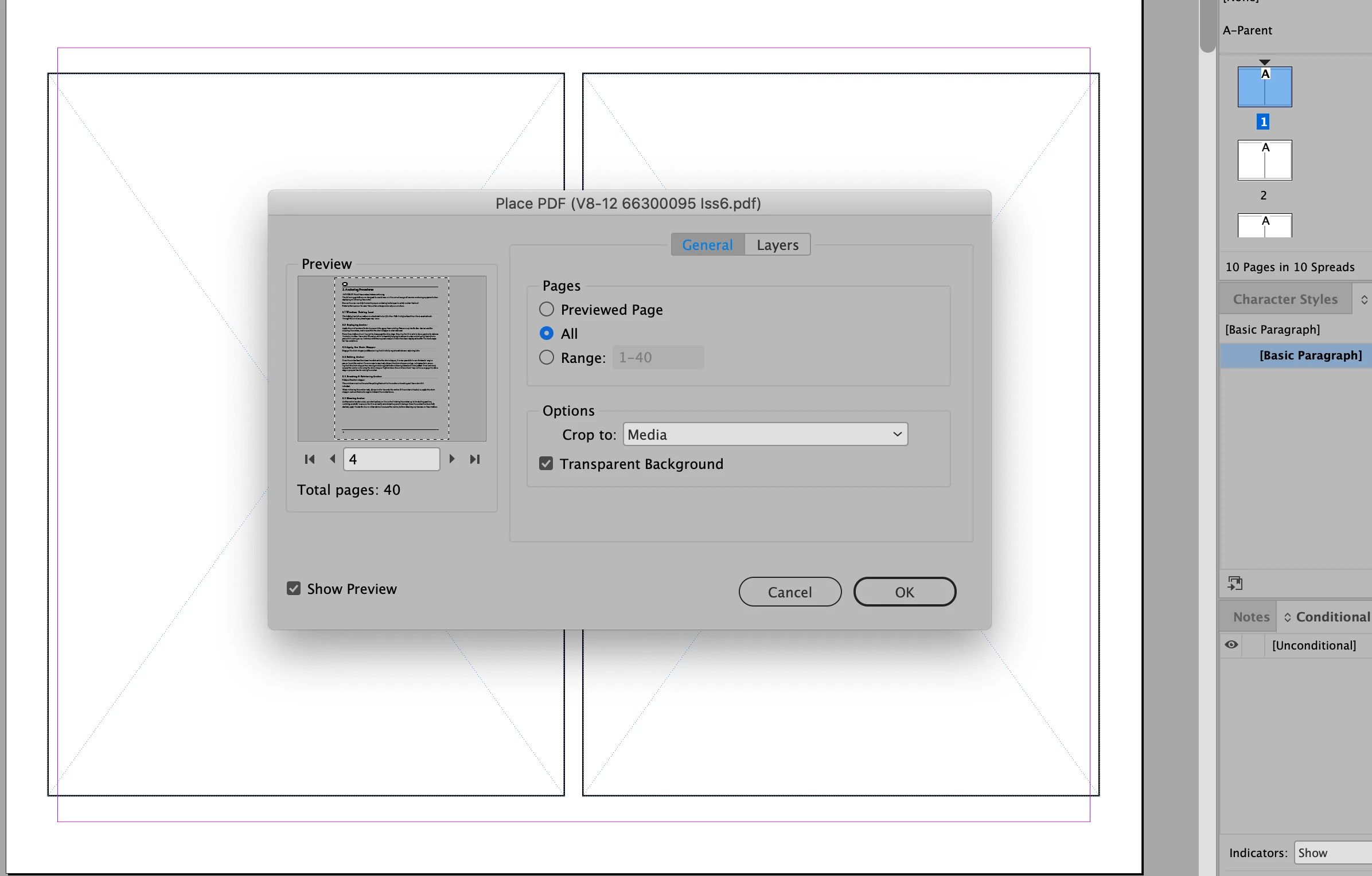
I have a document in Indesign with a page size of 5x7 and 20 pages. I would like to produce a PDF with two 5x7 pages per letter page so my client can print this themselves. Strangely I can't find a quick way around this. I've tried making a PDF of the initial 5x7 document .and then importing it into another Indesign file ready with new picture boxes for insertion. Each time I only get ONE page of the PDF even when I use the "options" and select the entire document.
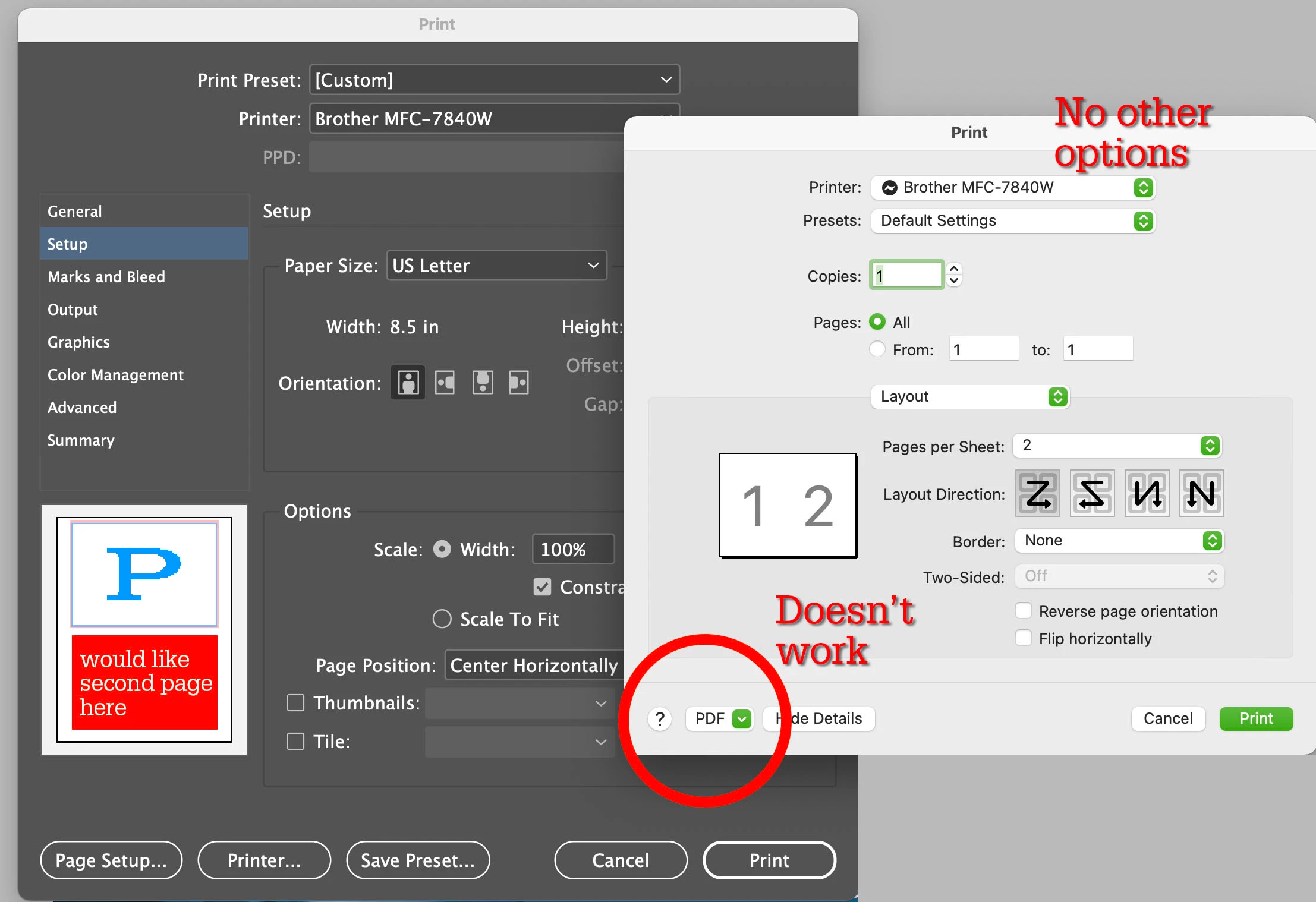
I've tried printing and when I try to use "save as PDF" I get the message that "Saving a PDF file when printing is not supported. Instead, choose File > Save" which does not allow me to get 2 of the 5x7 pages onto one page.
The only way I've found is to select each picture box individually in Indesign and then select the correct page from the PDF. That means 20 selections. Is there no faster way to do this?
I've seen the scripts but they only allow ONE page of PDF to import to ONE page of the Indesign file.
I want TWO pages of PDF to ONE page of final file (either Indesign or Acrobat PDF).
I can't even get it to work using Distiller.
 AdChoices