



TORLEY
Participant
May 13, 2024
解決済み

How do I directly get back to a prompt setup and not have to go through home page and waste credits?

  • May 13, 2024
  • 返信数 3.
  • 1631 ビュー

Friendly greetings! Here's my confusion:


So my question is two-fold:


  1.  How do I recover an Adobe Firefly session I was working on?
  2.  Is there a way to even get to the advanced editing screen WITHOUT spending a credit first? Since I want to select Styles and more before I get started.


I also notice there's a formatting issue on these forums where bullet points are indented, but number points aren't. See above.
解決に役立った回答 Kevin Stohlmeyer

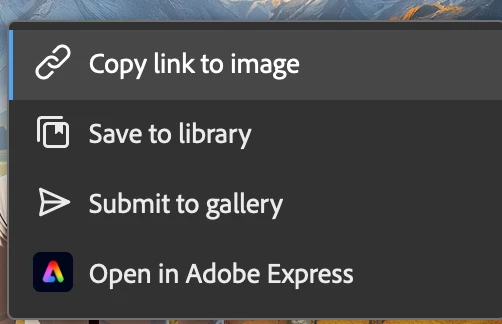
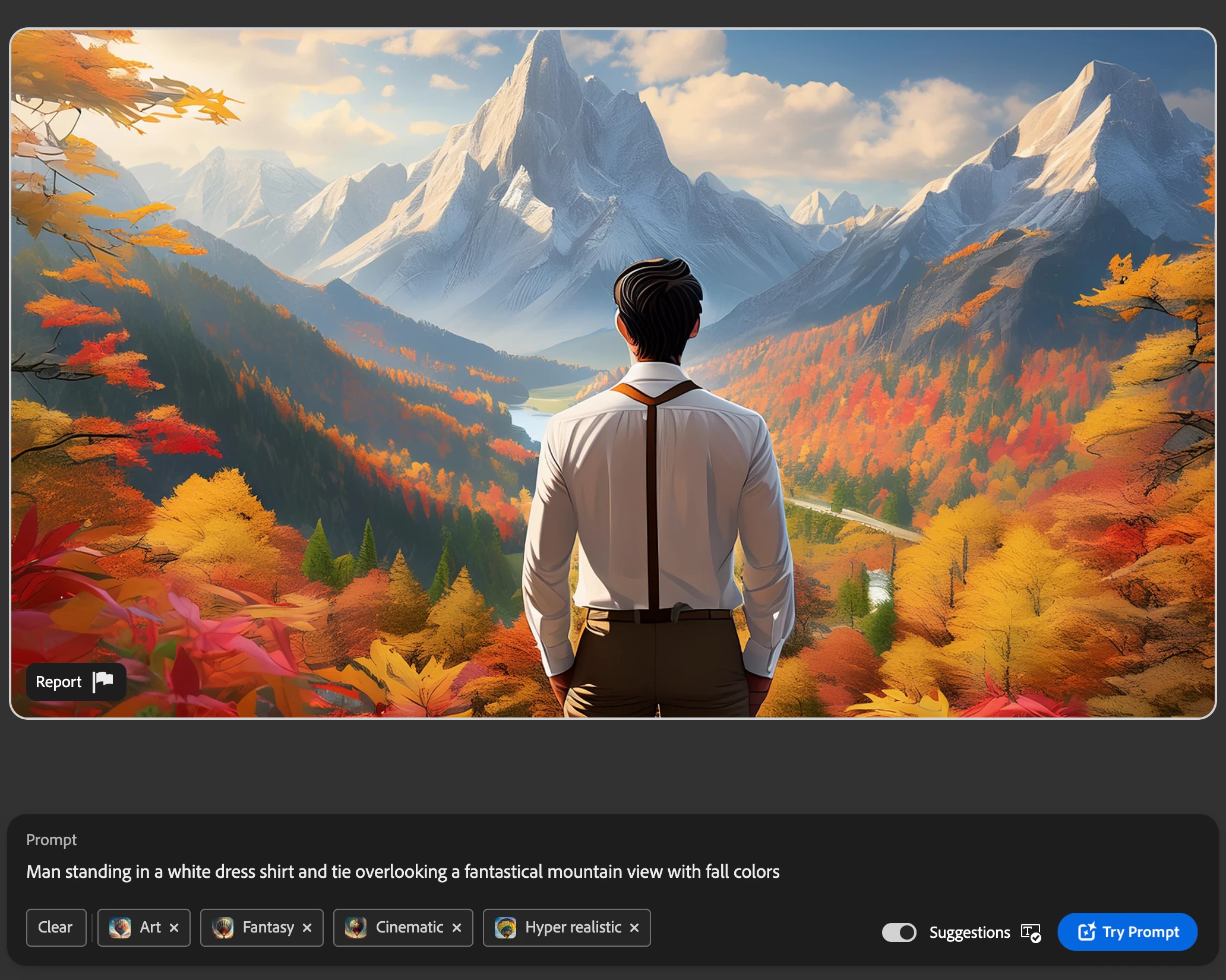
@TORLEY Bookmarking wont work. Save your work as a favorite (cached page) or save it to a library to refer back to later on. Copying the link should work as well if you bookmark those.

Example: https://firefly.adobe.com/shared/texttoimage?id=urn:aaid:sc:US:c063a3ba-b852-4ef6-a14f-9030f6f9935a

Should bring up:


On the firefly home page - if you click "Generate" on the demo without entering values, it will take you to the advanced UI without spending a credit. Clear the settings, prompt and go forward from there.

返信数 3

Known Participant
April 10, 2025

Hallo, 
ich sehe das genauso - ich finde, wenn man im Editing-Modus ist, sollte man einen Button "Back to prompting" oder "Back to files" haben. Stattdessen landet man auf der Startseite und muss sich langwierig zurück zu seinen BIldern klicken. Das nervt. 

Kevin Stohlmeyer
Community Expert
Community Expert
May 13, 2024

@TORLEY Bookmarking wont work. Save your work as a favorite (cached page) or save it to a library to refer back to later on. Copying the link should work as well if you bookmark those.

Example: https://firefly.adobe.com/shared/texttoimage?id=urn:aaid:sc:US:c063a3ba-b852-4ef6-a14f-9030f6f9935a

Should bring up:


On the firefly home page - if you click "Generate" on the demo without entering values, it will take you to the advanced UI without spending a credit. Clear the settings, prompt and go forward from there.

TORLEY
TORLEY作成者
Participant
May 14, 2024

@Kevin Stohlmeyer @droopydog500 I'm very appreciative for your help and the screenshots. Thank you for showing me the way!

There are some things in Firefly that could be more direct, e.g., I'm used to right-clicking an image to Copy and paste it into another AI app, but I have to go through multiple clicks to enlarge and do that here.


It really is unintuitive that a standard web browser bookmark does NOT (yet) work. At least I know there is a way to return back to a work-in-prorgress.

droopydog500
Community Manager
Community Manager
May 13, 2024

Hi @TORLEY,


You cannot return using that kind of a URL. You need to favourite the image or copy the URL from the share button:

and use that as the URL you return to.


To avoid an initial gen credit, on the Firefly home page:

If you press generate, you will be on the generate page without using a credit and you can set the apect ratio, styles and prompt as you wish.


My best,

    droopy


Adobe Community Expert (not an Adobe employee)