

Participant
May 15, 2018
Question

AE crash report
  • May 15, 2018
  • 2 replies
  • 2304 views

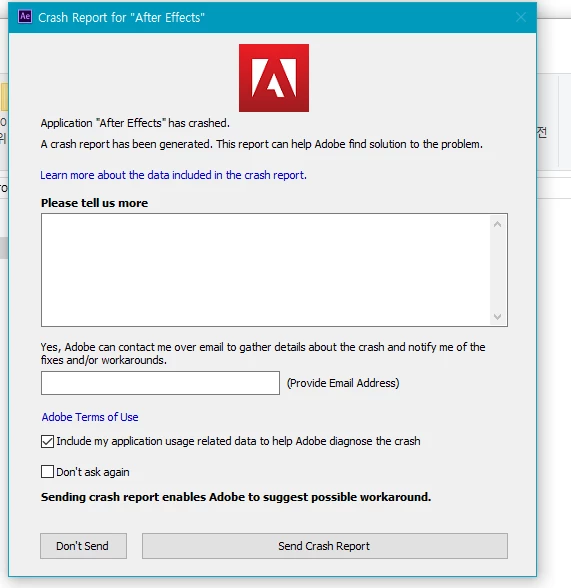
When AE is enabled, this window opens and click Don't send or send report to exit AE. Please do me a favor.

    This topic has been closed for replies.

    2 replies

    zjgraber
    Participant
    May 16, 2018

    I'm having a similar issues.  I've attached an image of my machine specs and the message i get.

    Every time i try to open After Effects I get the loading screen then right before launch the program quits.

    I've uninstalled / reinstalled. I've restarted my machine multiple times. All my software is up to date as far as i can tell.

    I've used After Effects on this machine for years with out issue.  Any help would be greatly appreciatedhttp://

    Rameez_Khan
    Legend
    June 11, 2018

    Hi zjgraber,

    Sorry for your issue!

    Which version of After Effects are you using?

    Try this:

    Rename the Adobe folders to Old_Adobe in the following locations:

    Location 1: When in Finder, click on Go > Go to Folder > ~/Library/Application Support/Adobe

    Location 2: Go > Go to Folder > ~/Library/Preferences/Adobe

    Location 3: Documents > Adobe

    Note: You will lose your customization

    ~/Library folder is hidden by default. To unhide it, read this.

    Let us know how it goes.

    Rameez

    Mylenium
    Legend
    May 15, 2018

    Impossible to say anything. You have not provided any useful information, beginning with system info. We can't tell you why it crashes just from a screenshot of the crash reporter utility.

    Mylenium

    Participant
    May 16, 2018

    ... What more information do you need?

    Szalam
    Community Expert
    Community Expert
    May 16, 2018

    Tell us about your system specs. What hardware you have, what operating system, etc.

    Tell us what you are doing when you get this message.

    Have you turned your computer off and on again?

    Has After Effects ever worked on this machine before?