


- Home
- After Effects
- Discussions
- After Effects -> Media Encoder issues
- After Effects -> Media Encoder issues

Copy link to clipboard
Copied
I have a 7 minute video that looks great in After Effects.
When I send it to media Encoder the video has spots that do not render properly.
- The audio skips
- The text skips
- Backgrounds fade in and out
I've tried on several different systems.
Changed lots of settings. Used different drives.
I cannot get a good render from the encoder.
I am at current version of AE and Media Encoder.
Any assist would be appreciated.


 1 Correct answer
This is working now and I wanted to detail some of why. My project is made up of about 30 "scenes". Each scene has a few parts, background, text, camera's etc...
Lot's of scenes had test layers. Nothing weird, text, backgrounds etc... but they were used for testing and were mostly just turned off.
I went through each scene and removed the cruft. Anything off was removed. I'm not sure if it was contents or just size but the renders now work perfectly. Both using the internal render as well as the
...
 12
Replies
12
12
Replies
12


Copy link to clipboard
Copied
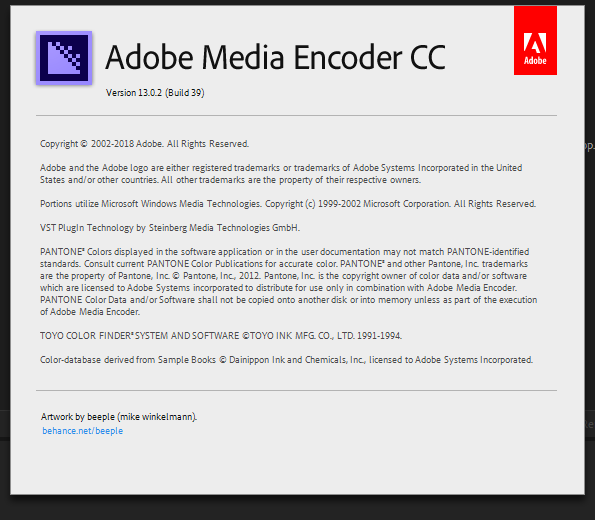
Hi there can you share a screenshot or tell which version are you using for it then we help you...Thanks
Copy link to clipboard
Copied
Copy link to clipboard
Copied
Watching your video now. I normally don't use the internal After Effects render Queue because of the format.
I will test what you have here.
Copy link to clipboard
Copied
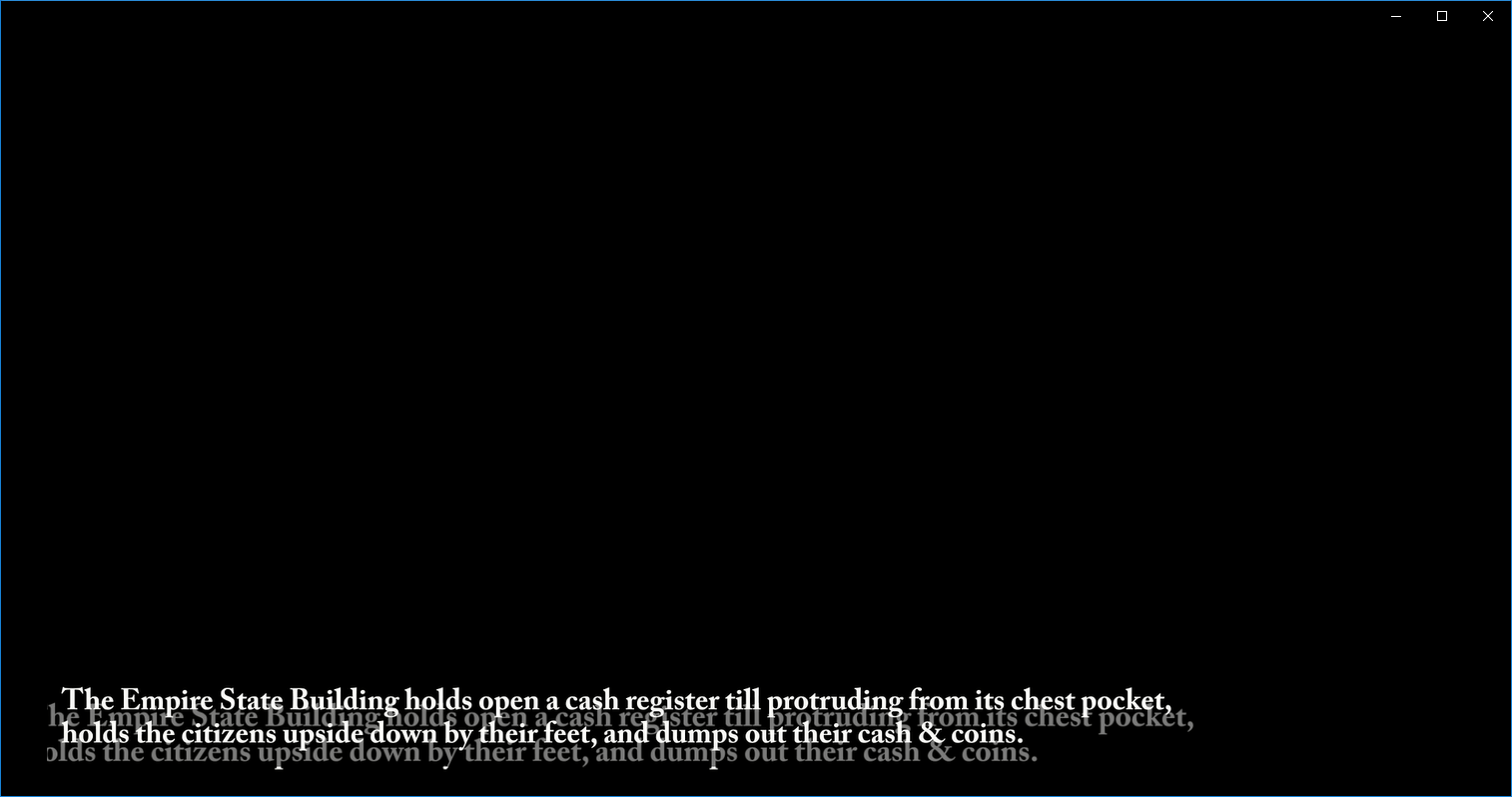
I can already see it building a bad .avi during the render preview. The AE render is even worse. This is supposed to be a faded text with a background. No background and the text is doubled.
Copy link to clipboard
Copied
hi not use avi format use quicktime mov file format for better outcome
Copy link to clipboard
Copied
Aside from it taking longer and crashing a couple of tries, it produces the same bad results.

Copy link to clipboard
Copied
what format are you exporting to? did you try render queue?
Copy link to clipboard
Copied
I've tried the render queue ( avi,mov ). Same random results as above.
Copy link to clipboard
Copied
I think its better to send to After Effects render queue ...
or, if you really need to send it over to Media Encoder as stated, you might have to change
the renderer inside Media Encoder to 'Software Only'
Copy link to clipboard
Copied
I already tried the "Software Only" method. Same problem.
It's strange that the issues don't always happen at the same time, it seems random.
I have some unused layers that I am going to prune out, maybe cut the size down and retry.
Copy link to clipboard
Copied
This is working now and I wanted to detail some of why. My project is made up of about 30 "scenes". Each scene has a few parts, background, text, camera's etc...
Lot's of scenes had test layers. Nothing weird, text, backgrounds etc... but they were used for testing and were mostly just turned off.
I went through each scene and removed the cruft. Anything off was removed. I'm not sure if it was contents or just size but the renders now work perfectly. Both using the internal render as well as the Media encoder.
I've saved a lot of the source versions and after I am done I may go back through and try to debug which layers caused the issue.
Thanks for everyone's replies here, even trying these things helped.

Copy link to clipboard
Copied
Thanks for letting us know, armanjrivard.
Best,
Rameez


Get ready! An upgraded Adobe Community experience is coming in January.
Learn more
 AdChoices