
Bad Quality after Video Importing?
I've been trying to edit some videos together with some subtitles. The video footage belongs to screen recordings of my gameplay.
When importing the footage, I've used the match to footage thing but my footage looks like it's a painting?
I've then tried importing to Premier Pro, where there were no issues whatsoever. I did all the cutting in Premier but then I wanted to put the export into AE.
Same problem... I'm stumped. I've been researching and trying different exporting sizes and exporting with different codexes but I am lost. I've even tried installing a previous version of AE (tried 23.4, 23.3 and 23.2).
If anybody has any ideas, please tell me!
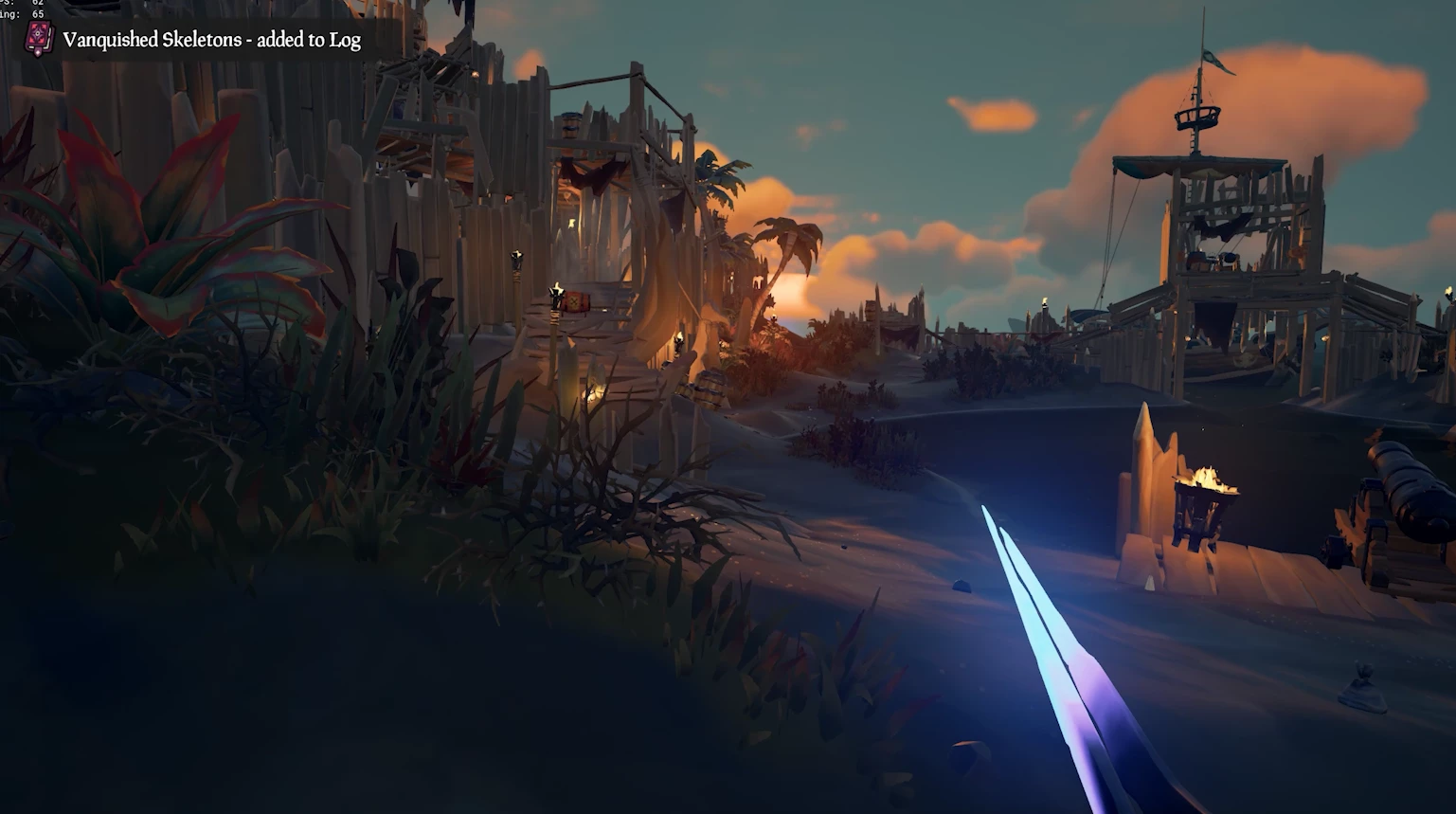
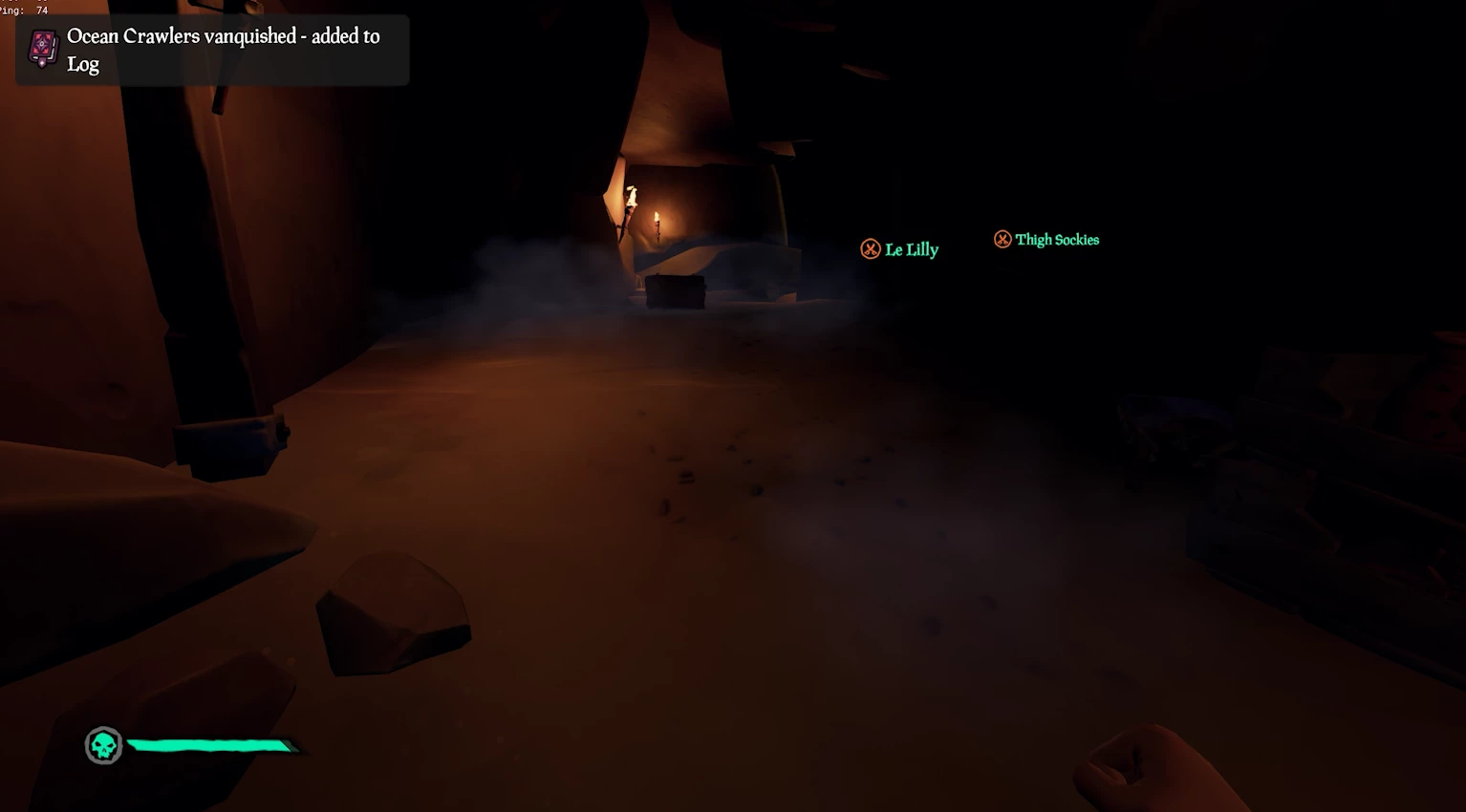
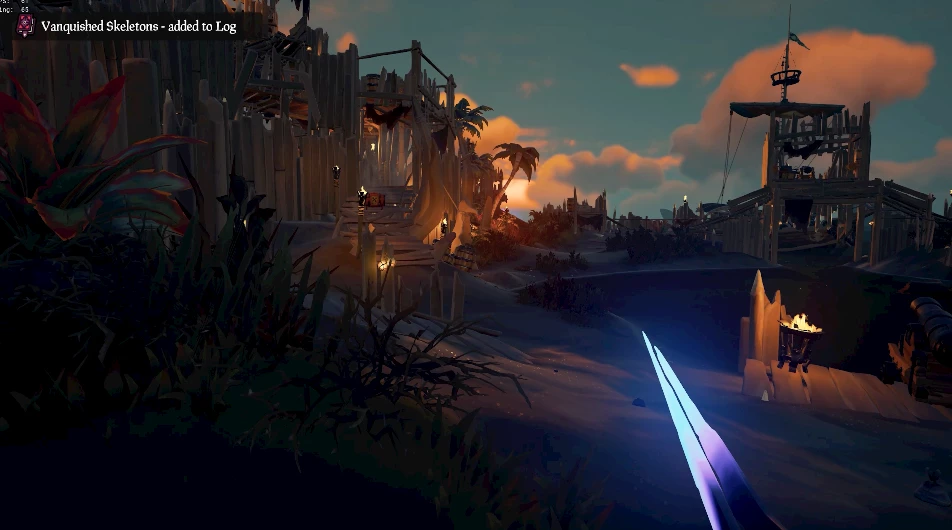
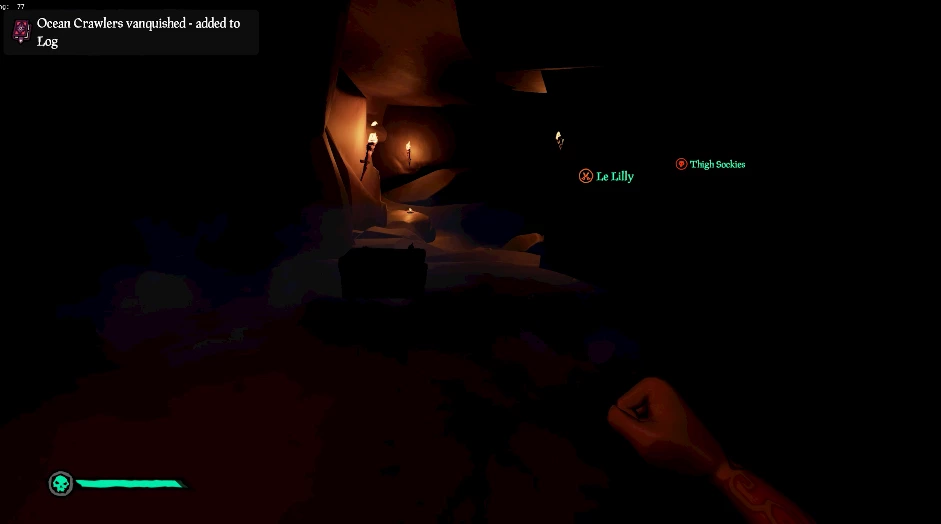
Here are some before pictures and after pictures of the footage so you can see the problem I'm dealing with. The quality is probably not going to be the same on the print screens as to what I am seeing on my screens but essentially, AE seems to be creating harsh divides between the colours and darkening the imaging.
Before AE
After AE
If the screenshots are a little difficult to see, I've got a video I uploaded here: https://www.youtube.com/watch?v=mv9TnOhFa4g
Compared to the quality when I edited a video 10 months ago:
https://www.youtube.com/watch?v=wx1_JAw-Nsc&t=27s
 AdChoices