Exit
  • Global community
    • Language:
      • Deutsch
      • English
      • Español
      • Français
      • Português
  • 日本語コミュニティ
  • 한국 커뮤니티
0

Exporting H.264 colours don't match – RGB, Hex

Guest
Jun 12, 2020 Jun 12, 2020

When I export a project in After Effects through Media Encoder to a H.264 the colours are slightly mismatched?


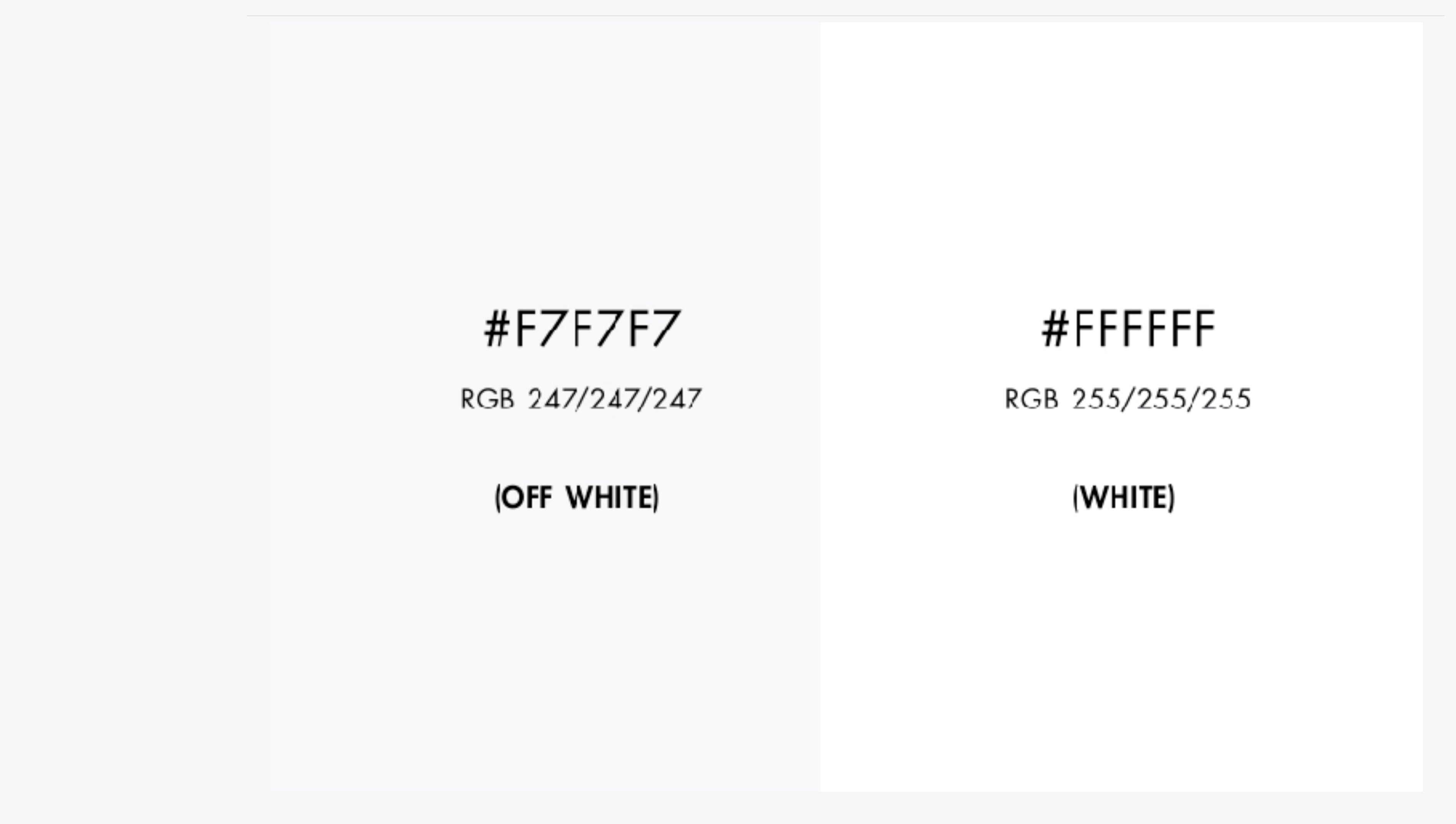
I’m matching up a shade of white by RGB and Hex values so I don’t see any reason why they’re being translated differently? Hex #F7F7F7 or RGB 247/247/247


I need to keep file size down so that’s why I’m using H.264 and I’m uploading to my personal website. I originally wanted to export as a transparent as I have a drop shadow on the edges of the video, but this isn’t possible exporting in H.264. So to get around this I’m making the video background the same colour as the background of the website, so once I upload the vid to the website the edges will be seamless.


Here’s a link to the page. As you can see there’s a white silhouette around the video.  

https://timsiu.com/WWW

I've also attached a screengrab test, but it's harder to see the differences.


Can anyone help?

TOPICS
Import and export
5.1K
Translate
Report
Community guidelines
Be kind and respectful, give credit to the original source of content, and search for duplicates before posting. Learn more
community guidelines
LEGEND ,
Jun 13, 2020 Jun 13, 2020

You need to educate yourself about the limitations of video formats, in particular ones that use aggressive compression schemes with chroma undersampling like H.264 does. Conversely, you have to learn how generally some video processing limits color ranges, messes with Gamma or how each of the underlying blocks may have a slightly different color and influences perception. That and of course none of this matters even further if you're not using any actual color management. It's utterly pointless to get worked up over specific hex codes or RGB values without it. That is also the irony here - even if you get it to look right on your system, it may still look wrong elsewhere. And there's the final dent in your whole operation: Using certain colors such as your faint grey will always be problematic under these conditions. It's inherent in how H.264 works. So while it certainly will be possible to improve the result with lots of trial & error using additional tweaks and color corrections, it will never be 100% perfect. There's no way around some limitations and ultimately the old rule applies: Changing the design to completely disguise these inaccuracies may be necessary.


Mylenium

Translate
Report
Community guidelines
Be kind and respectful, give credit to the original source of content, and search for duplicates before posting. Learn more
community guidelines
Guest
Jun 15, 2020 Jun 15, 2020

Thanks for the reply.

So there's no colour matching in video then through RGB, Hex coding. Ok got it. 

Sorry, I'm not technically sound on video and yes I probably could educate myself on the limitations of video formats. " That is also the irony here" - If I was technically sound on video formatting, I wonder if I would be posting up on here?


If anyone else has any other solutions to matching as close as possible whilst keeping file size down, it would be appreciated. 

Kind regards

Tim

Translate
Report
Community guidelines
Be kind and respectful, give credit to the original source of content, and search for duplicates before posting. Learn more
community guidelines
Community Beginner ,
Aug 13, 2022 Aug 13, 2022

Hey did you ever find a solution to this? Been trying the exact same thing but having no luck and replies I've had have been equally as unhelpful and condescending as Mylenium 🫠

Translate
Report
Community guidelines
Be kind and respectful, give credit to the original source of content, and search for duplicates before posting. Learn more
community guidelines
New Here ,
Feb 16, 2024 Feb 16, 2024
LATEST

A couple of years late to help your issue, but adding some advice for others with this same issue.

Mylenium may have been condescending, but he is right - rgb colours will never match perfectly between images/css and H.264 videos, and different devices may render those colours differently. It's just how video compression works, colour values get shifted during encoding, and its something to be aware of while designing or developing a mixed-media web application.

A "so stupid its genius" solution for blending a video into a background is to use a short (<1 second) video file as your background, so that both your video and the background use the exact same colour values, regardless of what the H.264 codec does to them.


Translate
Report
Community guidelines
Be kind and respectful, give credit to the original source of content, and search for duplicates before posting. Learn more
community guidelines