

How to enable 3D transform gizmo?
My 3D transformation controls have disappeared, even after updating the app and using the show controls command.
I think I disabled them by accident.
I'm trying to find info on this but the official Help page just says this. https://helpx.adobe.com/after-effects/using/work-in-3D-space.html
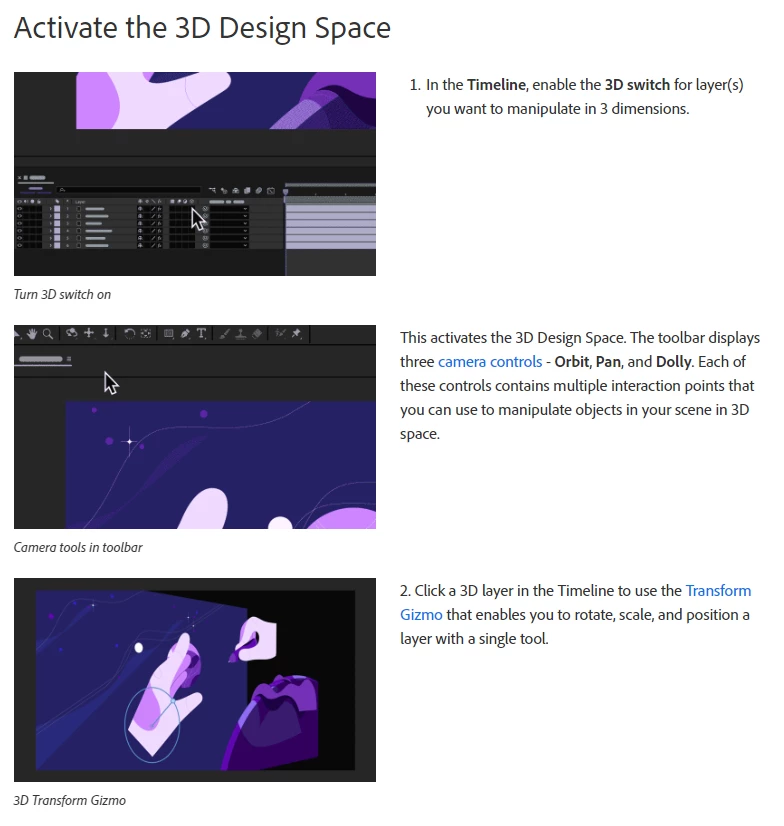
However, when I follow these steps, I still do not see the transformation controls (3d transformation gizmo) when I select an object/camera. Searching this issue in this forum only brings up the answer of using Ctrl + Shift + H to show layer controls, which is already enabled and still not showing the gizmo.
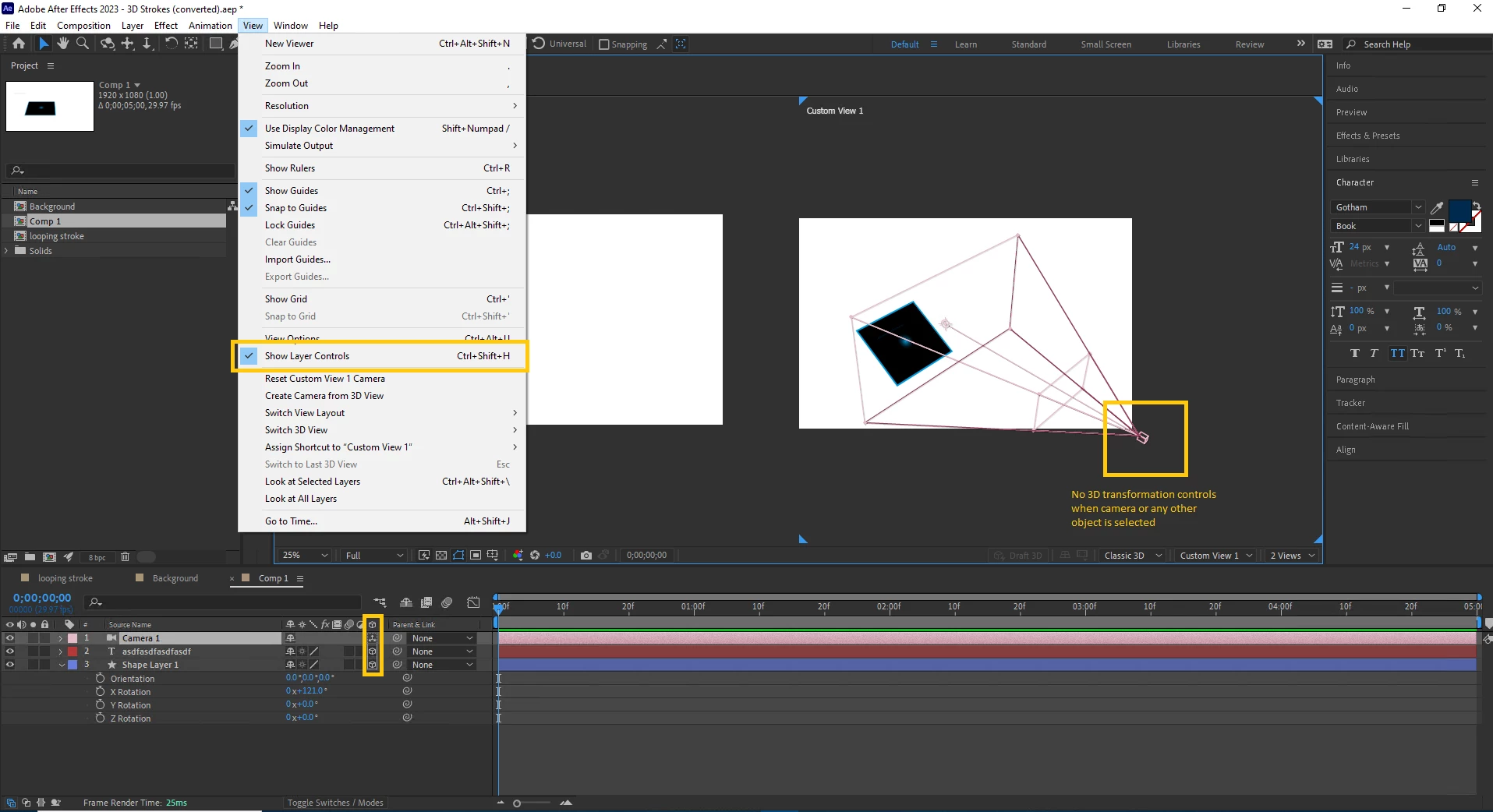
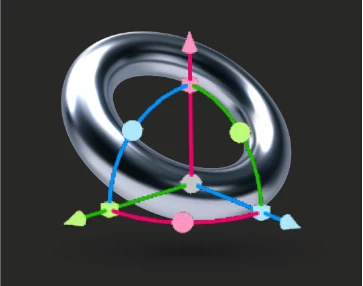
The help article also mentions these various gizmo states:

But toggling between all of these does nothing. The gizmo is still nowhere to be found.
So the only way right now I'm able to adjust 3D layers right now is numerically which is extremely frustrating as you can imagine.
Has anyone else run into this, and how did you re-enable these little guys? The answer is probably super simple but I can't figure it out lol.
AE Version: 23.2.1
Thanks for any help 🙂
 AdChoices