Answered
puppet pin tool error
I have an error or whatever happens here the puppet pin tool doesn't follow or parent with the shape and when the rotation happens the pins stay where I put it
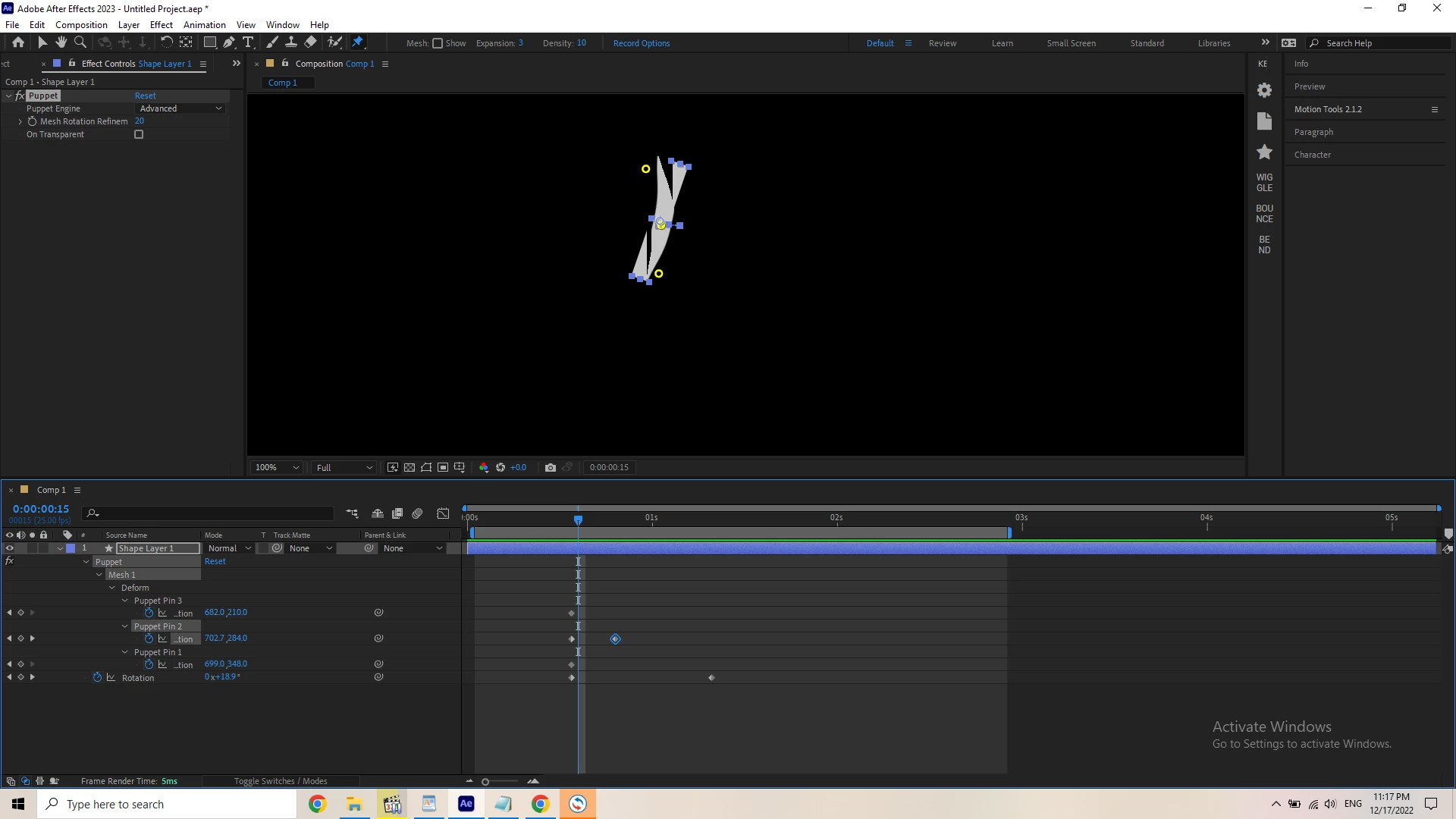

I have an error or whatever happens here the puppet pin tool doesn't follow or parent with the shape and when the rotation happens the pins stay where I put it
The mesh is created on the first frame of the layer. You cannot move the layer, scale, or rotate it without breaking the mesh. The proper workflow for Puppet Pin is to animate all of the movement with Puppet pin, then pre-compose, move all attributes to the new com, then animate the pre-comp now nested in the main comp.
Already have an account? Login
Enter your E-mail address. We'll send you an e-mail with instructions to reset your password.
 AdChoices