/t5/after-effects-discussions/rotating-object-to-music-expression/td-p/8621640Nov 07, 2016
Nov 07, 2016
Copy link to clipboard
Copied
Hello all,
I've been deep into a project for a long time and it's coming to the end. I have Sound Keys set up with ONE output.
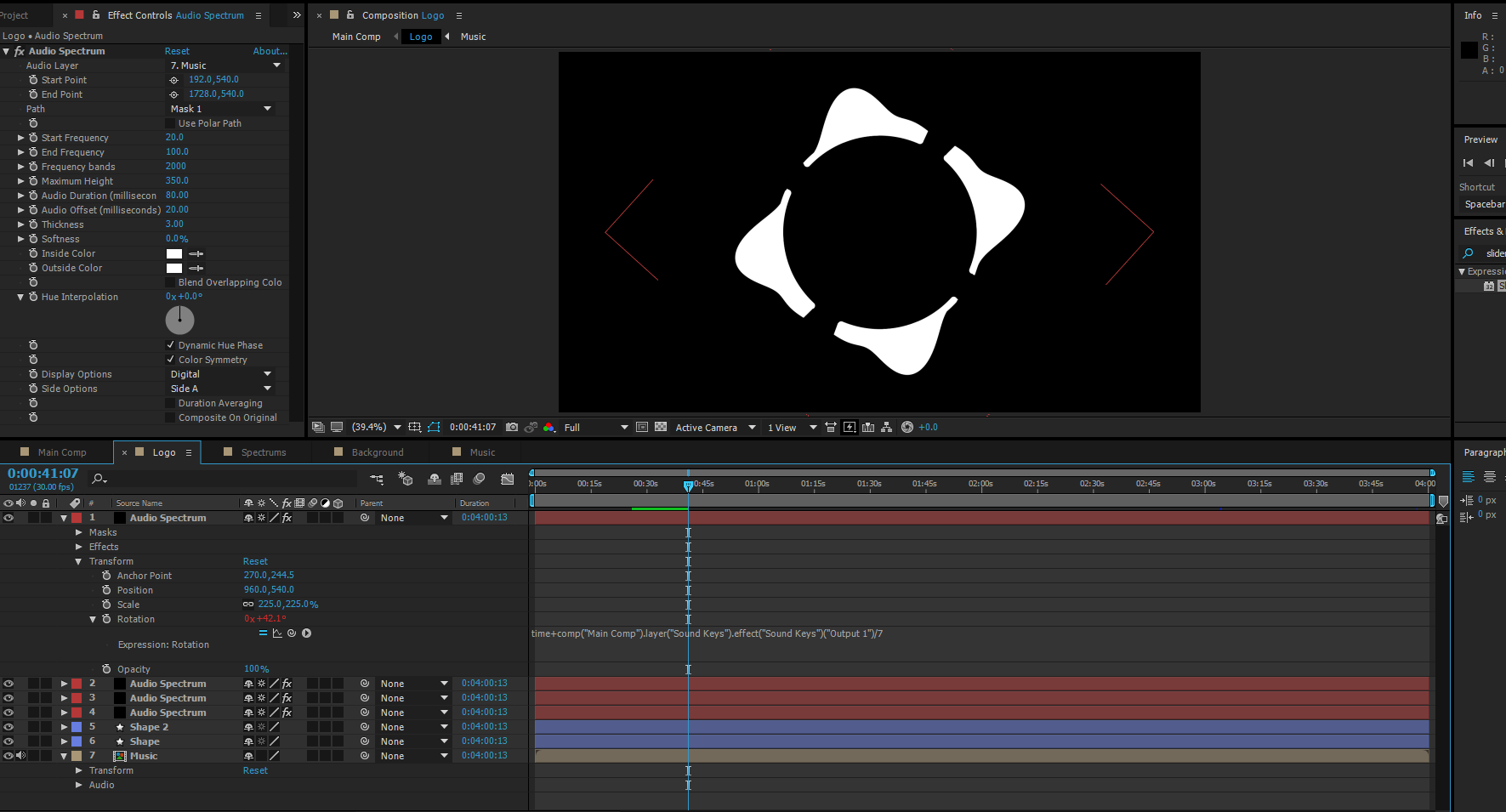
I am looking to rotate a circle only to the Sound Keys Output, although I do not want the circle to move right 10 degrees then move back (-10 degrees), rather I'd like it to continuously move clockwise as the output value continuously adds itself to the previous value based off time.
Is there an expression that would cover that? Here's an example of what I thought was 'close' but the circle keeps going back and forth rather than continously around in 360 degrees.
/t5/after-effects-discussions/rotating-object-to-music-expression/m-p/8621641#M11942Nov 07, 2016
Nov 07, 2016
Copy link to clipboard
Copied
You have to iterate over all previous frames to achieve that which makes the expression pretty slow for long comps.
var result = valueAtTime(0);
for(var t=0; t<=time; t+=thisComp.frameDuration){
result += comp("Main Comp").layer("Sound Keys").effect("Sound Keys")("Output 1”).valueAtTime(t)
}
result;
Alternatively, if you want the rotation to happen in a regular pattern at each beat, you can use my tool BeatAssistant. It will generate keyframes for you and hence be much faster:









 2
Replies
2
Replies


 AdChoices