Hey everyone!
I am animating a zoom out from one single cimney to a whole skyline with a lot of smoke (a preview underneath)
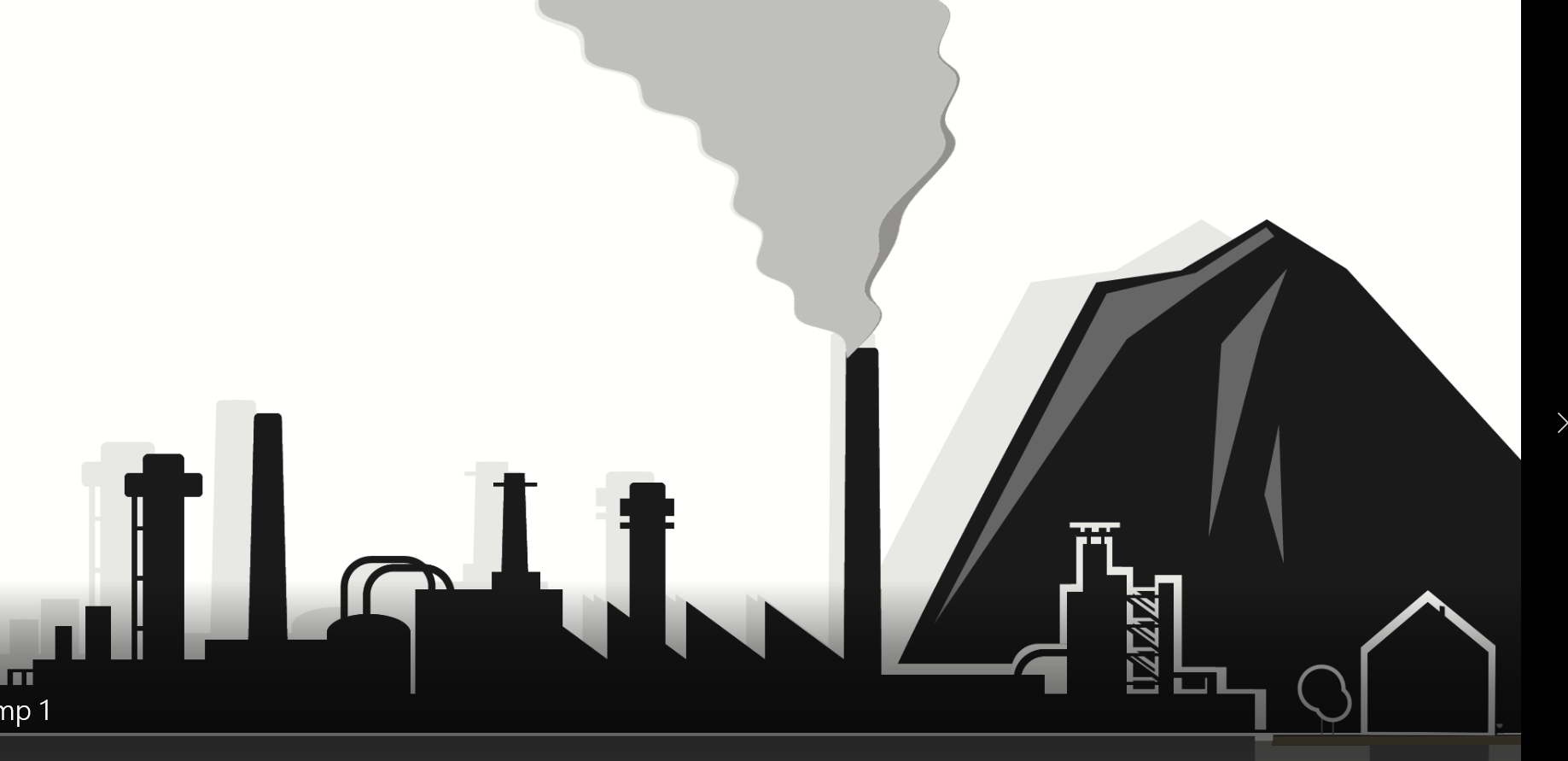
I have built the smoke with 3 shape layers to which I have added wave warp - works quite nice for that purpose. HOWEVER, I have troubles with the zoom out:
WhenI turn on 'Continuously Rasterize' for the Comp in which is the smoke I have the trouble that the wavelength of the smoke is smalled down during the zoom out:

That does not look nice. But when I turn of 'Continous Rasterize' - the shape of the smoke is alright, but of course, the line quality is horrible!

Does anyone have an idea how I can get rid of that issue???
Best regards and cheers from Holland!!




 2
Replies
2
Replies


 I have a subcomposition for the smoke, i am happy with the shape, now i want to zoom in (or actually out) in another composition - there i have no extra effects or keyframes added to the subcomp ... so why is its shape changing?


 AdChoices