

Taavi Rull
Inspiring
January 15, 2020
Answered

Strange text behavior - it just disappears!

  • January 15, 2020
  • 1 reply
  • 2993 views

After some amount of inserted text, all of it just disappears.

This is the maximum amount of characters i can insert:
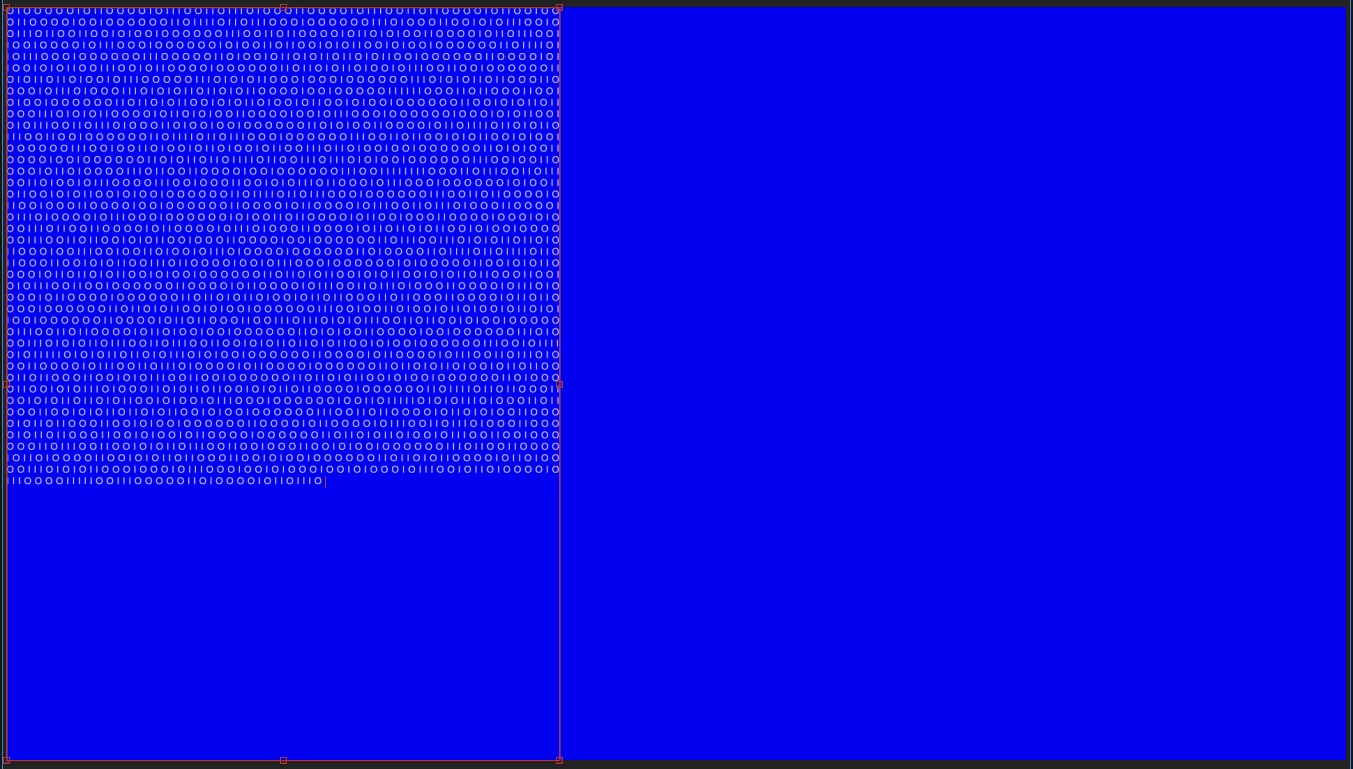
 

And when i add even one more character, everything disappears:
 

...
Deleted the disc cache.
Downgraded to every older version of After Effects there is available.
Roamed the google.
Nothing...

Does anyone have any ideas what might be going on here. Or has After Effects suddenly issued some kind of a "maximum character limit" now?

Any help would be greatly appreciated!
Thank you.
This topic has been closed for replies.
Correct answer Taavi Rull

Thank you for your reply!

I had the text (binary code) in one straight row without any brakes or spaces. So AE must have taken it as one word i guess... and at one point it hit the upper limit of characters - thus the disappearance of the text. When I added spaces after every character and reduced the character tracking back to 0, it works.

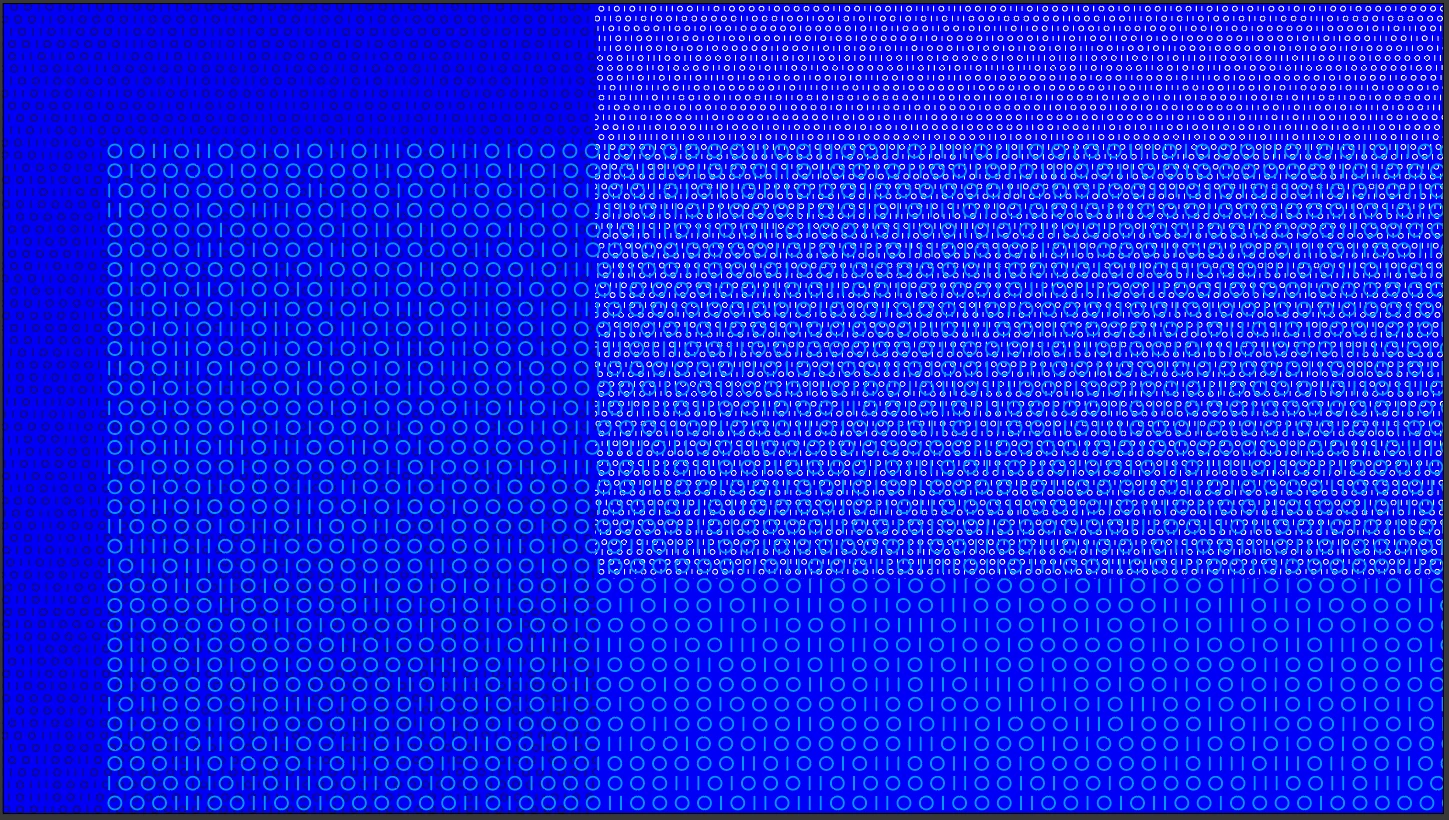
Im trying to animate binary codes with character animator. Mainly just random opacity changes in characters with different speeds, coming and going in waves etc. Something like here https://www.huud.ee/portfolio/series-of-animations/ the 4th video below. But the text layers are quite heavy on the processor, so i would consider every suggestion You have, if there is a possibility to lighten up the load.


Thank you very much for thinking along.


The overall picture:

1 reply

Roland Kahlenberg
Legend
January 15, 2020

It looks like you're using Paragraph Text to input your text. I'm not certain if you've reached its upper limit in terms of number of characters, per paragraph, or if it's a font issue; OR a Bug.


a) Try switching to another font.


b) Try converting the Paragarph Text to Point Text — here's how
https://helpx.adobe.com/after-effects/using/creating-editing-text-layers.html


c) What are you trying to achieve with this Text Layer? There may well be a more efficient/working method.


Let us know of what happens after trying out the two suggestions above.

Very Advanced After Effects Training | Adaptive & Responsive Toolkits | Intelligent Design Assets (IDAs) | MoGraph Design System DEV
Taavi Rull
Taavi RullAuthorCorrect answer
Inspiring
January 15, 2020

Thank you for your reply!

I had the text (binary code) in one straight row without any brakes or spaces. So AE must have taken it as one word i guess... and at one point it hit the upper limit of characters - thus the disappearance of the text. When I added spaces after every character and reduced the character tracking back to 0, it works.

Im trying to animate binary codes with character animator. Mainly just random opacity changes in characters with different speeds, coming and going in waves etc. Something like here https://www.huud.ee/portfolio/series-of-animations/ the 4th video below. But the text layers are quite heavy on the processor, so i would consider every suggestion You have, if there is a possibility to lighten up the load.


Thank you very much for thinking along.


The overall picture:

Mathias Moehl
Community Expert
Community Expert
January 15, 2020

In that case, the Random Text iExpressions can also be very helpful. They are part of my extension iExpressions. In partiular the "mutating" variants are cool, because they animate the text over time in interesting ways:


Mathias Möhl - Developer of tools like BeatEdit and Automation Blocks for Premiere Pro and After Effects