



Text on a path is anchored by top of text instead of bottom. Is there a way to change anchor?
Hi!
I'm using After Effects to animation some text along a path and I'm running into an issue I can't find a solution for online.
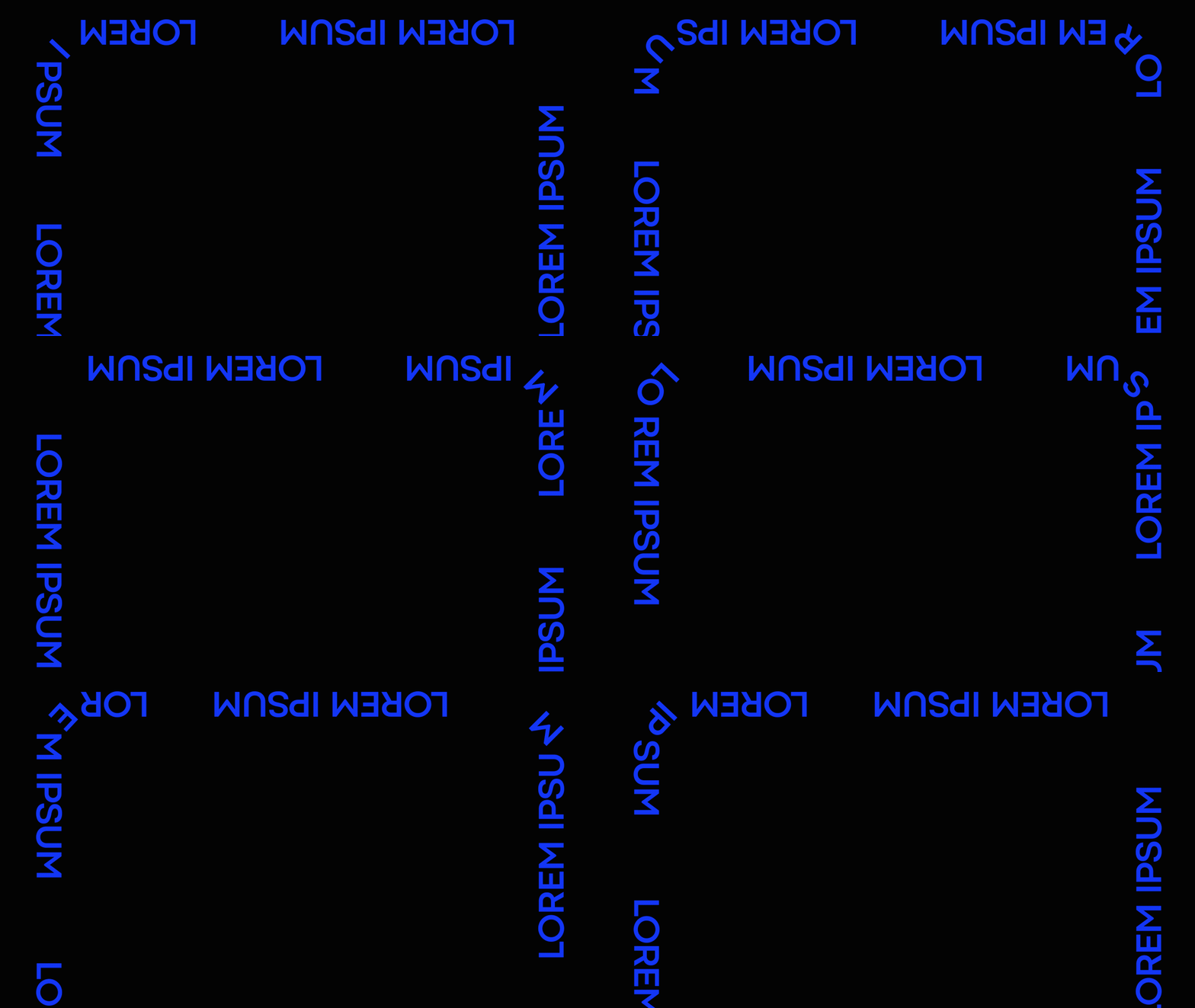
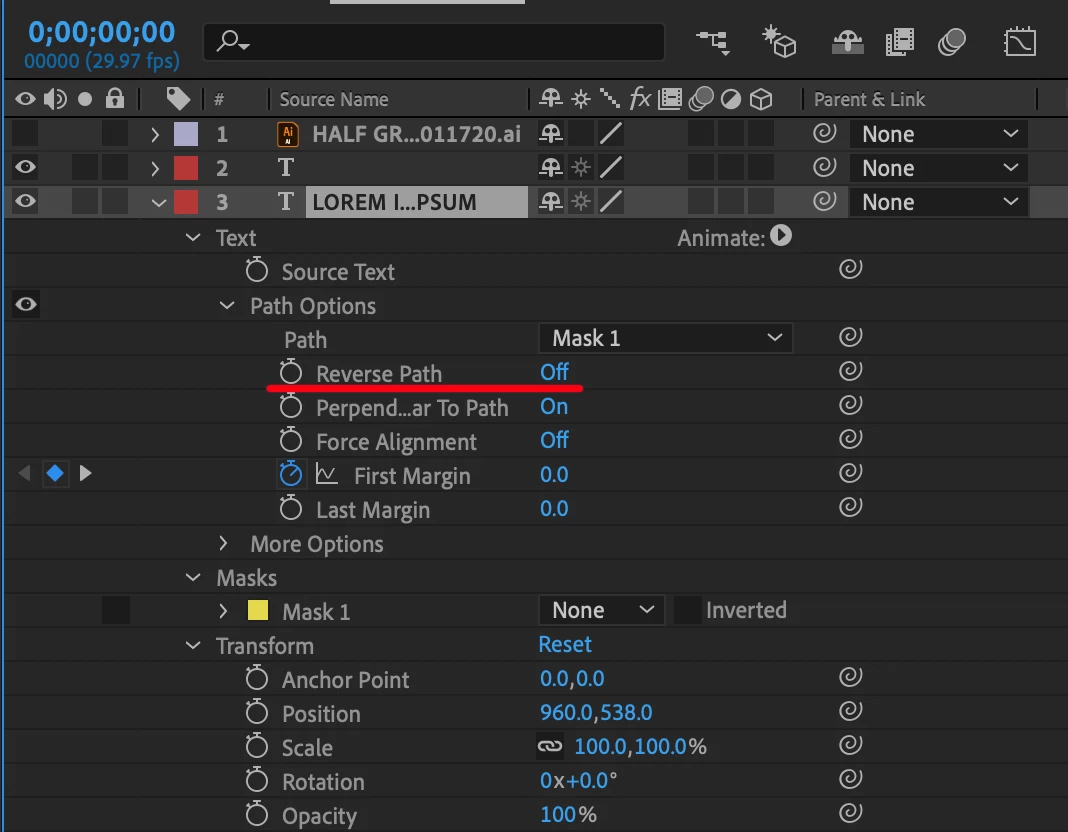
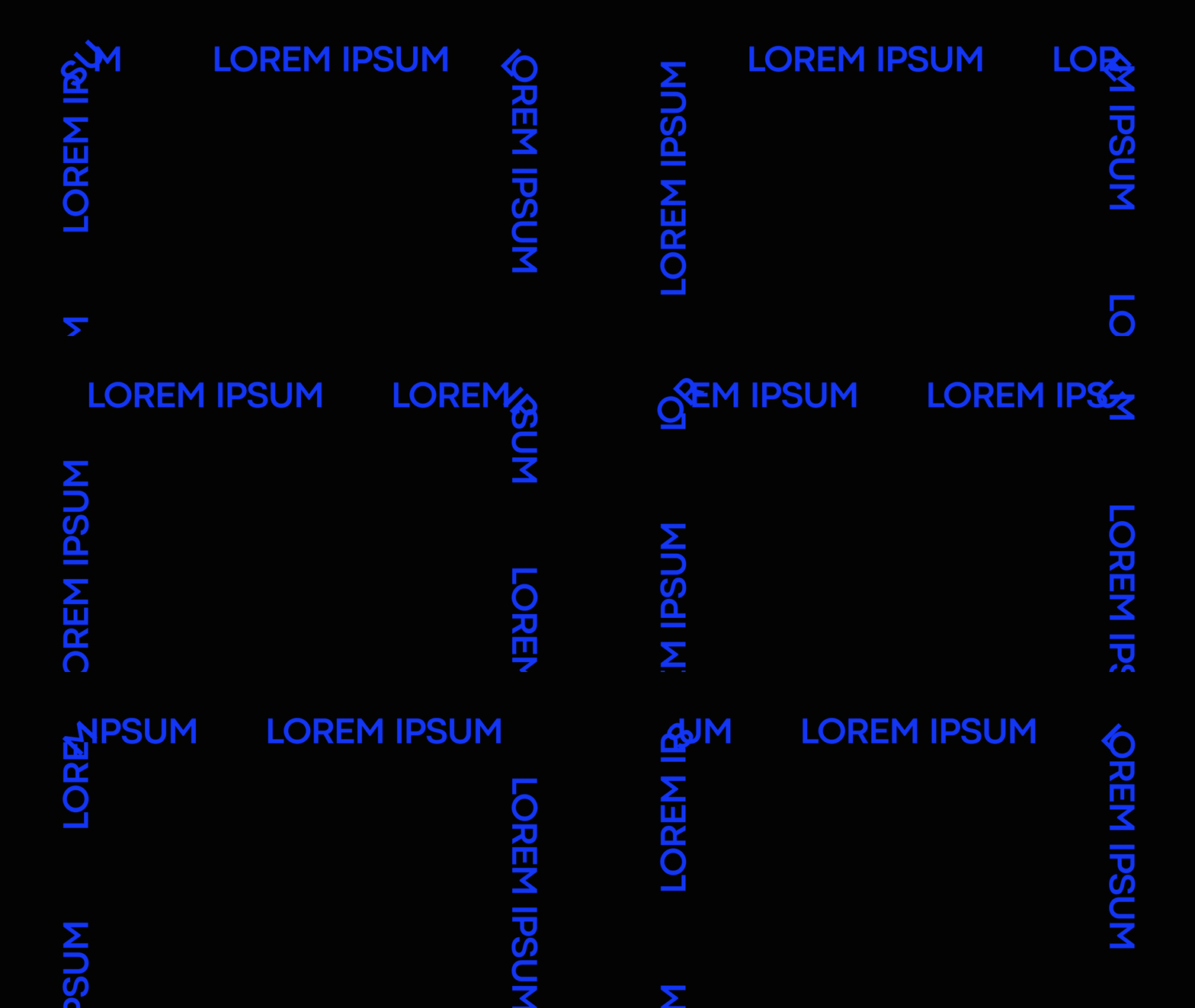
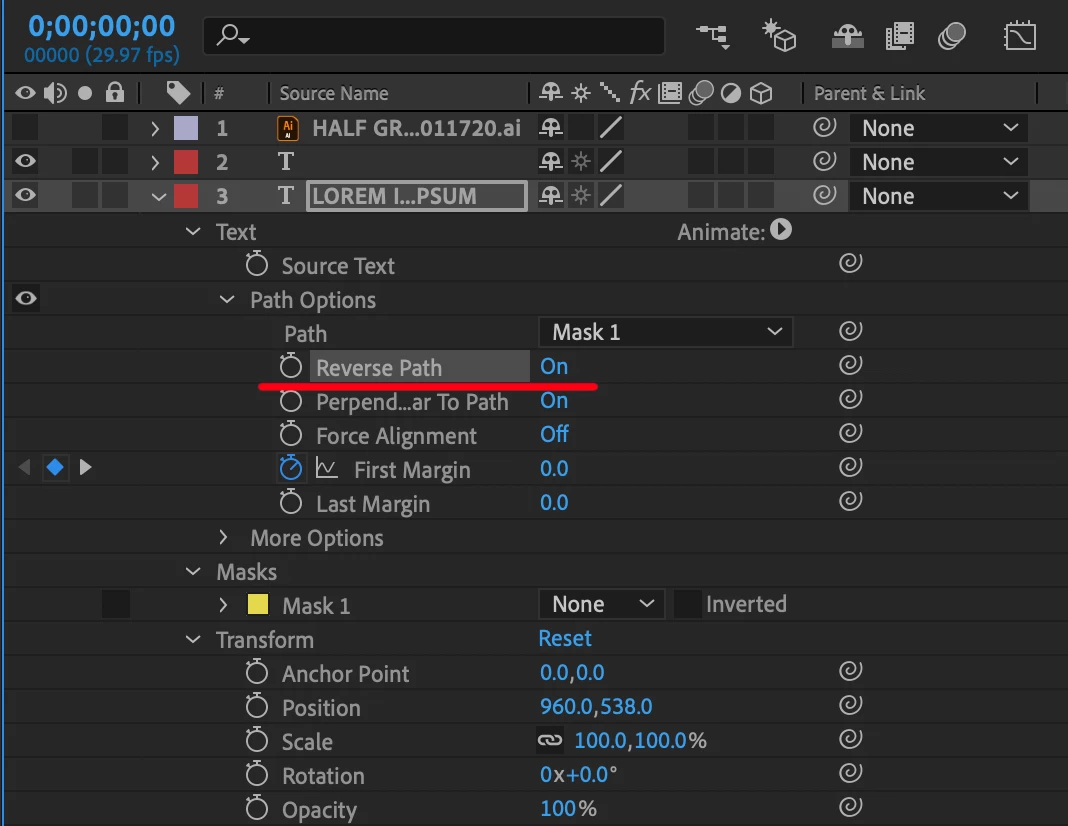
The text I'm using seems to be anchored to the path by the top of the text rather than it the bottom of the text anchoring to the path. Because of this the text is upside down when I have it run on the exterior of the path. When I Reverse Path it is right side up, but on the interior of the path which is causing a weird overlap of the letters when it goes around the 45° angles on the corners of the path.
On Exterior of Path:
Settings:
On Interior of Path:
Settings:
I've tried several things but nothing has been successful yet. One post said the issue is coming from the vertex of the mask but I've tried several times to draw the mask from different points and drawing it in different directions. I think if I could get the text to anchor from the bottom instead of the top it would solve the issue but I don't know if this is something you're able to do with After Effects.
I feel like there's probably a simple solution to this that I'm not seeing the answer to. Thanks for your help!
 AdChoices