
ilenel44491082
Participant
January 23, 2018
Answered

Trim path error when exported as .gif

  • January 23, 2018
  • 2 replies
  • 421 views

Hi all,

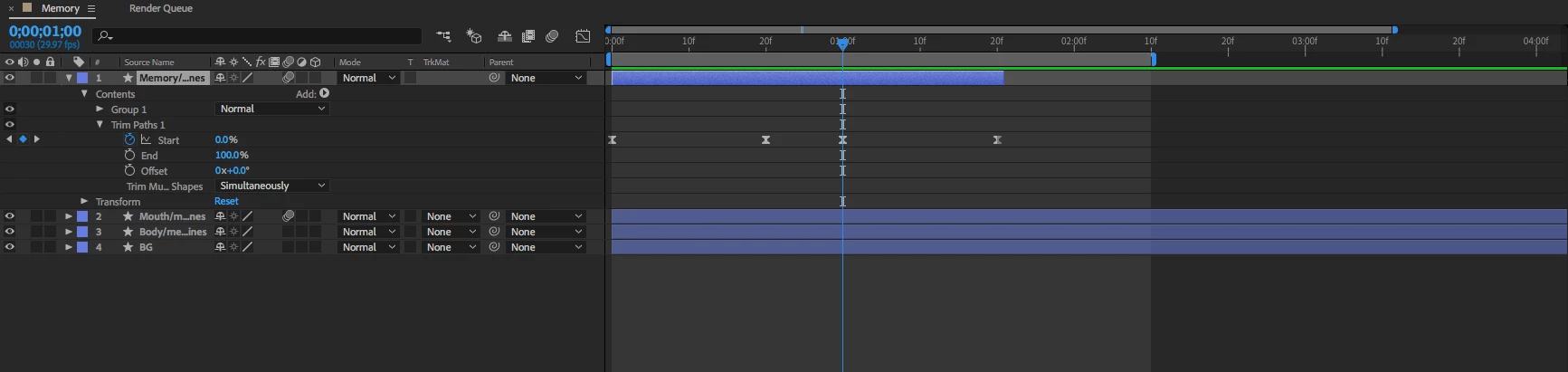
So this had been working just fine as a .gif until I changed the transparency of the line with the added trim path. Now as you can see, once the line starts to disappear the very end still stays visible. This only happens as a .gif, it looks fine while in AE. Any idea what might be going on? Thanks!

This topic has been closed for replies.
Correct answer Roei Tzoref

How are you exporting your gif? Try this: render your movie at your prefered codec, watch it see that it's fine, open it in Photoshop, save for web as gif.

2 replies

Mylenium
Legend
January 24, 2018

This has nothing to do with AE. This is an artifact from the actual GIF. You have to open and optimize it in Photoshop.

Mylenium

Roei Tzoref
Roei TzorefCorrect answer
Legend
January 24, 2018

How are you exporting your gif? Try this: render your movie at your prefered codec, watch it see that it's fine, open it in Photoshop, save for web as gif.

ilenel44491082
Participant
January 24, 2018

That was easy, thanks!