Hi,
I have a project set up in ProPhoto RGB color space.

In the viewer 'Use display color management' is active.
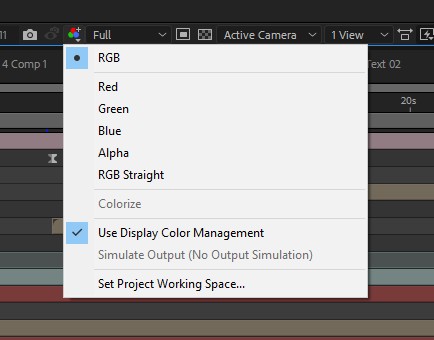
What 'use display color management' does?
Adobe:
When color management is on, the default behavior is for RGB pixel values to be converted to the color space of your computer monitor from the working color space for the project. Color appearance is preserved; RGB numbers are not preserved.
So if my monitor is set in sRGB color space but my project is in ProPhoto RBG, AE automatically converts the colors to preserve the appearance. At least this is what it should do.
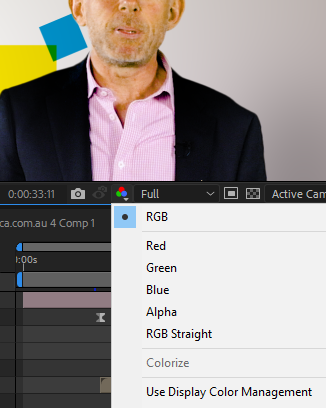
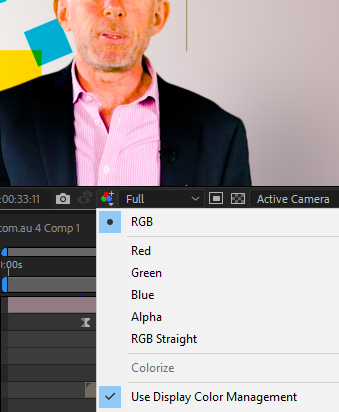
What happens is: when I export the result is much more similar to the not 'use display color management' preview in the viewer.
In fact I have to work with 'use display color management' off, otherwise the exported video becomes much more desaturated.
Is it a normal behaviour or is there something messed-up here? Are my Nvidia settings wrong?
Below the difference plus the export.





 3
Replies
3
Replies


 AdChoices