


afzaljrc
Participant
March 25, 2019
質問

CC Scatterize effect is applying inside a block

  • March 25, 2019
  • 返信数 1.
  • 2059 ビュー

Hi

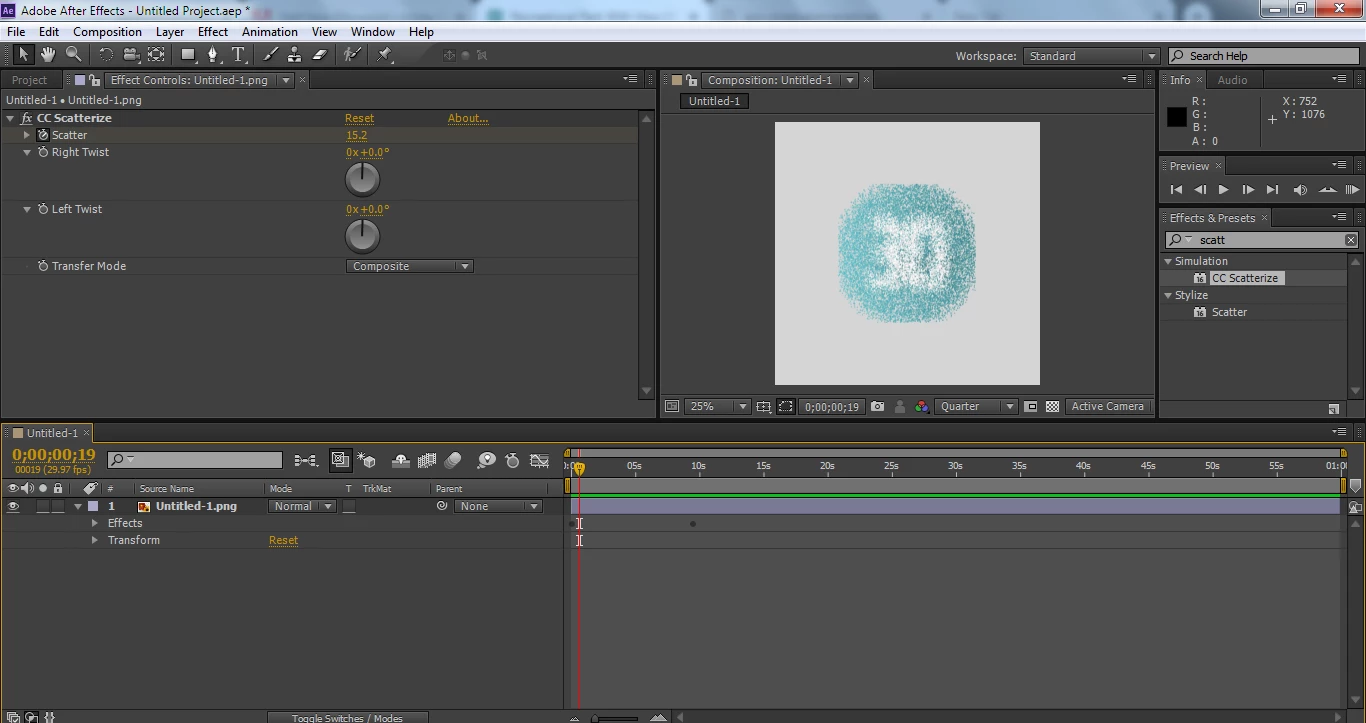
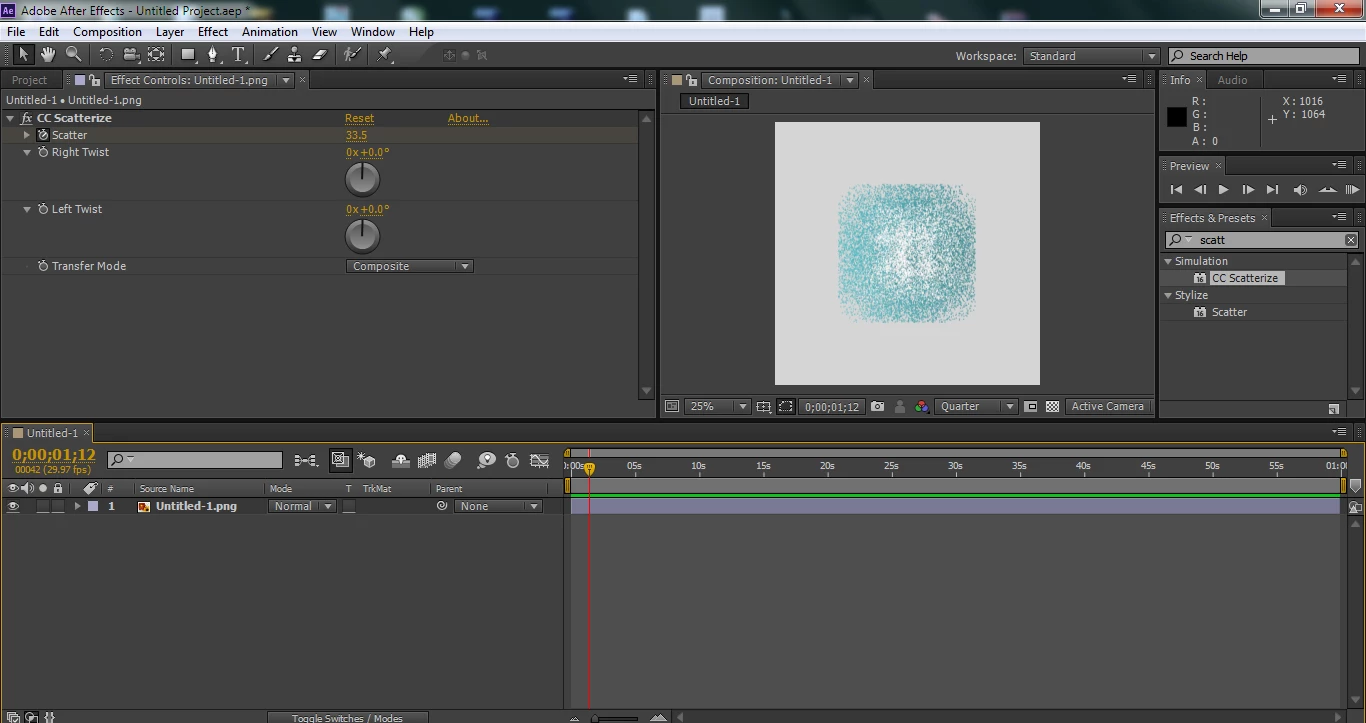
I am new to After Effect. I was trying to apply scatterize effect on a simple logo, the effect is not applying properly it is scattering withing a square boundry and not till screen edges. Here are some screen grab. Kindly help me to get rid of this issue.
このトピックへの返信は締め切られました。

返信数 1

Mike_Abbott
Legend
March 25, 2019

Some effects - and this is one, are constrained by the size of the layer on which they are applied.

There are two easy solutions:

1. Search for and apply the 'Grow Bounds' effect and apply that above Scatterize - setting the 'pixels' value to be at least the width of your comp.

or:

2. Remove the Scatterize effect from your layer temporarily by cutting it to the clipboard (Ctrl / Cmd X). Precompose the layer : Layer > Precompose, and select the 'Move all attributes' option. Paste the Scatterize effect back onto your new 'Comp layer'.

Community Expert
March 25, 2019

What Mike said. I'm also concerned that you have a square comp. Fiddling with composition frame sizes and frame rates without a complete understanding of video standards, format requirements, and compression technology is a dangerous thing. Make sure you know what you are doing.