


Dropdown missing items

Copy link to clipboard
Copied
Hi
I recently released a new plugin. One of my users are having a bug I can't figure out. Hoping someone here might have some inputs.
My plugin have multiple dropdown components. I create them like this:
pal.add("dropDownList", [10, 10, 130, 30], ["item1","item2","item3","item4","item5","item6"]);
(pal=the panel)
One user is only seeing the two top items in the dropdown. Have anybody experienced anything like that? I can't recreate the error, and it seems to work for everybody else. What could cause this?
Thanks,
Jakob Wagner


 10
Replies
10
10
Replies
10


Copy link to clipboard
Copied
This might be related to 4K screens on windows10. Can anybody confirm that? I don't have a 4K screen.


Copy link to clipboard
Copied
I know of not the same but a similar issue:
Some of my customers had an issue where the entire dropdown content did not appear an the expected location.When the window was created, the dropdown content was showing up as expected. But when the window was moved and the dropdown was opened again, the content still showed up in the location where the window has been before.
I think it was related to High DPI monitors or due to a multiple monitor setup. I would also check whether the customer has the most recent graphics card driver. Apart from that you probably cannot do much about it 😞
Copy link to clipboard
Copied
Thanks. I got confirmation from other users now that this is related windows and High DPI monitors. I have submitted a bug. Really wish Adobe would come with some sort of feedback, though. Not only with this, but with bug reports in general.

Copy link to clipboard
Copied
I'm having the same problem with a 32" 4K monitor. Some scripts do not fully display all drop down menu items. Has there been a workaround for this yet? Pretty annoying not being able to fully use after effects because of a monitor.
Copy link to clipboard
Copied
As I understand it. This can only be fixed by Adobe.
One of my users say he got i working when running manifest resolution. This extends beyond my knowledge about how windows and these screens work. But maybe this is hint? It will of course affect the whole app and not the coolest solution.
Adobe App Scaling on High DPI Displays (FIX) | Dan Antonielli
One question: You say some scripts. Do you have any scripts that does show all drop down items?
- Jakob
Copy link to clipboard
Copied
I've been getting increasing numbers of reports about this with my scripts, presumably as use of high-res monitors increases. I've finally got a testing platform where I can reproduce it and it affects all Windows versions of AE from CC 2014 onwards and seems to be caused by the dropdown menus being drawn at half the vertical height they should be. I'd need to do more testing to figure out the exact resolution at which presumably AE's UI elements double in size and this happens as a result (which is my guess for why it's happening). It affect all scripts with dropdowns that I've tried so far.
The fix I've just tried is simply to add double the number of items to the dropdown as needed. That seems to make the dropdown draw exactly as intended. I'm probably going to put a checkbox pref in my scripts for Windows users to enable this if dropdowns aren't drawing as expected and put up a warning on first launch to make the user aware if it.
Yes it's a bit of a hacky workaround but that's really nothing new for scripting in After Effects. Plus it means fixing all recent versions and not just hoping Adobe will fix it in a future update.
I'd be interested to hear any feedback on this. I've only just come up with this as a solution and I've got a lot of work ahead to test this further and update my entire script catalogue.
Paul
Copy link to clipboard
Copied
LOL. No. My entire plugin is based on hacky/wacky workarounds, so why not one more? 
Thanks for the tip! I'll be using that.
It would be cool if you could somehow detect whether or not the app is running in high DPI.
- Jakob

Copy link to clipboard
Copied
$.screens
| screens | Array of Object | readonly | An array of objects containing information about the display screens attached to your computer. Each object has the properties left, top, right, bottom, which contain the four corners of each screen in global coordinates.A property primary is true if that object describes the primary display. |
So you can interpret 4k monitor by looking up the most common resolutions ? and checking - easier if Adobe just read this and took a half hour to fix the issue!
Copy link to clipboard
Copied
Thanks Alan. Yes I considered that but I don't know exactly what resolution triggers the UI res switch or how I would figure it out for multiple monitors with different resolutions. I'm sure that could all be worked out with extensive testing but for now I don't want to make incorrect assumptions and have to rework all my scripts a second time.
Copy link to clipboard
Copied
Another solution is drop - dropdowns... just have a button, launches a window of button options, on click an option - it selects and renames the parent "option" button to the chosen option. So you reduce to x2 clicks like a dropdown. Think I did this originally to bypass the bug of dropdowns- disappearing.
on 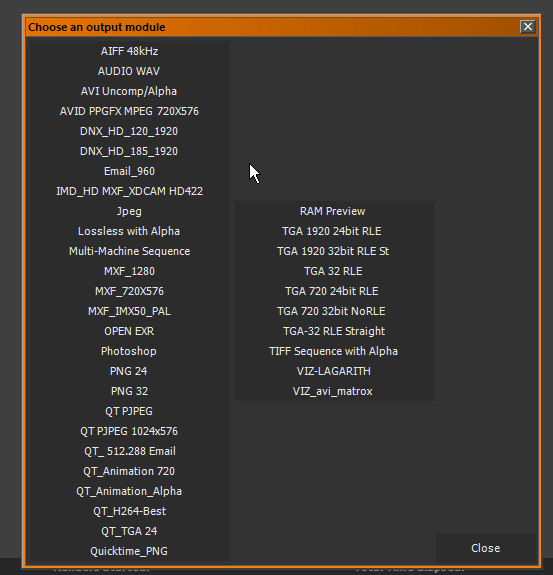


Get ready! An upgraded Adobe Community experience is coming in January.
Learn more
 AdChoices