Exit
  • Global community
    • Language:
      • Deutsch
      • English
      • Español
      • Français
      • Português
  • 日本語コミュニティ
  • 한국 커뮤니티
0

Missing composition to render

New Here ,
Jun 30, 2018 Jun 30, 2018

Hi,

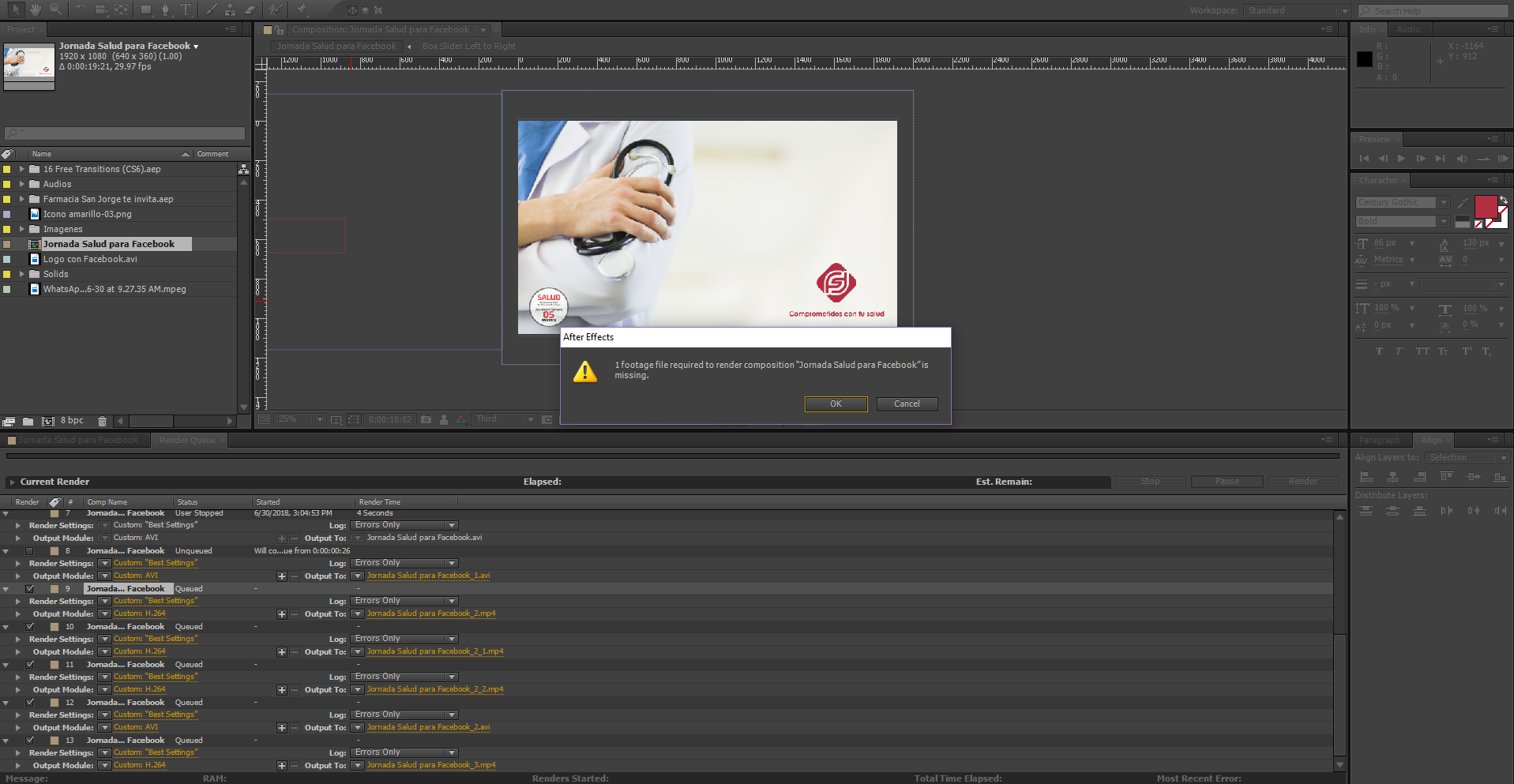
I've got a problem when I try ro render I get the next message:

"1 footage file required to render --- is missing"

but it's the composition itself, it's not a problem of another file like images or audios...

I can't find the reason, please help me...

15.1K
Translate
Report
Community guidelines
Be kind and respectful, give credit to the original source of content, and search for duplicates before posting. Learn more
community guidelines

correct answers 1 Correct answer

Community Expert , Jun 30, 2018 Jun 30, 2018

Check the composition. Showing us the render cue tells us nothing about your project or your problem.

You will see an empty icon in the timeline:
Screenshot_2018-06-30 15.56.02_tz72OB.pngAnd color bars in the project panel:

Screenshot_2018-06-30 15.56.27_YoYuVE.png

If you can't find it check the flow chart. When it is expanded you'll see color bars in the flowchart:

Screenshot_2018-06-30 16.03.50_EoAqxV.png

If Case.png was your missing file you could right-click in the flowchart select Reveal In Project. That would take you to the Project Panel where you could right-click and select Reveal In Finder (folder). Then you cou

...
Translate
LEGEND ,
Jun 30, 2018 Jun 30, 2018

there is one footage element in your composition (that could be any imported file that is in your composition) which is missing. you can find missing footage items in your projects by going to the search filed in the project window and use the arrow to choose "Missing Footage" or simply type missin.. and it will auto complete

this will find the missing compositions that contain missing footage, click on them twice and it will direct you to the missing footage layer in your composition.

Translate
Report
Community guidelines
Be kind and respectful, give credit to the original source of content, and search for duplicates before posting. Learn more
community guidelines
Community Expert ,
Jun 30, 2018 Jun 30, 2018

Check the composition. Showing us the render cue tells us nothing about your project or your problem.

You will see an empty icon in the timeline:
Screenshot_2018-06-30 15.56.02_tz72OB.pngAnd color bars in the project panel:

Screenshot_2018-06-30 15.56.27_YoYuVE.png

If you can't find it check the flow chart. When it is expanded you'll see color bars in the flowchart:

Screenshot_2018-06-30 16.03.50_EoAqxV.png

If Case.png was your missing file you could right-click in the flowchart select Reveal In Project. That would take you to the Project Panel where you could right-click and select Reveal In Finder (folder). Then you could search for the missing file and put it in the correct folder.

These are standard troubleshooting techniques that you should be very familiar with. The flowchart can save you a lot of time.

Translate
Report
Community guidelines
Be kind and respectful, give credit to the original source of content, and search for duplicates before posting. Learn more
community guidelines
New Here ,
Jun 30, 2018 Jun 30, 2018
LATEST

Thanks a lot, sorry to bother with such a basic problem

Translate
Report
Community guidelines
Be kind and respectful, give credit to the original source of content, and search for duplicates before posting. Learn more
community guidelines