Copy link to clipboard
Copied
Hi
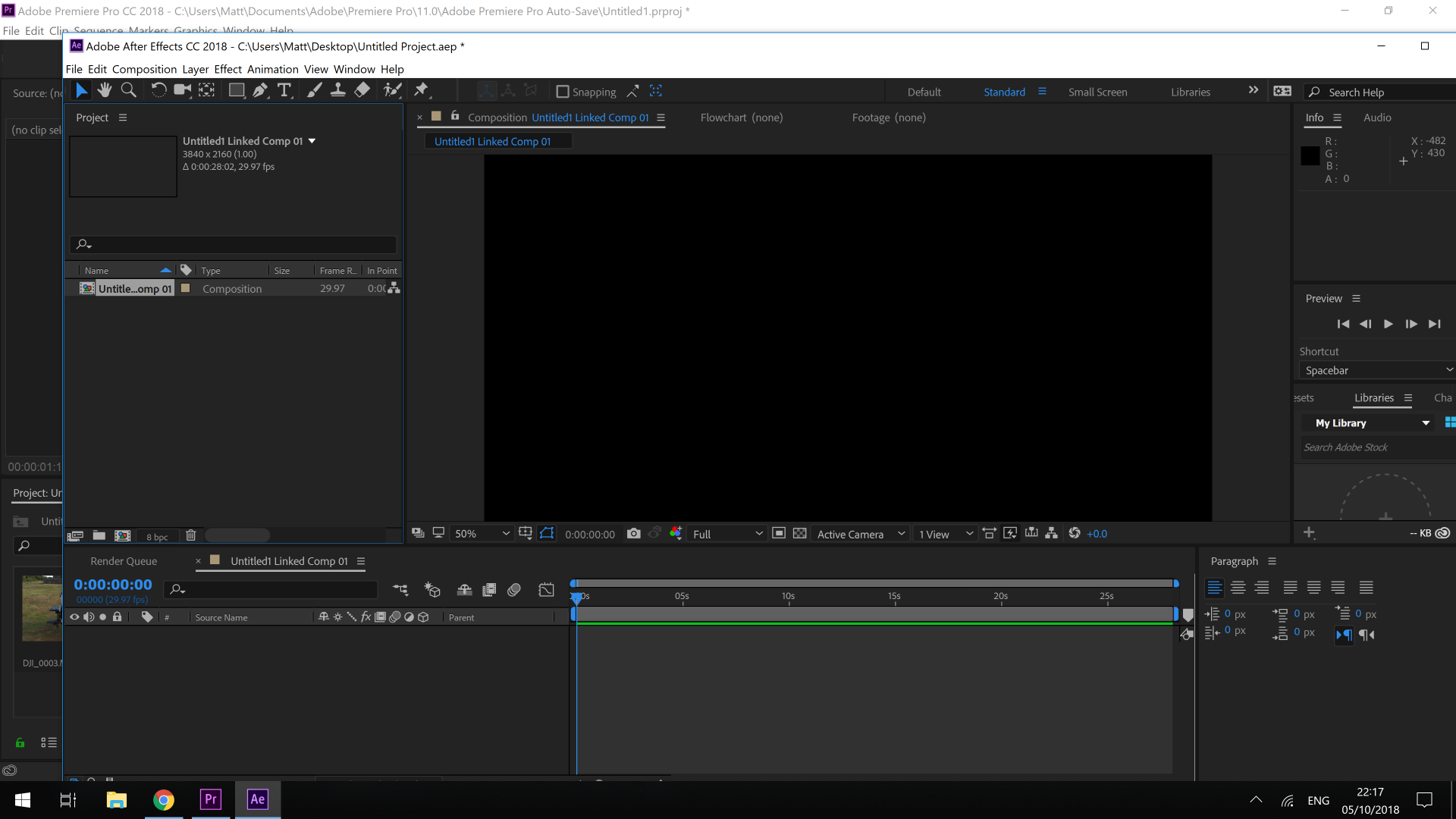
Whenever I choose to clip from Premiere replace with after effects composition it won't let me drag the file into the timeline. However if I choose to open a file directly in After Effects it seems to work fine - they are 4k clips if that makes much difference.

Copy link to clipboard
Copied
It's not a big loss. Dynamic Link is more of a PR stunt than a bulletproof workflow. Just import the clip into AE, do your voodoo, export from AE and import into PP.
-- OR --
Spend days trying to figure out why the software isn't working as advertised.
Copy link to clipboard
Copied
I would check your workflow. Make sure you know how to use Dynamic Link. The only thing you are getting is a composition. There is no footage so there's nothing to drag into the timeline.
Select one clip in the Premiere Pro Sequence, select New Comp from selected, then let AE open and save the comp. You should see one piece of footage and have an open comp. If both AE and Premiere Pro are the same version and both are up to date this will work on all compatible systems. There is no known bug if your versions match and you follow the right workflow.

Get ready! An upgraded Adobe Community experience is coming in January.
Learn more