Hi there,
maybe someone can help me out with this one:
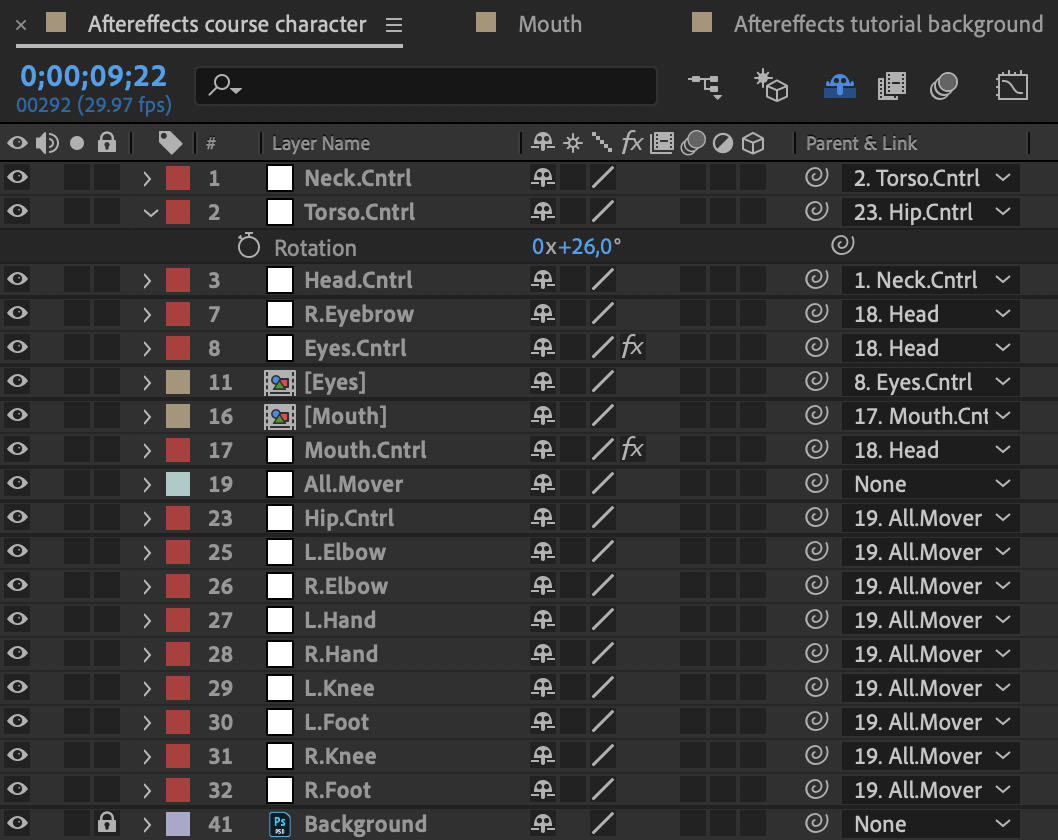
I'm using a tutorial where i have this character that has to be prepared for a rig. Now i made null objects for the different parts: head, neck, torso etc.
Now here is where the problem start. When I parent the visual of the head to the null object, and rotate it on the placed anchor point, it works fine...Now i parent the visual of the neck to a null object, test the rotation and it also works fine. Now i parent the null object of the head to the null object of the neck. I rotate the neck to check and the head and neck rotate just fine. BUT if i rotate the head now the whole object skewes!? So if i parent objects to eachother that works fine, but to rotate the objects individual is what causes problems. Even worse: when i look in the original files of the tutorial I can't find what i'm doing wrong - all the objects are parented the same way I did.






 4
Replies
4
Replies






 AdChoices