


Copy link to clipboard
Copied
Hi All,
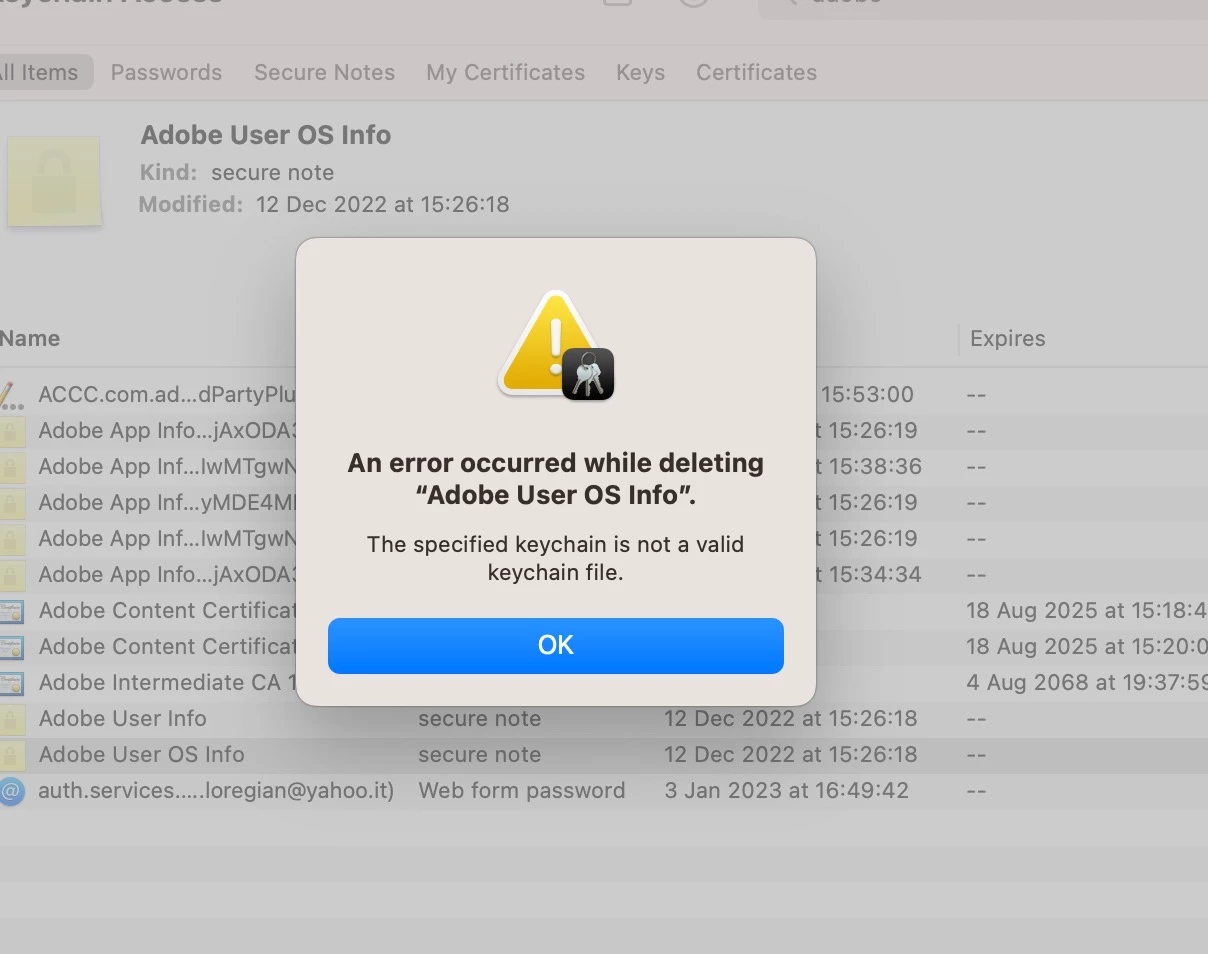
I'm currently experiencing the above issue when opening up CC or trying to access Photoshop on Mac. I have tried the solutions outlined in: https://helpx.adobe.com/uk/download-install/kb/adobe-sign-in-loop.html for both the 2019 or newer (see attached screenshot for error message) and 2019 or older CC versions with no success. Any ideas? Thanks in advance.
Copy link to clipboard
Copied
Hi @carlo27786082sdrm sorry you are having issues.
Have you tried cleaning out your CC app?
https://helpx.adobe.com/creative-cloud/kb/cc-cleaner-tool-installation-problems.html
Thank you,
Cory
Copy link to clipboard
Copied
Hi Cory, I followed all the instruction on the link you sent, unfortunately with no results.
When I have installed Creative Cloud it kept asking me to log in.
Copy link to clipboard
Copied
Did you solve it? I'm having same issue here.
Copy link to clipboard
Copied
for anyone seeing the sign-in/sign-out loop:
start at the top here - https://helpx.adobe.com/manage-account/kb/troubleshoot-creative-cloud-sign-out-sign-in.html
if that fails,
1. go to the bottom section : "Remove Adobe User and Adobe App Certificates" - https://helpx.adobe.com/in/download-install/kb/adobe-license-issues-keychain-credential-mgr.html and follow the steps.
2. then uninstall the cc desktop app, https://helpx.adobe.com/creative-cloud/help/uninstall-creative-cloud-desktop-app.html
3. and reinstall the cc app install the cc desktop app by using the download links at page bottom here, https://helpx.adobe.com/in/download-install/kb/creative-cloud-desktop-app-download.html
Find more inspiration, events, and resources on the new Adobe Community
Explore Now