


Participant
August 24, 2017
解決済み

Adobe Photoshop app does not show up after purchase

  • August 24, 2017
  • 返信数 2.
  • 1625 ビュー

Hi,

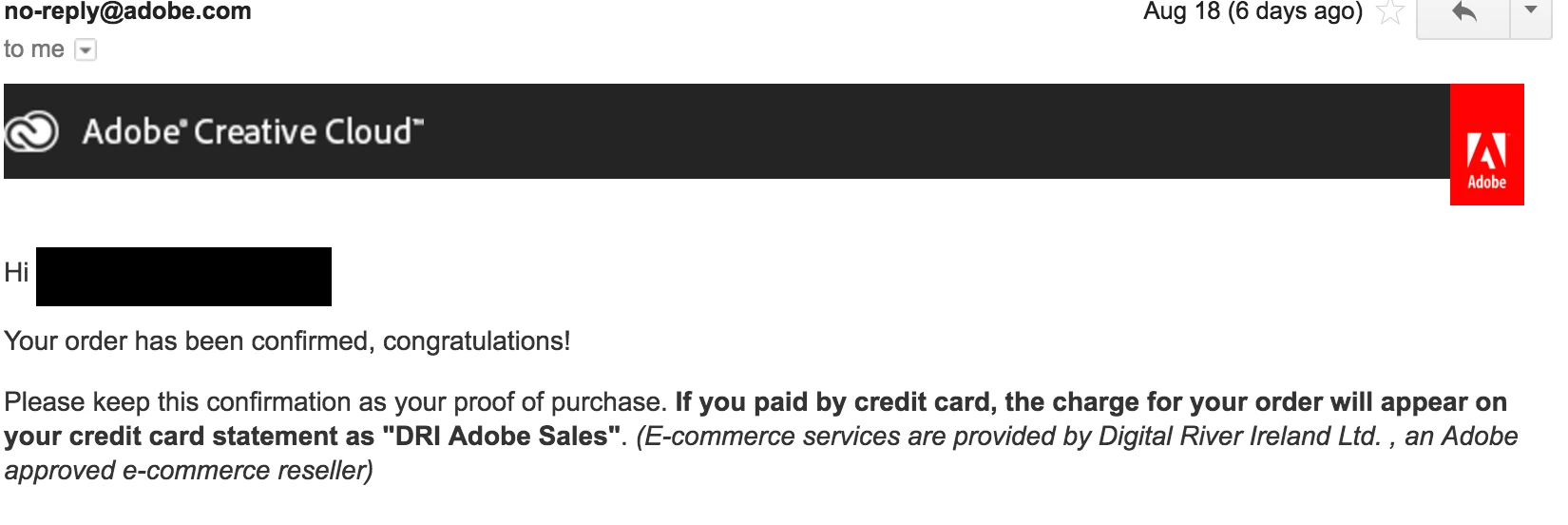
I purchased a monthly subscription for Adobe Photoshop from Creative Cloud 6 days ago and it does not show up as a purchased app in my Creative Cloud account although I have received an email confirmation from Adobe saying that my payment and order is successful.

I spent hours sifting through your forums and troubleshooting with the suggestions in your forum:

1. Uninstalling Creative Cloud and signing in again (did this twice)

2. Updating all apps

3. Running clean-up tool from Adobe

4. Updating payment information

I am using a MacBook Pro (Retina, 13-inch, Early 2015), Processor: 2.9 GHz Intel Core i5

OS: Sierra 10.12.6.

Your help is appreciated. Thank you.
このトピックへの返信は締め切られました。
解決に役立った回答 John Waller

Are you signing in to the Cloud with exactly the same Adobe ID as your accepted subscription is for?

返信数 2

rachelh19093740
Participant
September 12, 2018

I am having the same problem and my chat is not working. Getting pretty frustrated. Using the same login since I clicked manage my account from the email confirmation.

John Waller
Community Expert
John WallerCommunity Expert解決!
Community Expert
August 24, 2017

Are you signing in to the Cloud with exactly the same Adobe ID as your accepted subscription is for?

cafe_fiend
Participant
August 24, 2017

Hi John,

Many thanks for your message, I tried to login with a secondary email address and the app was there. Is there a way to migrate this app to my current login account?

Thanks for solving the first part of my login problems.