Participant
October 29, 2015
解決済み

CS5 suite not updating on OSX El Capitan and "quit unexpectedly" warning shows on closing programs.

  • October 29, 2015
  • 返信数 2.
  • 799 ビュー

I have just purchased a new iMac running OSX El Capitan 10.11.1 and have installed Masters Collection CS5. I am immediately having two problems with it.

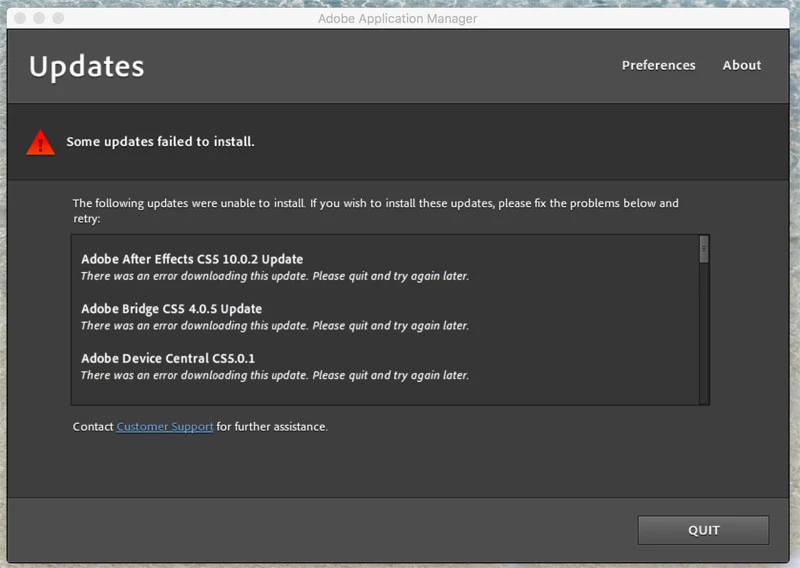
Firstly the entire suite seems to be refusing to update. Available updates are recognised by the updater and downloaded. But at the end of the process an update installation failure notice appears. This seems to include all updates downloaded.

I am not running any third party anti-virus software. I have also tried turning off the firewall to no effect.
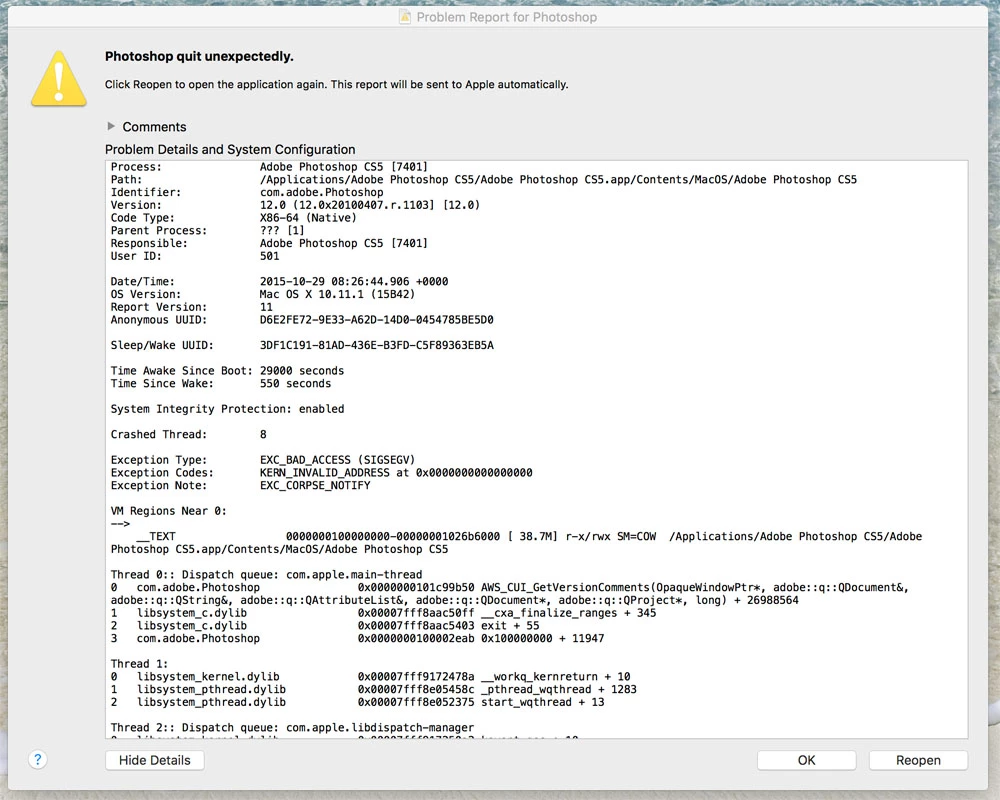
Also when I quit most programs in the suite a notice appears saying the program quit unexpectedly. It was not unexpected on my part as I just asked it to quit. This is very annoying.

Are these problems happening to others? Is Adobe aware of these problem? Is there a solution, or does Adobe need to correct the problem? And if I can't update, how can the problem be fixed?

I trust Adobe intends to give ongoing support to its legacy products. Especially as it's new business model means I can no longer purchase updated versions of this expensive product.
    このトピックへの返信は締め切られました。
    解決に役立った回答 Govardhan.V

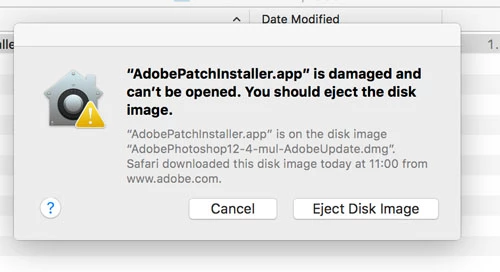
    Hello again Brucgovn. I have just tried installing updates manually for both Photoshop and Illustrator and in both cases had the same result.


    Follow below steps :

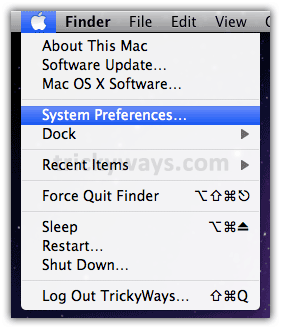
    Open System Preferences :

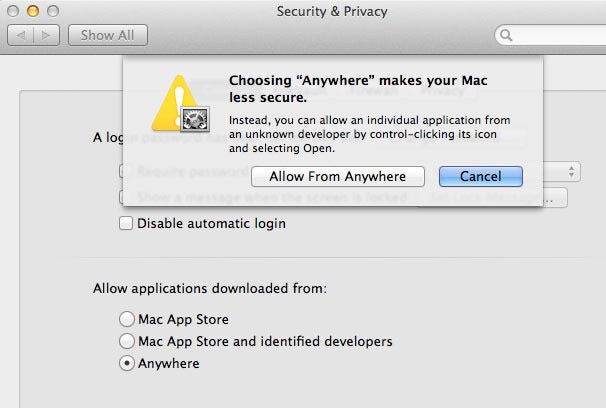
    Then Open Security and Privacy :

    Set the Mac Gate Keeper settings to Allow from Anywhere   [ Note : Later you can change the settings back  ]

    Then try to install Updates , it shud work.

    Let me know if you need further assistance.

    返信数 2

    Govardhan.V
    Participating Frequently
    October 29, 2015

    You may download and install updates manually :

    Example :

    http://www.adobe.com/support/downloads/product.jsp?product=13&platform=Macintosh

    You will get After Effects CS 5 10.0.2 update available under the list.

    Govardhan.V
    Participating Frequently
    October 29, 2015

    Have you tried downloading and installing updates manually ?

    Product updates

    Geoffrey_Lang作成者
    Participant
    October 29, 2015

    Thanks for the advice Brucgovn. If no other option I'll try. But having just installed a four year old product it's a very big list of updates and very confusing what needs installing form a long and badly labelled list.

    I hope for some advice from Adobe and hopefully a more straightforward solution.

    Geoffrey_Lang作成者
    Participant
    October 29, 2015

    Hello again Brucgovn. I have just tried installing updates manually for both Photoshop and Illustrator and in both cases had the same result.