





解決済み
FYI: Can't find older versions in CC Desktop App?
There seems to be some confusion because I've seen this question asked in several forums lately. Here's the solution.
- Open your Creative Cloud Desktop App.
- Hit the 3 vertical dots icon beside your profile picture.
- Select Preferences
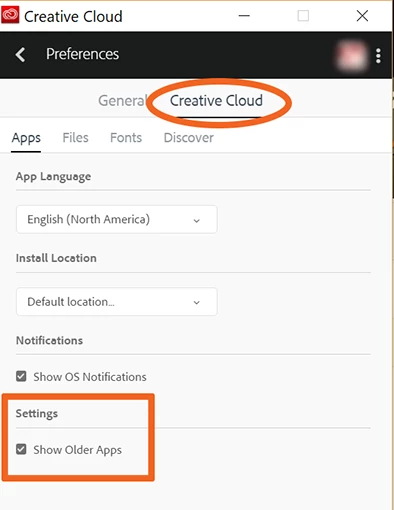
- Go to the Creative Cloud tab.
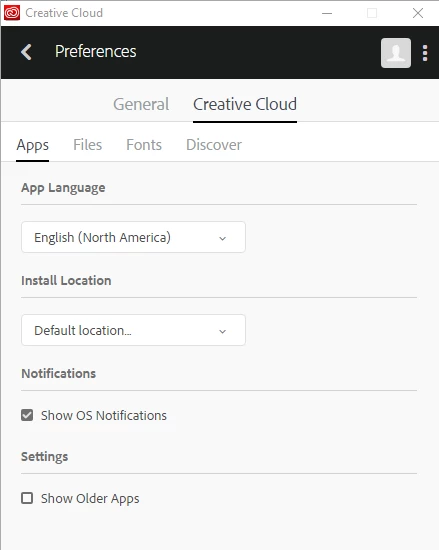
- Scroll down and put a check mark by Show Older Apps.
- Close out Preferences (top left arrow).
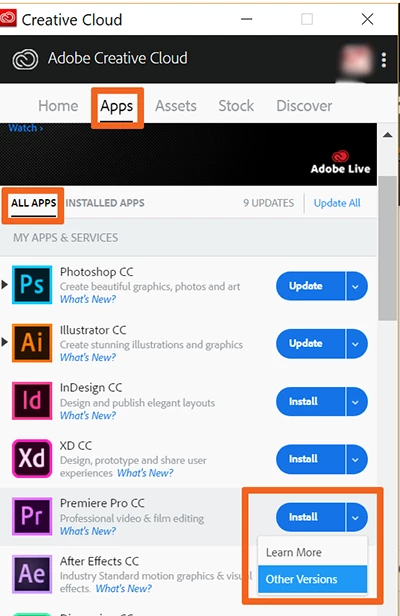
- Go to Apps > All Apps.
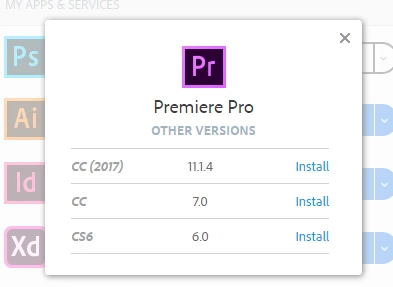
- Hit the Install drop down button & select Other Versions.
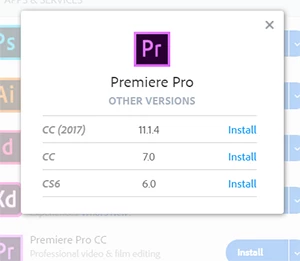
- Select your desired version and click Install.
Hope that helps.
Nancy
 AdChoices