



質問
Sync preferences problem
Hi Community,
I work with Premiere Pro CC (Windows 7), and i need to sync my preferences with another Premiere pro installed on different workstation.
When i try to sync preferences in this mode: File-->Sync preferences-->Sync preferences, a windows open to login (Adobe Creative Cloud Authentication)
I put my Adobe ID account informations and it go, but a blank windows appear with nothing into (see below)
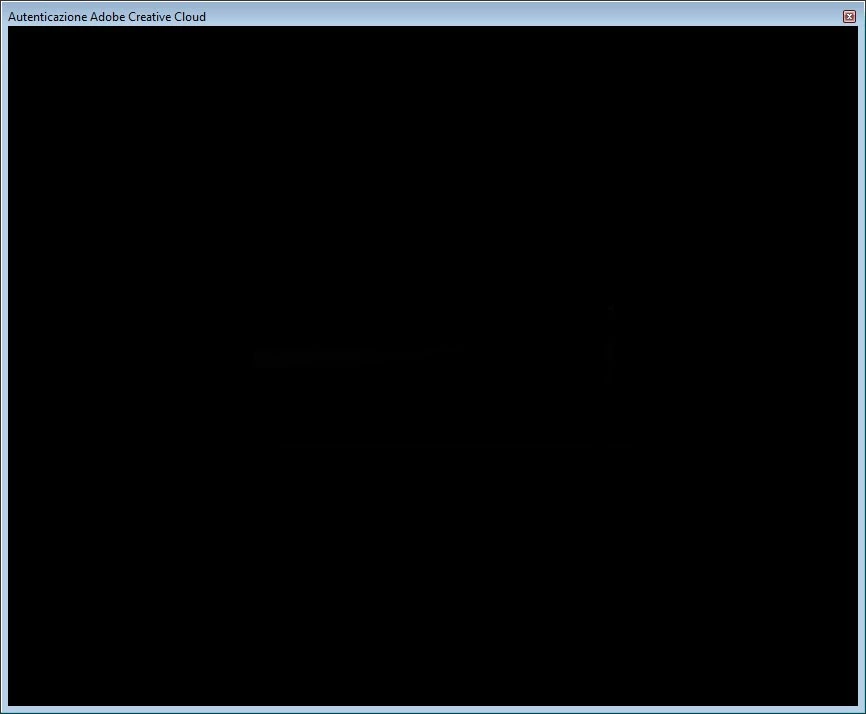 , that in can't export my settings.
While if I try the same procedure in the other workstation (windows 10) that i need to sync, it work well.
PS: In windows 7 workstation login into Creative Cloud work well, from desktop app (see below)
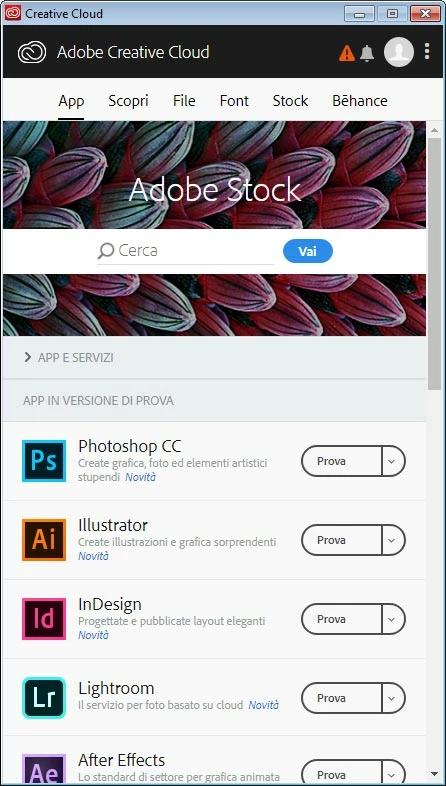
Any ideas?
Many thanks for support
Thanks!
Massimo
 AdChoices