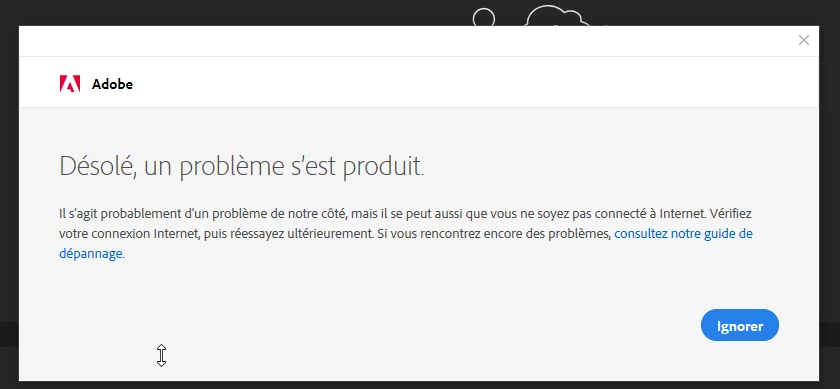
Bonjour à la communauté, depuis quelques jours, lorsque je lance une appli Adobe , que ce soit In Design, illustrator photoshop.... elle se charge puis une fenêtre s'ouvre avec ce message :
Désolé, un problème s’est produit.Il s’agit probablement d’un problème de notre côté, mais il se peut aussi que vous ne soyez pas connecté à Internet. Vérifiez votre connexion Internet, puis réessayez ultérieurement. Si vous rencontrez encore des problèmes, consultez notre guide de dépannage.
Le service informatique de mon entreprise a tenté de me dépanner, mais nous ne trouvons pas la panne (connexion internet ok, parefeux ok...). Avez-vous déjà rencontré ce soucis, et si oui comment avez-vous fait ? J'ai tenté de me connecter d'un autre PC avec mes identifiants mais le soucis est toujours là, aucune appli n'est utilisable.
Merci par avance pour votre aide
Marjorie





 AdChoices