Participant
October 13, 2017
解決済み

Creative Cloud App Assets tab stuck updating creative cloud

  • October 13, 2017
  • 返信数 3.
  • 10493 ビュー

Hi,

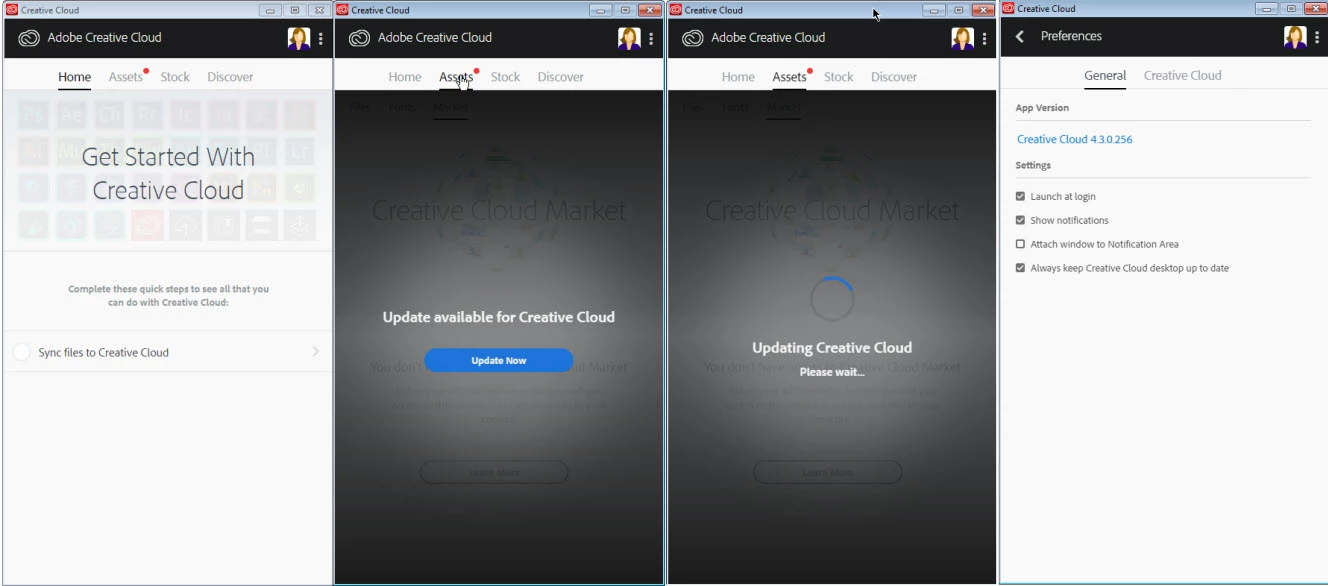
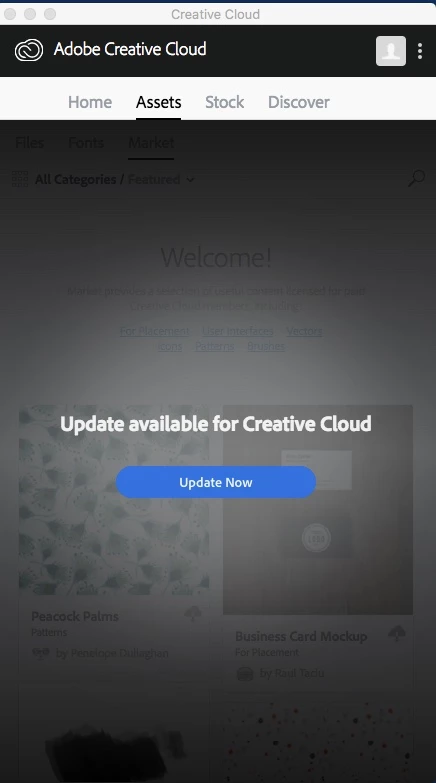
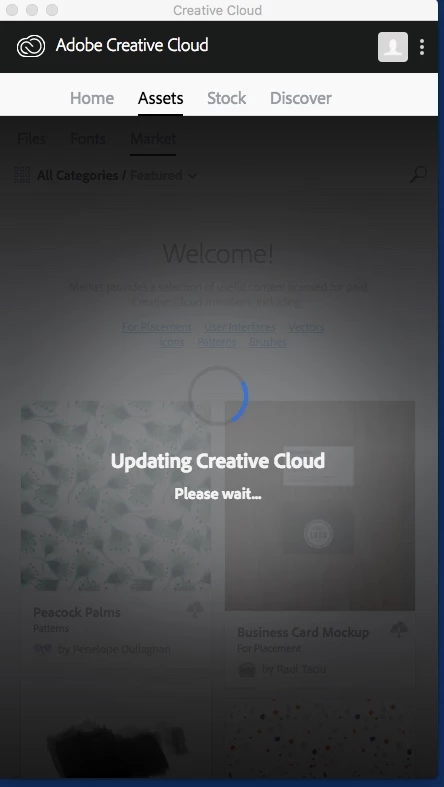
I have recently updated my creative cloud application to version 4.3.0.256 - upon signing in the assets tab has a red indicator and upon selecting the assets tab you are presented with a message that an update is available for creative cloud. Upon doing this is just sits there updating and not ever finishing..

If i uninstall my creative apps and re-install to an earlier version its works fine, is this a known issue ?
このトピックへの返信は締め切られました。
解決に役立った回答 rpandita

Did not resolve.

(Ran all as admin)

1-Ran CC Cleaner Tool

2-Rebooted

3-Extracted the Zip files and ran setup

Result: still will not launch correctly, gets hung up in Updating (images attached)

Creative Cloud 4.3.0.256 installed.

Additional note: this is an enterprise account but I have a personal account as well.  I have attempted with each account, two computers, same issue.


Hi again.

Step 1: End all adobe processes from task manager

Step 2: Enable apps panel - Apps tab missing from the Creative Cloud desktop app

Step 3: Relaunch CCDA and the issue should be sorted.

~Rohit

返信数 3

EBW12
Participating Frequently
March 2, 2018

i renamed, but still says updating.

EBW12
Participating Frequently
March 2, 2018

never mind works now!!!

EBW12
Participating Frequently
March 2, 2018

never mind, not working anymore. only worked for a second. PLEASE HELP!!!

kglad
Community Expert
Community Expert
October 13, 2017
Bani Verma
Community Manager
Community Manager
October 13, 2017

Hi Lutros,

As you have mentioned you are getting a never-ending spinning wheel on the 'Assets Tab' of the Creative Cloud desktop app I would recommend you to uninstall the Adobe Creative Cloud desktop app and then run the CC Cleaner tool as well to make sure everything related to Creative Cloud desktop app is removed:Use the Creative Cloud Cleaner Tool to solve installation problems , After this please use the following direct download link to download and install the app:Download Creative Cloud desktop app.

Let us know if this helps.

Lutros作成者
Participant
October 16, 2017

Hi Bana,

Thanks for the help with this, unfortunately that does not help. I cleaned everything off using both tools and then installed Muse 2017.1 , which installed a lower version of the application 4.20.218 , when i sign in it produces the same results. So versions 4.20.218 and 4.3.0.256 are causing problems.

If remove any Adobe CC applications and install Photoshop 2017.1  it installs an even lower version of the creative cloud application (4.0.1.188) and that actually works without any issues. 

Thanks

Bani Verma
Community Manager
Community Manager
October 16, 2017

Thanks for the update Lutros, to resolve the error related to Creative Cloud desktop app please perform a manual cleanup and remove everything related to it from your machine using the steps given in the following thread: illustrator reinstalling free trial 1 day old!

For the version related issue, i would recommend you to check and see if all the systems requirements are met for the latest version, see: Adobe Creative Cloud system requirements

If even after performing the manual cleanup it doesn't work then I would request you to check the log files for any specific errors that could be causing this. See,

How to review Installation Log files?

Troubleshoot Adobe Creative Cloud install issues with log files

Installation error codes, exit codes, and error messages | Creative Cloud, Photoshop Elements, Premiere Elements

Awaiting your response.