


cnot_1205
Participant
March 27, 2019
解決済み

"Grant offline exception" Not Work? "Sign-in" dialog still prompts

  • March 27, 2019
  • 返信数 1.
  • 968 ビュー

Hello guys,

I want disable "Sign-in" dialog to avoid everyone needs to login with Adobe ID.

So I use "Grant offline Exception" function in Acrobat Customization Wizard.

And it's successful.
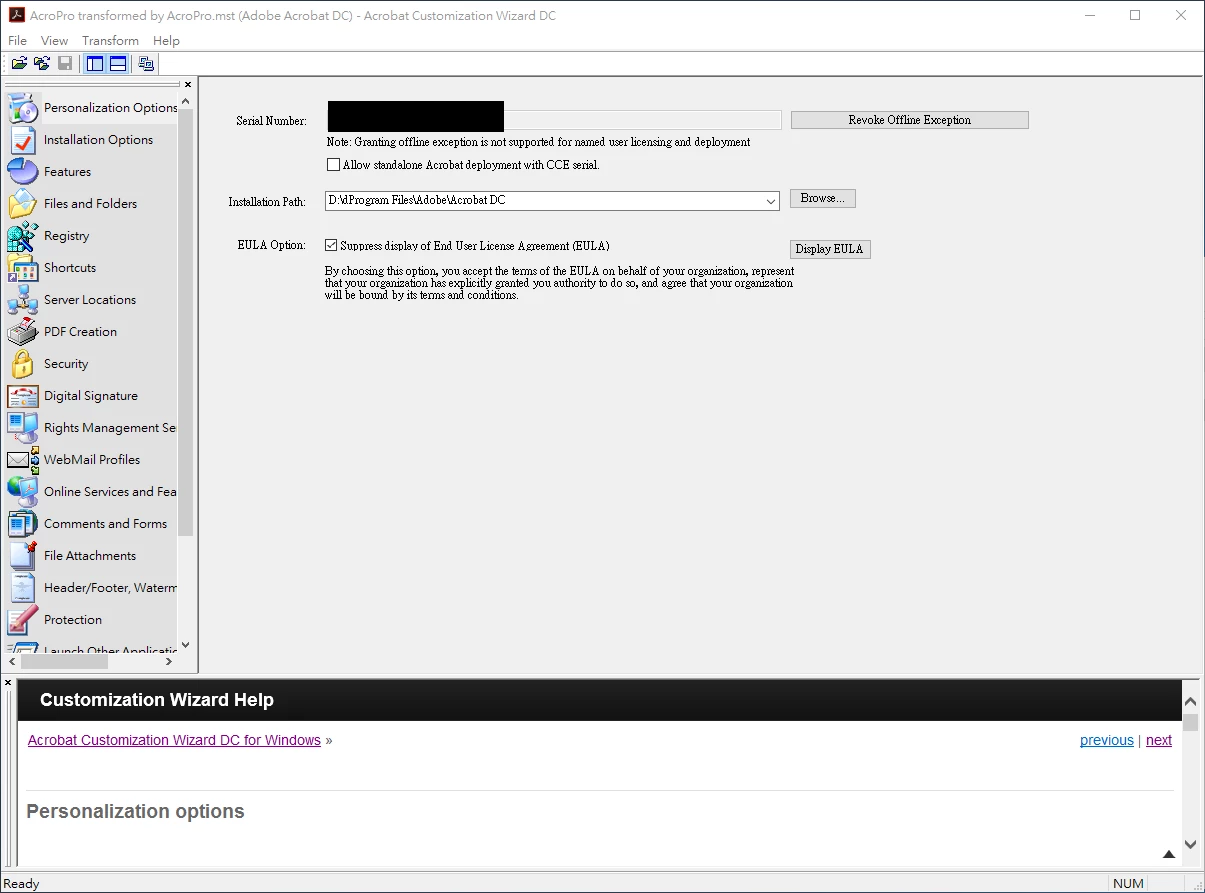
Then, I tried on Windows10 VM. Also "Sign-in" dialog didn't prompt. (it seems work.)

However, it DID NOT WORK on Windows 7 Host. "Sign-in" dialog prompts EVERY TIME when i open Acrobat

(I use Setup.exe to install)

MST is indeed in setup.ini
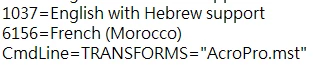
How can i fix it?

Thanks for help.

Fred

このトピックへの返信は締め切られました。
解決に役立った回答 Steve Cordero

Read the configuration instructions for a virtualized environment platform that you are using in the ETK.  The Grant Offline Exception is not supposed to be used in VM image configuration.

Windows Virtual Deployment Overview — Acrobat Virtualization Guide

返信数 1

Steve Cordero解決!
Adobe Employee
April 10, 2019

Read the configuration instructions for a virtualized environment platform that you are using in the ETK.  The Grant Offline Exception is not supposed to be used in VM image configuration.

Windows Virtual Deployment Overview — Acrobat Virtualization Guide