


Participant
July 16, 2022
解決済み

Lock transparency is not working in fresco

  • July 16, 2022
  • 返信数 1.
  • 1657 ビュー

Hi Team.,


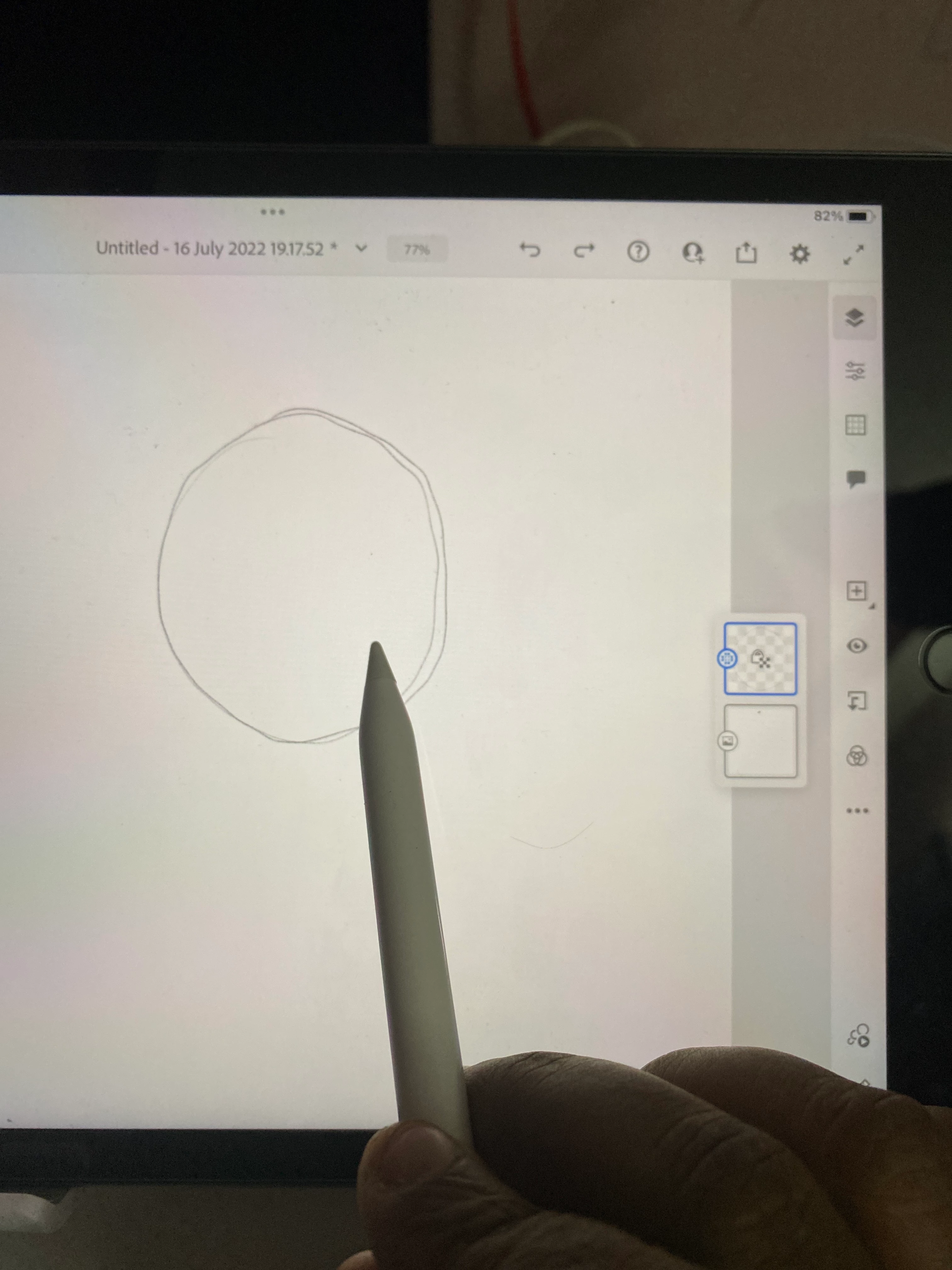
I have set the lock transparency for a single layer and when I try to color inside that layer nothing happens, there is no Color's coming inside the layer, it's empty 


I am using iPad and pencil
このトピックへの返信は締め切られました。
解決に役立った回答 Sjaani

Locking transparency means that anything which is trasparent on that layer will stay transparent. You'll be able to change the colour of the lines you've drawn only with Lock Transparency turned on.

返信数 1

Sjaani
Community Expert
SjaaniCommunity Expert解決!
Community Expert
July 18, 2022

Locking transparency means that anything which is trasparent on that layer will stay transparent. You'll be able to change the colour of the lines you've drawn only with Lock Transparency turned on.

Participant
February 4, 2024

Hello, on the iPad Fresco App, I do not see the option to lock transparency, did they move it? 

Anubhav M
Community Manager
Community Manager
February 16, 2024

Hello @Laurie35239781wdhu,

Thanks for your patience, and sorry for the delayed response. Unfortunately, lock transparency is a feature that is only found on pixel layers. Vector layers do not support this feature. To use lock transparency, you will need to first convert the layer to a pixel layer.

Feel free to reach out if you have more questions or need assistance. We'd be happy to help.

Thanks,
Anubhav