


Participant
May 5, 2025
解決済み

Bottom of tools window cut off of screen

I have my tool windows snapped to the right hand side of the screen, but when they are "snapped" the bottom buttons of my windows are cut off from the screen, and I am unable to grab and pul the bottom back onto the screen. you can see here the missing buttons from the apperance panel. 
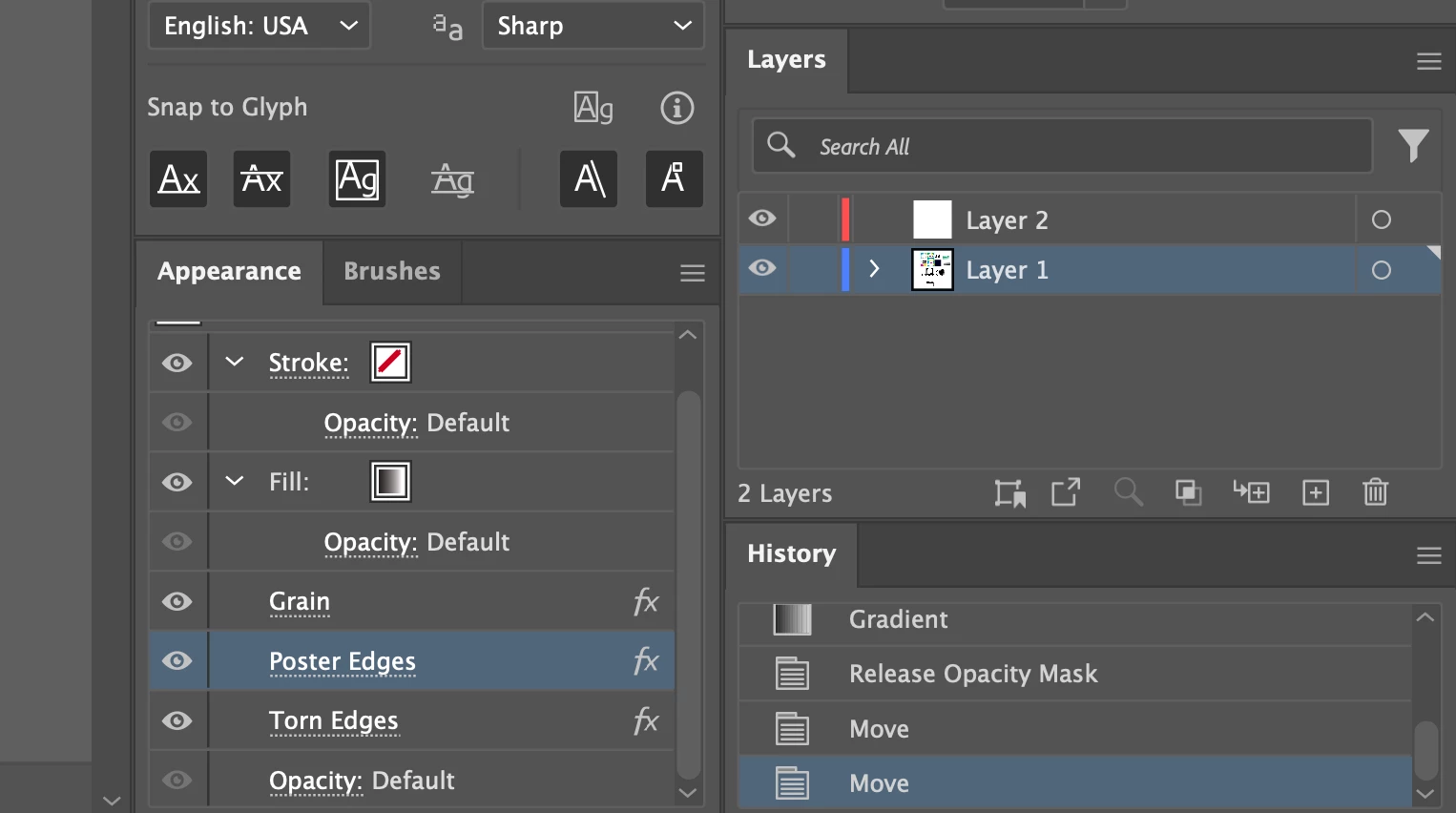


I can move the mouse to the bottom of the screen and access some of the buttons, but not all of them. as you can see here. 
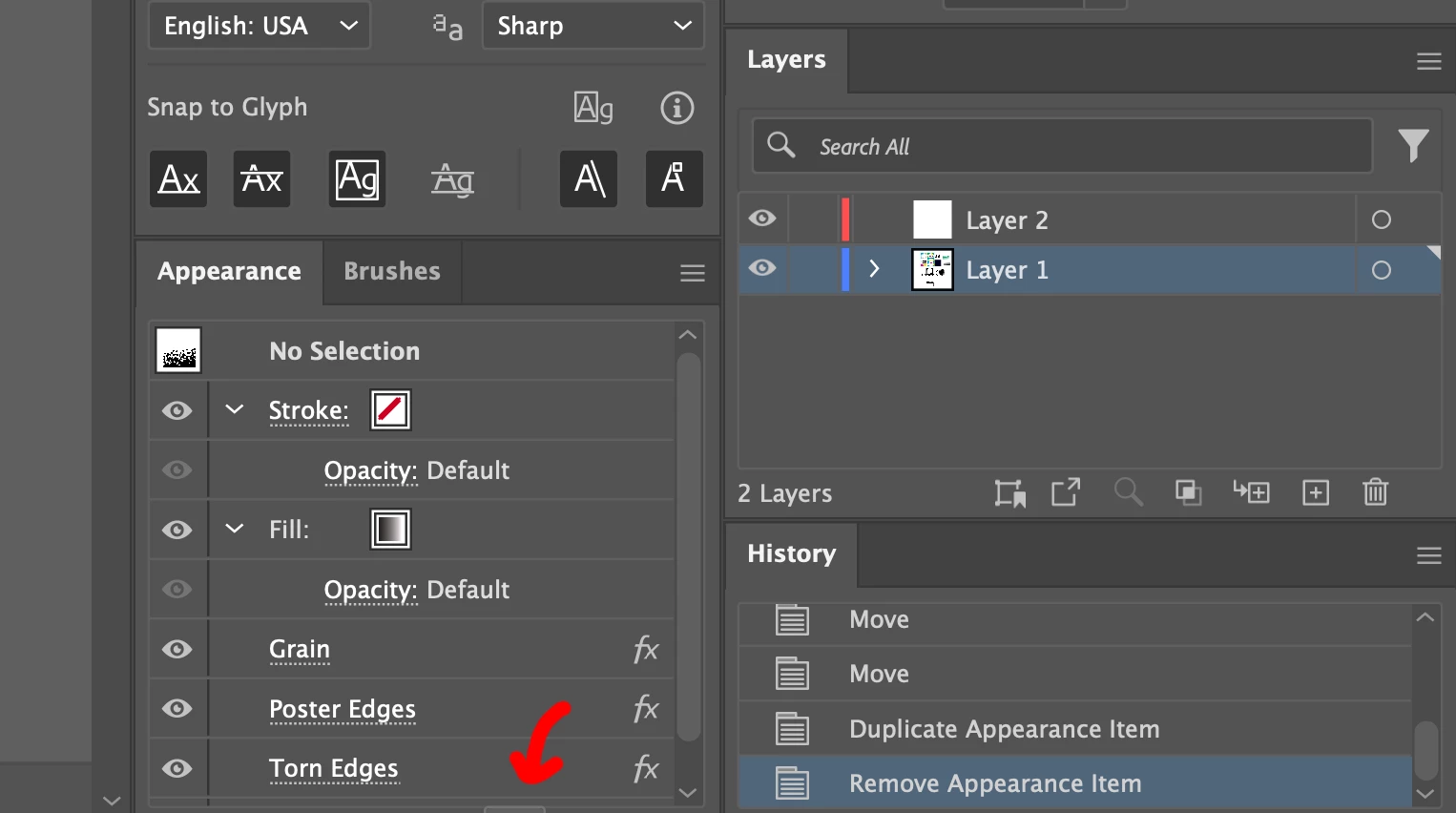


I have found a temporary solution by adding in a tool window to the bottom of my panel that I do not use, that itself gets fully ran off the screen.
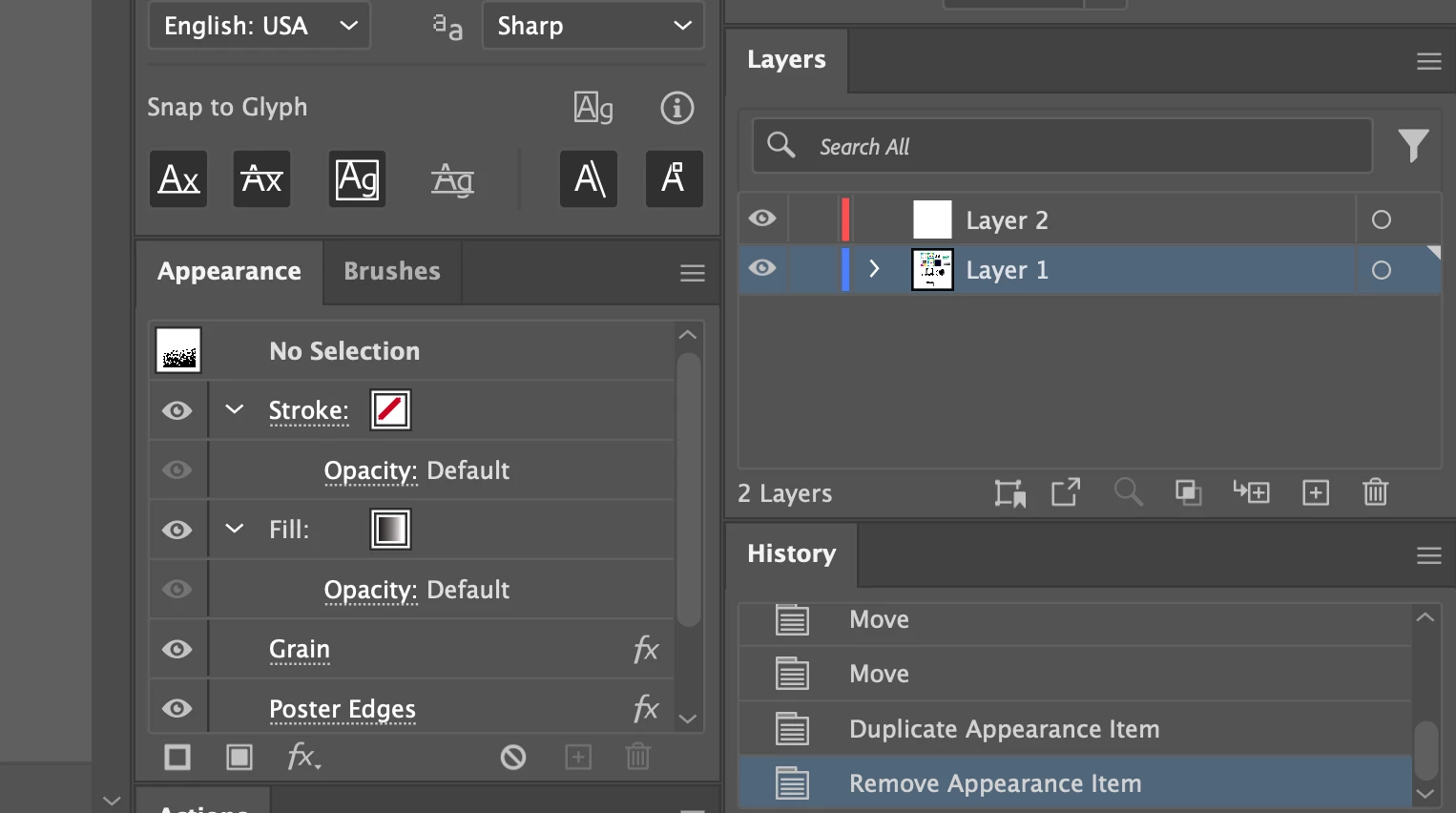
 

解決に役立った回答 Monika Gause

You have the application frame turned on, right? Then that shouldn't happen. But you would need to scale the application frame to the size of the screen.

返信数 1

Monika Gause
Community Expert
Monika GauseCommunity Expert解決!
Community Expert
May 5, 2025

You have the application frame turned on, right? Then that shouldn't happen. But you would need to scale the application frame to the size of the screen.

Participant
May 5, 2025

It was already turned on but swtiching it off and back on fixed the problem, thanks!

Monika Gause
Community Expert
Community Expert
May 5, 2025

Glad you could solve it!