



解決済み
PNG file has dark blue-grey background when exporting from 'Asset Export' into Acrobat PDF
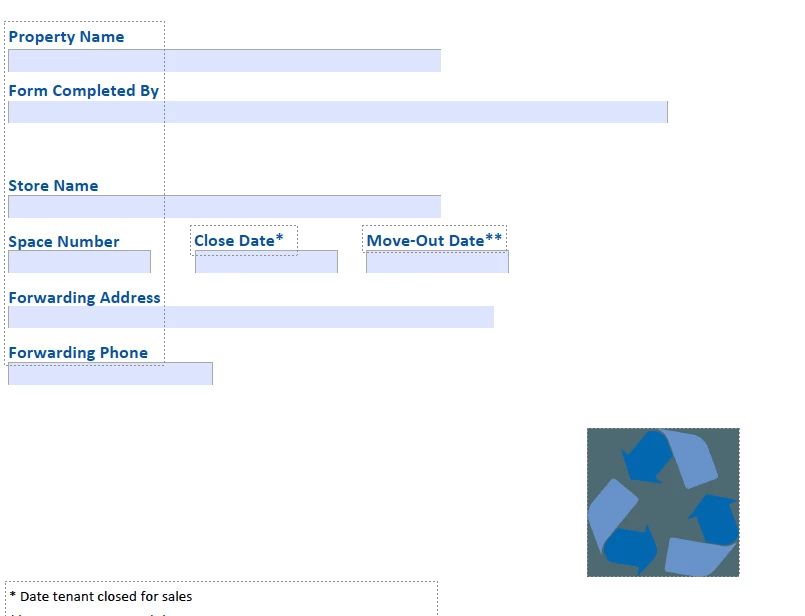
When exporting PNG files from 'Asset Export' in Illustrator and importing the file into Acrobat PDF, a dark blue-grey background appears for no reason. There is no background around the graphic in Illustrator, and none when viewing in any other app or preview. It only shows up when importing the PNG to Acrobat.
I've never had an issue with any file format exported from this panel until now.
If anyone has encountered this before and can offer a solution, it would be greatly appreciated.
Here's an example of what I'm seeing on my end.
 AdChoices