

Participant
March 28, 2024
解決済み
Estilo anidado no cumple al 100%
- March 28, 2024
- 返信数 1.
- 486 ビュー

Efectivamente, esto es lo que me tiene loca. Lo que he hecho ha sido crear 1 estilo donde busque 2 puntos y otro estilo para párrafos sin 2 puntos. No sé si es la solución, pero me ha funcionado 😉
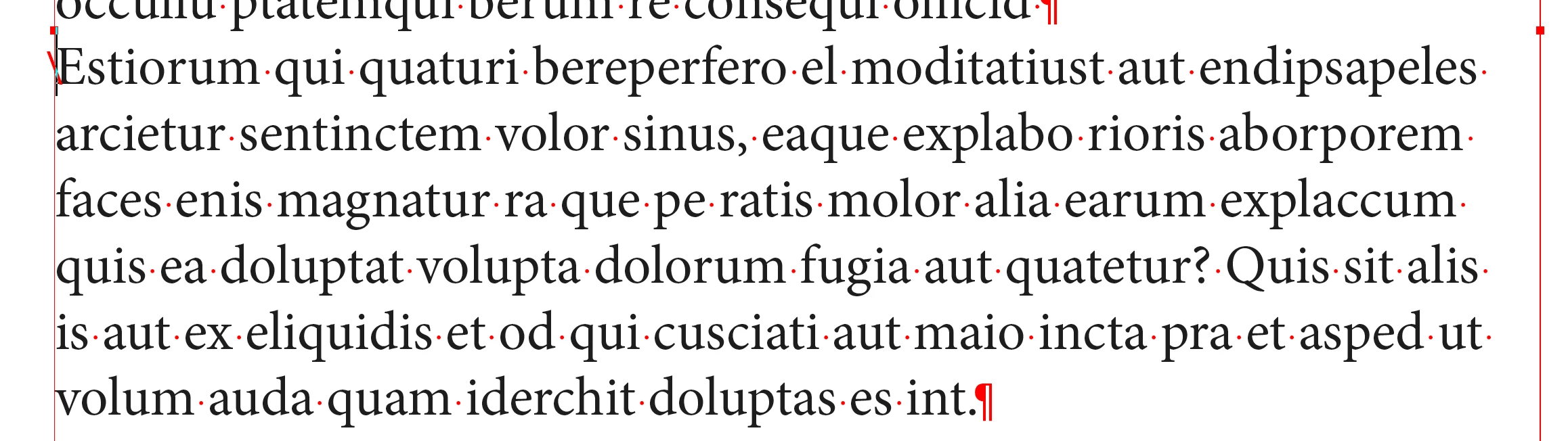
You can have one style only and insert an “end of nested style character” at the very beginning of the paragraph to force the bold character to stop. I use it very often.
Text menu > Insert a special character > other > end of nested style.
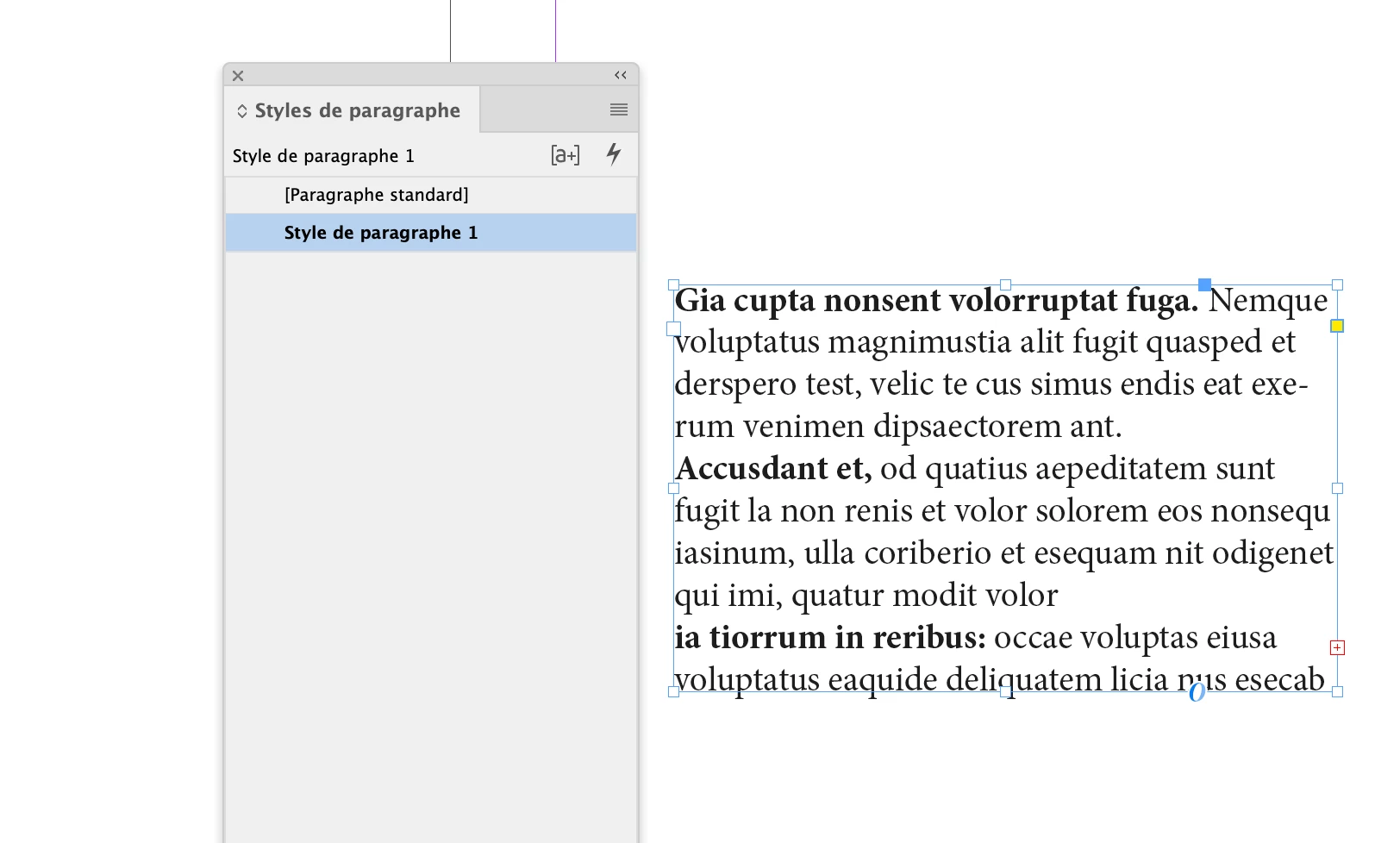
To go further, you could use a single paragraph style for all your exemples. Just choose to end the bold style by choosing either comma, dot, colon for the triggering character.

Enter your E-mail address. We'll send you an e-mail with instructions to reset your password.
 AdChoices