Chris  P.  Bacon
Inspiring
September 10, 2022
解決済み

Full page PNG gradient with transparency stacked to the top, yet covering content beneath

  • September 10, 2022
  • 返信数 1.
  • 809 ビュー

I have a full page PNG gradient with transparency stacked to the top within the same layer, yet it's covering content beneath, except one image:
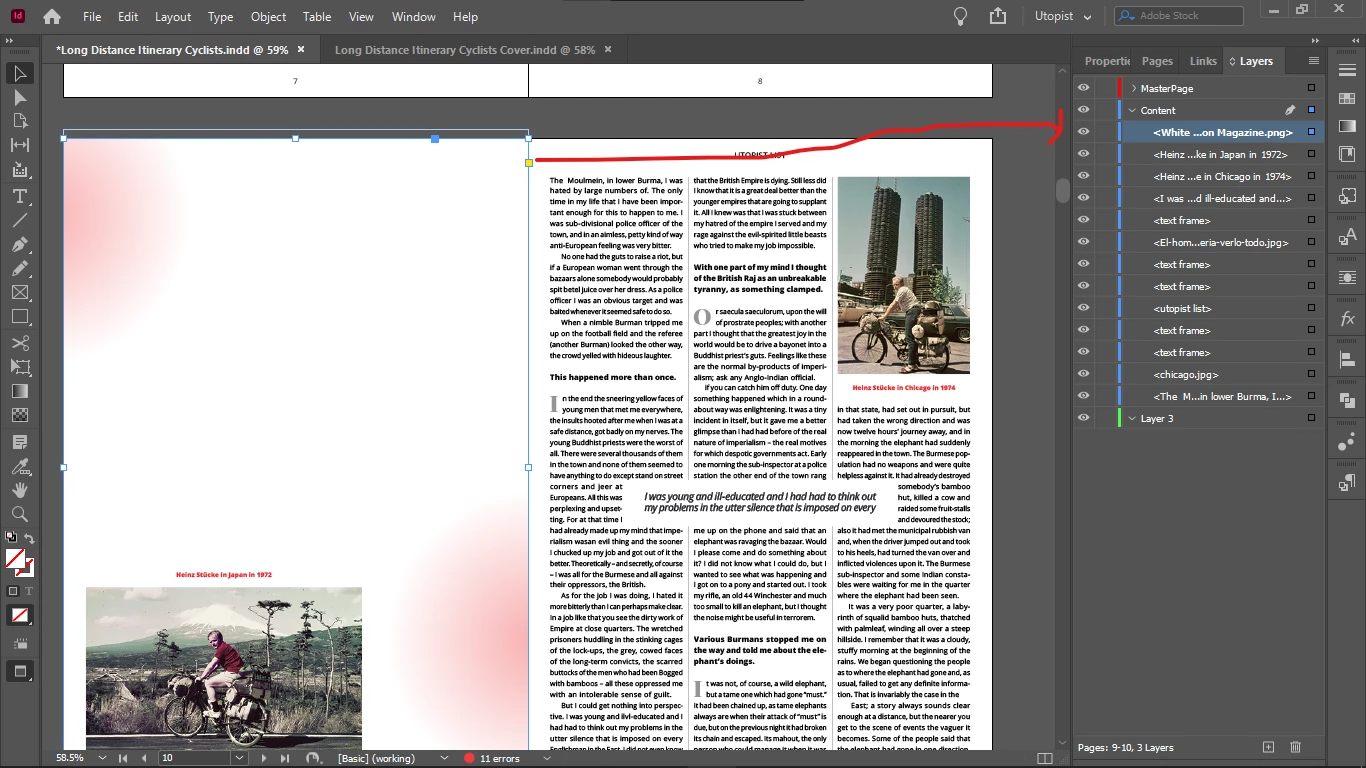
What am I doing wrong here?

The image is tested, it's transparent, only the gradient is on in the 2 corners.
このトピックへの返信は締め切られました。
解決に役立った回答 Chris P. Bacon

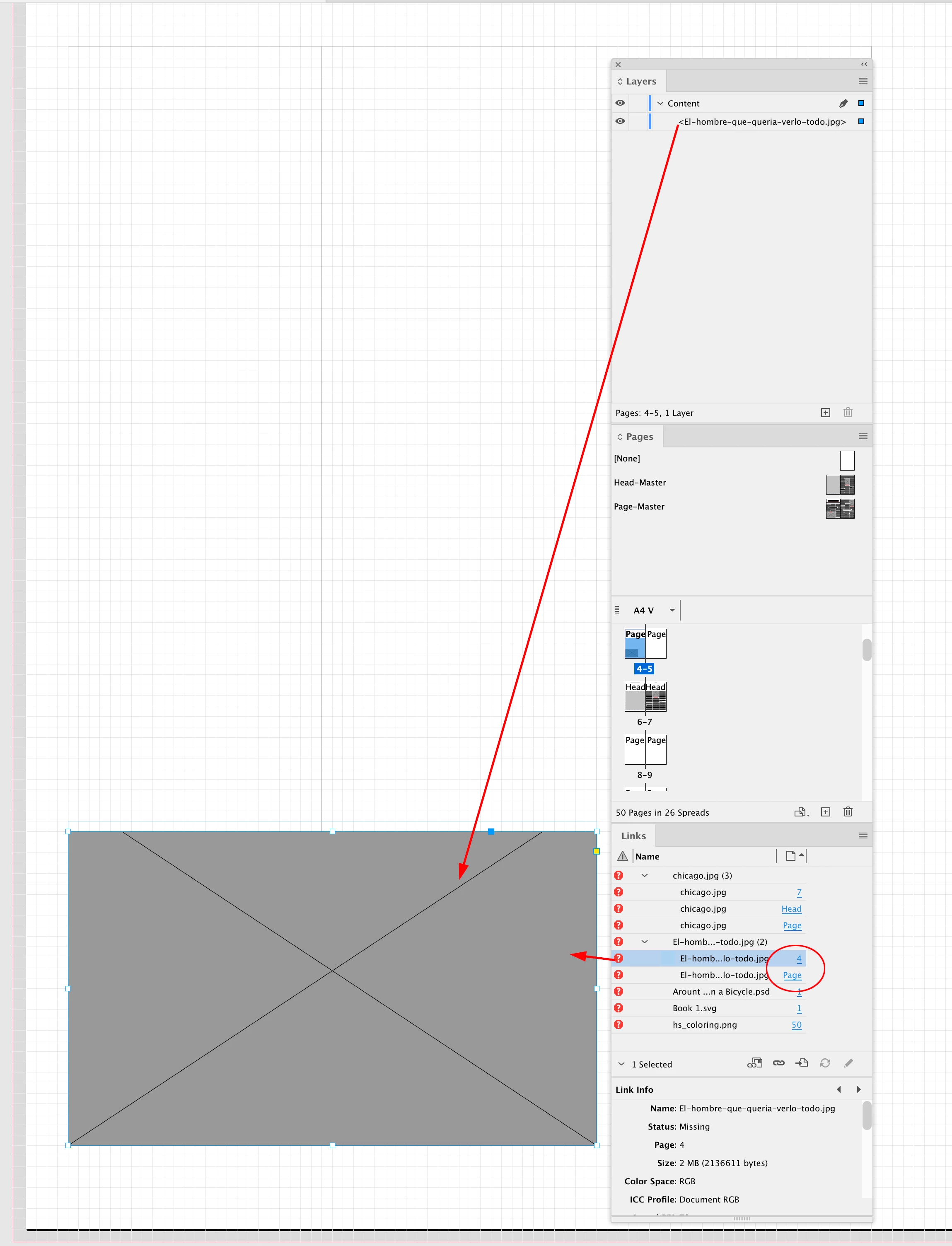
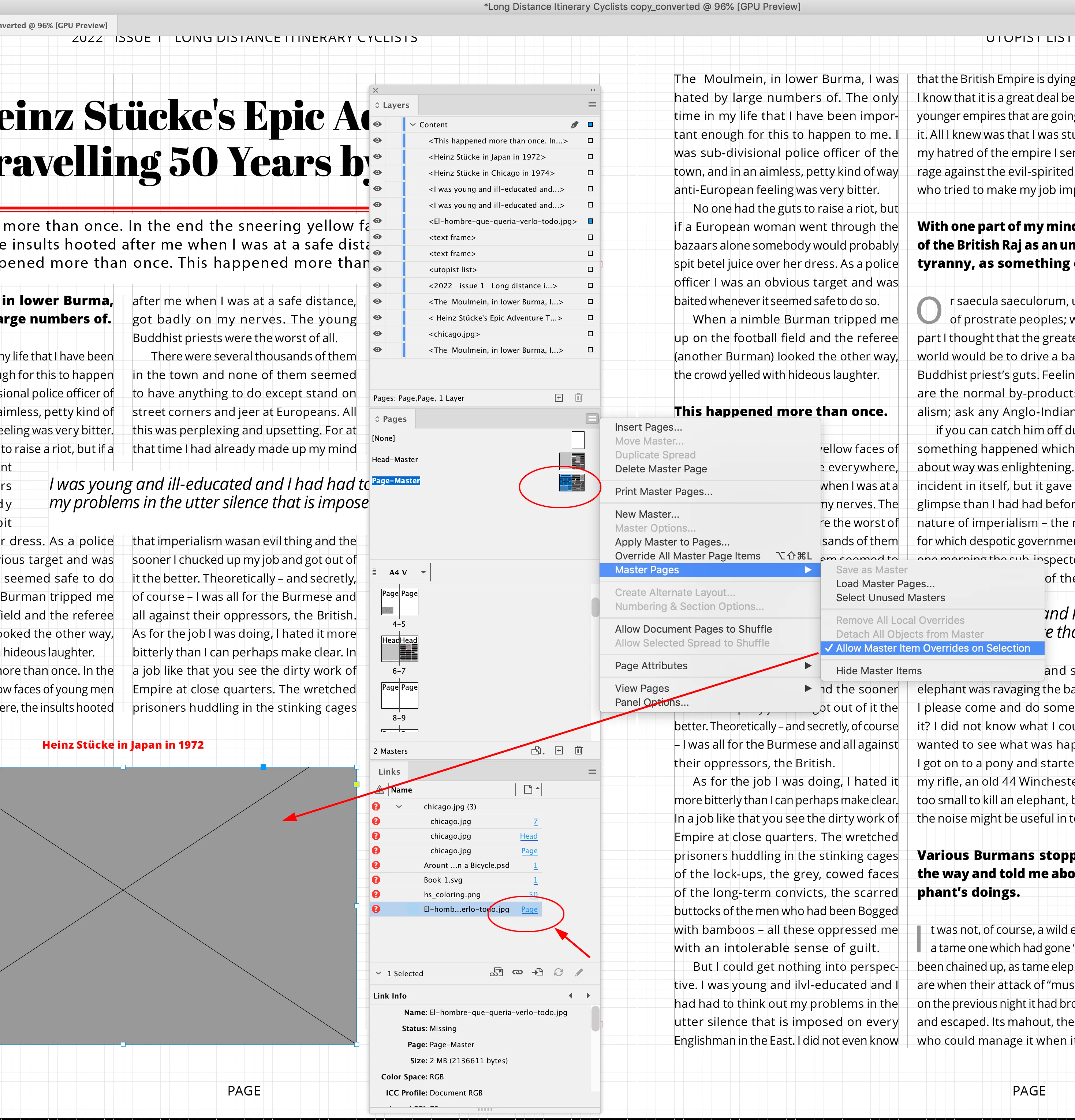
The image on page 4 is a master/parent page item, not a page item, and you’ve prevented the image from being overridden from the Page-Master Parent page—allow overrides needs to be checked:


Now I can override the parent/master page item, converting it into a page item,—the new page item shows in the page 4 Contents layer


I think you are mis-understanding how Parent/Master Pages work—you don’t normally put content that needs to be edited on the Parent Pages—they are for repeating items like folios, running heads, repeating background, etc. Also, read about Primary Text Frames for sharing flowing text between Parent/Masters:


https://helpx.adobe.com/indesign/using/master-pages.html


https://helpx.adobe.com/indesign/using/creating-text-text-frames.html


https://community.adobe.com/t5/indesign-discussions/can-someone-help-demystify-how-primary-text-frames-actually-work/td-p/8930818#9329177


"Allow master Items Override on Selection" - that was it, thanks

返信数 1

rob day
Community Expert
Community Expert
September 10, 2022

Make sure the .PNG’s container frame’s Fill is set to [None], also the PNG has to be 24-bit. Generally .PSDs are a better format for transparency.

Chris  P.  Bacon
Inspiring
September 10, 2022

Fill is set to none.

I will check the bits.

PSD is best for transparency or PDF?

Or PDF doesn't even support it?

Is there any better solution for gradients?

rob day
Community Expert
Community Expert
September 10, 2022

I save all of my images as .PSDs there are no advantages in using web formats like .PNG and .JPEG and plenty of disadvantages. The only exception would be if you are setting type in Photoshop, in that case saving as PDF will keep the text from rasterizing.