

Known Participant
May 9, 2024
解決済み

How do I align a table or image to a page in indesign? so that the distance is the same with the mar

このトピックへの返信は締め切られました。
解決に役立った回答 rob day

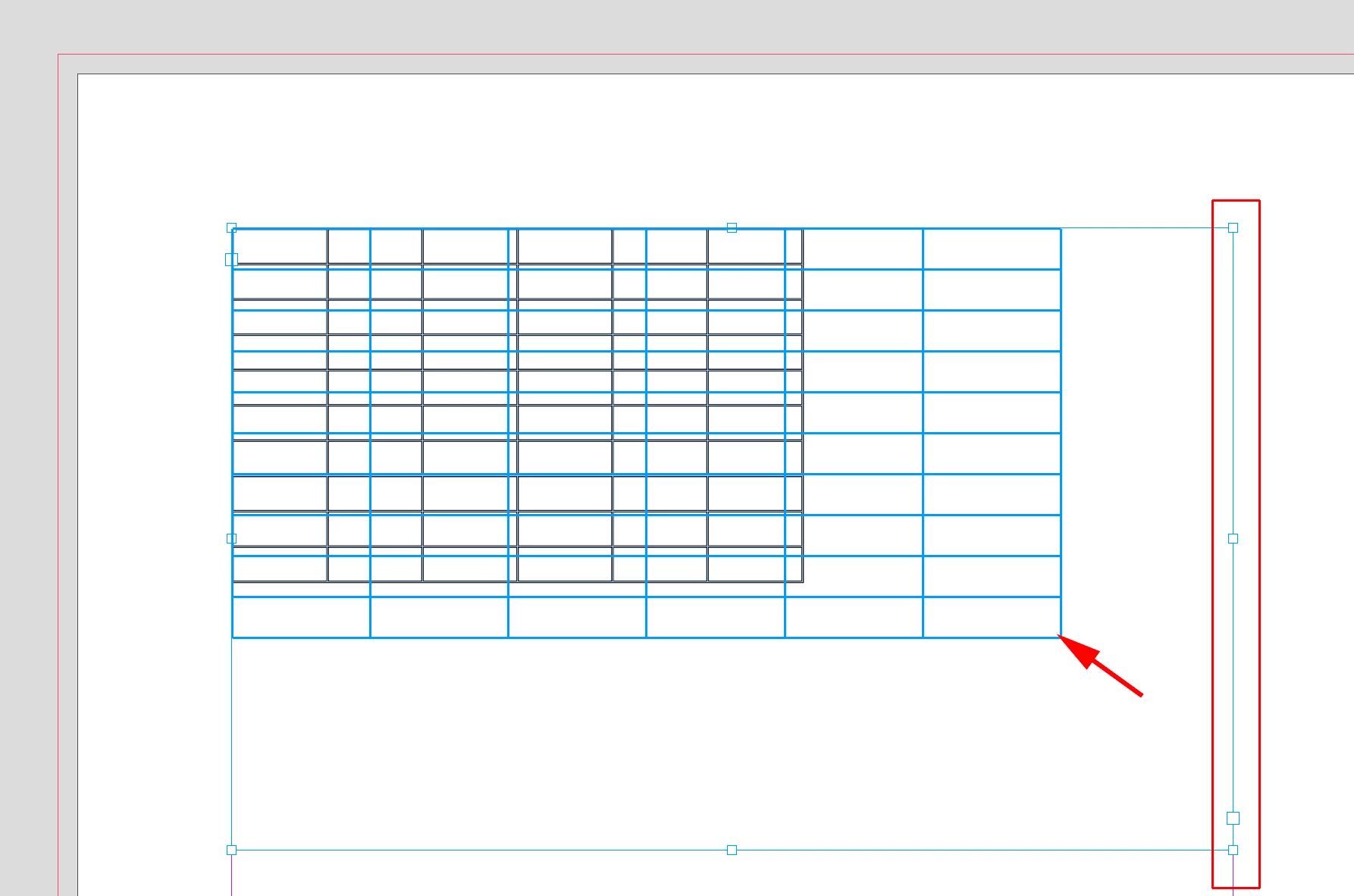
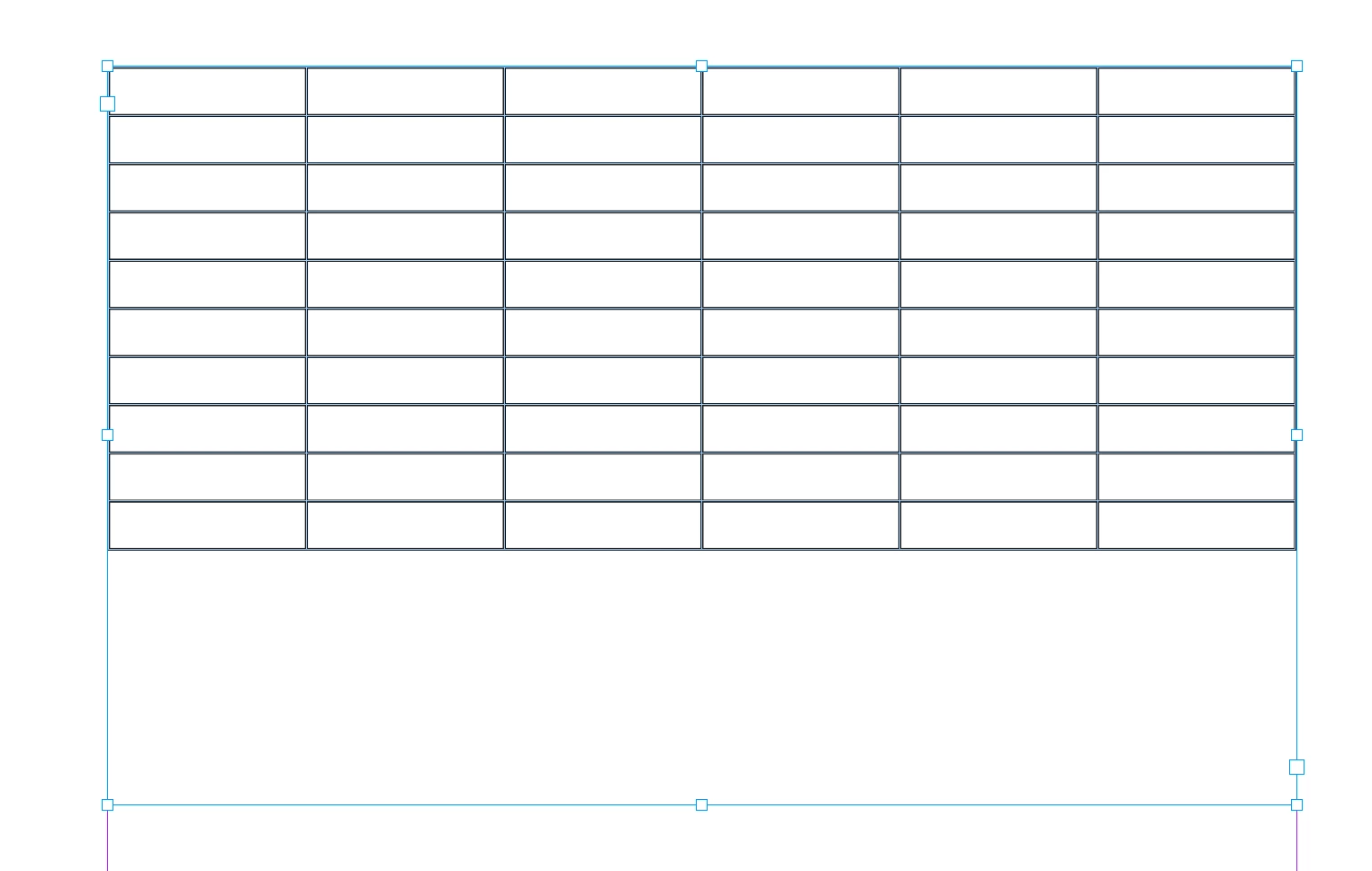
Hi @James3669094303ct , Tables are always inserted into a text frame, so set the text frame to the page margins, then grab the corner of the table and drag to fill the text frame.


返信数 2

rob day
Community Expert
rob dayCommunity Expert解決!
Community Expert
May 9, 2024

Hi @James3669094303ct , Tables are always inserted into a text frame, so set the text frame to the page margins, then grab the corner of the table and drag to fill the text frame.


Barb Binder
Community Expert
Community Expert
May 9, 2024

Hi James:


Do you want the table and image to span the page, margin to margin? Place both against the left margin.


For the table: select the Type tool, hold the Shift key and drag the right edge of the table to the right margin. (Shift resizes the entire table and not just the individual column.)


For a graphic: select the Selection tool, hod the Shift key, and drag the lower right corner of the frame down and right to the right margin. (Shift maintains the aspect ratio.) As a default, resizing a frame does not resize the graphic, so use one of the frame fitting commands to fill the frame.


Another option is to enable Auto-fit, link the Width and Height values in the Control panel, and type in the image area width (in my example, the page is 8.5" wide, with half inch margins on both sides, so I typed in 7.5") and press Enter.


~Barb


~Barb at Rocky Mountain Training