


How to Automatically Update Hyperlinks When Moving Pages in an InDesign Book File
This is my first time using a Book file, and I'm creating a digital planner. I have inserted text frame hyperlinks for each week and date. However, when I move a page within the same document, the hyperlinks do not update automatically. From what I understand, when moving a page to a different position, the hyperlinks should automatically update, but this is not happening with the Book file.
For example, I have already inserted a text frame link to February 1 on "January.indd" file, and the destination is set to "February.indd" and page "Feb1."
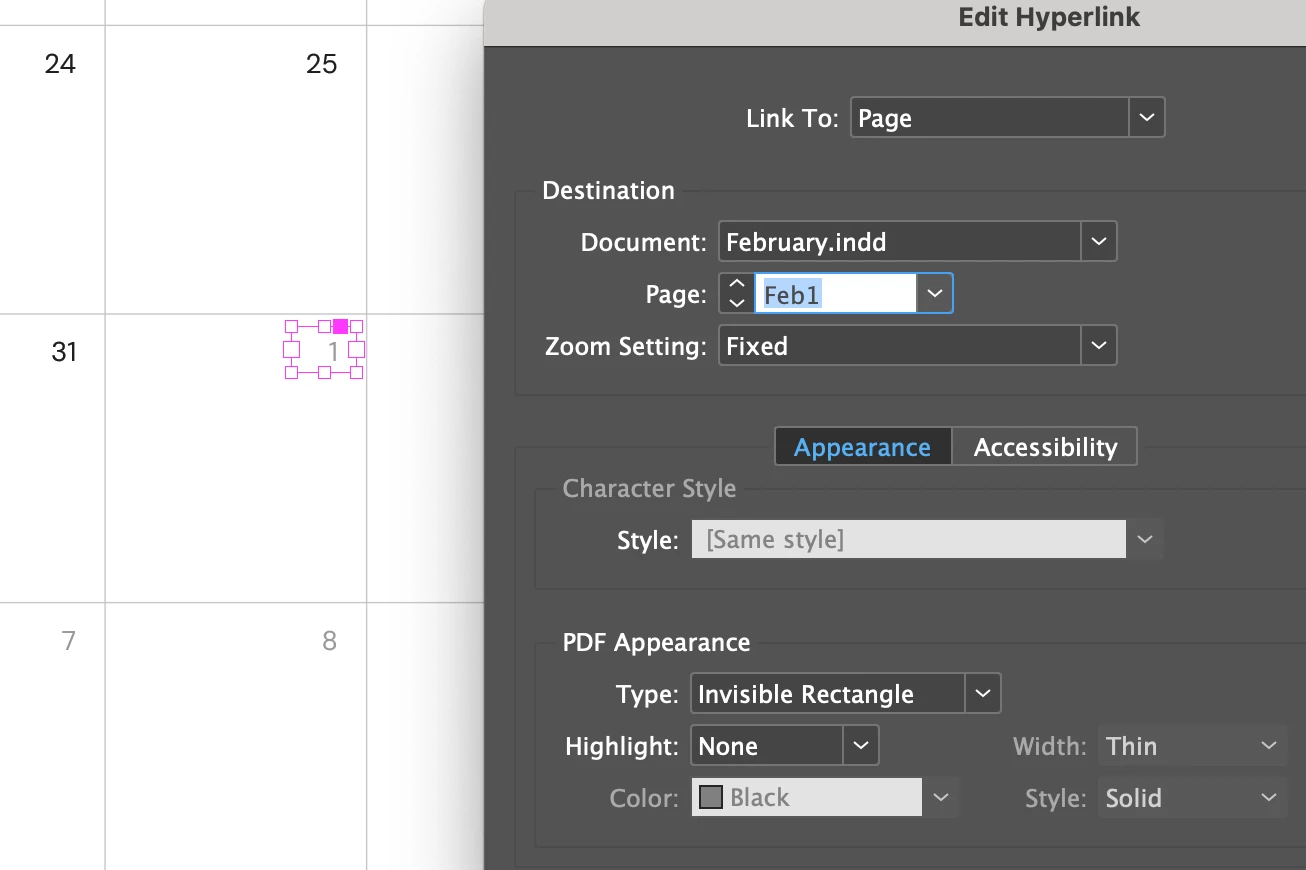
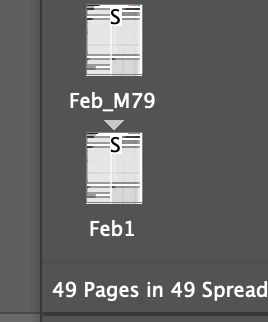
However, when I go to the "February.indd" file and move the "Feb1" page to the last page of the document, on the "January.indd" file, the hyperlink destination doesn't update and links to the wrong page.
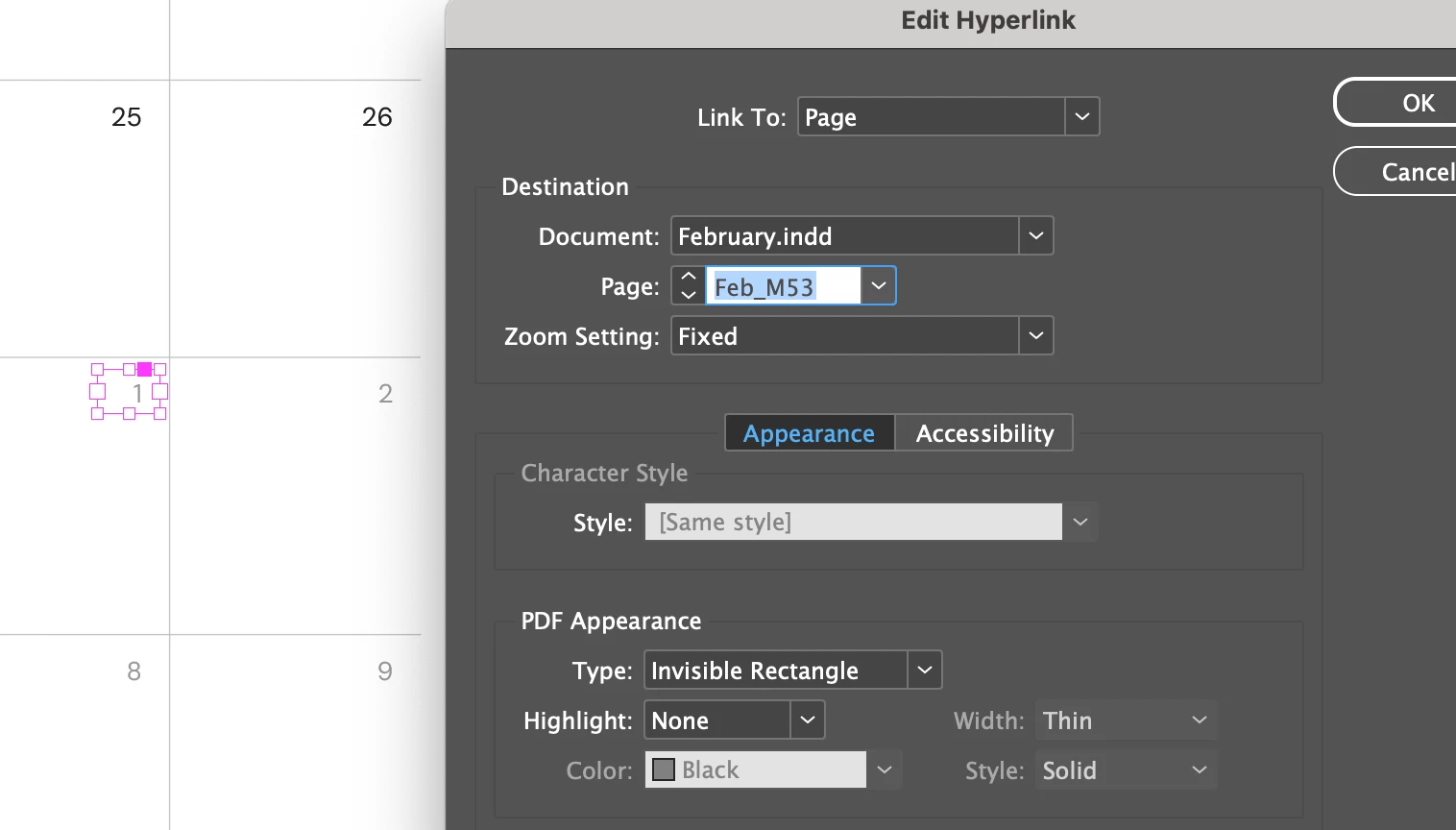
Is there any way to fix this? How can I rearrange pages within the document while keeping the hyperlinks intact?
<Title renamed by MOD>
 AdChoices