


Participating Frequently
July 4, 2018
解決済み

InDesign Column Break and Keep Issues

  • July 4, 2018
  • 返信数 3.
  • 4702 ビュー

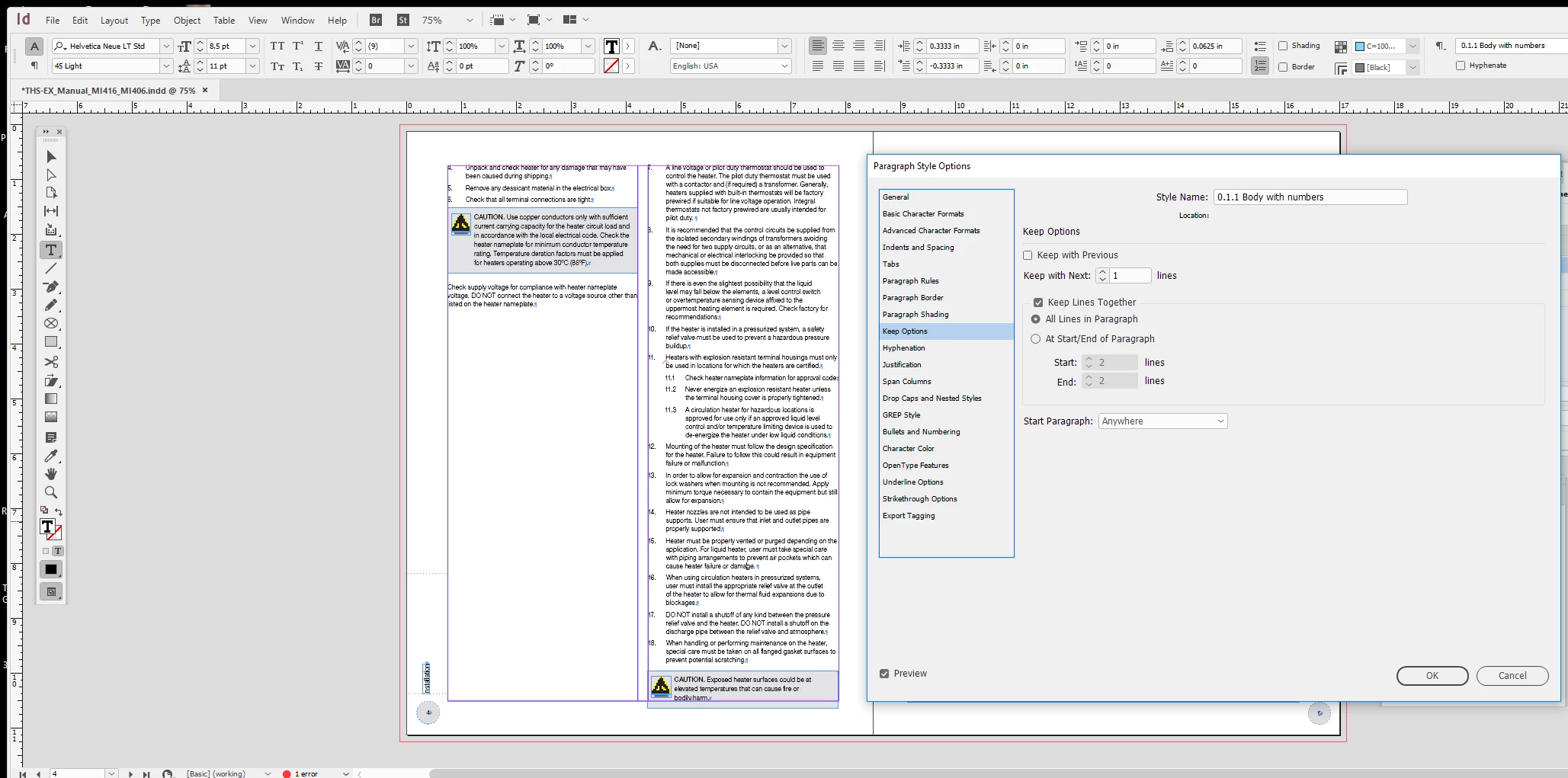
I'm really under a time crunch and I can't seem to figure out what the issue is.... I have set the keep on the paragraphs to "Keep All Lines in Paragraph Together" but lines are still breaking. The text is supposed to keep flowing in the same left column, but I really don't know know what's going on. I have other files using the same paragraph styles, so I've imported them and replaced all the styles in this file. It still won't go away and it's just this file with the issue... Does someone know what might be going on? How can i fix this?

Overall view with settings...
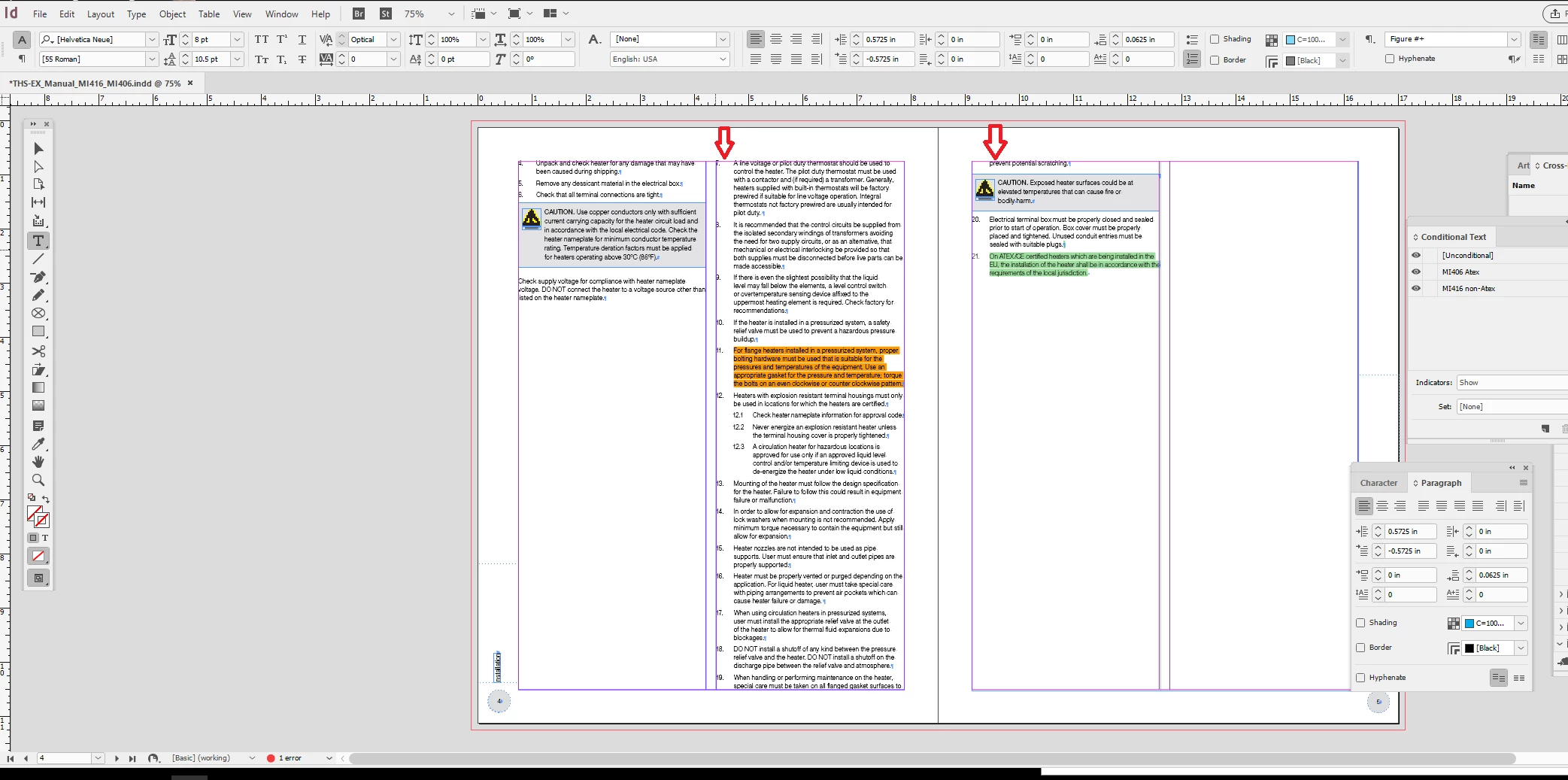
When I show my conditional text... you see the breaks where they shouldn't be even though I have set it to keep all the lines together...
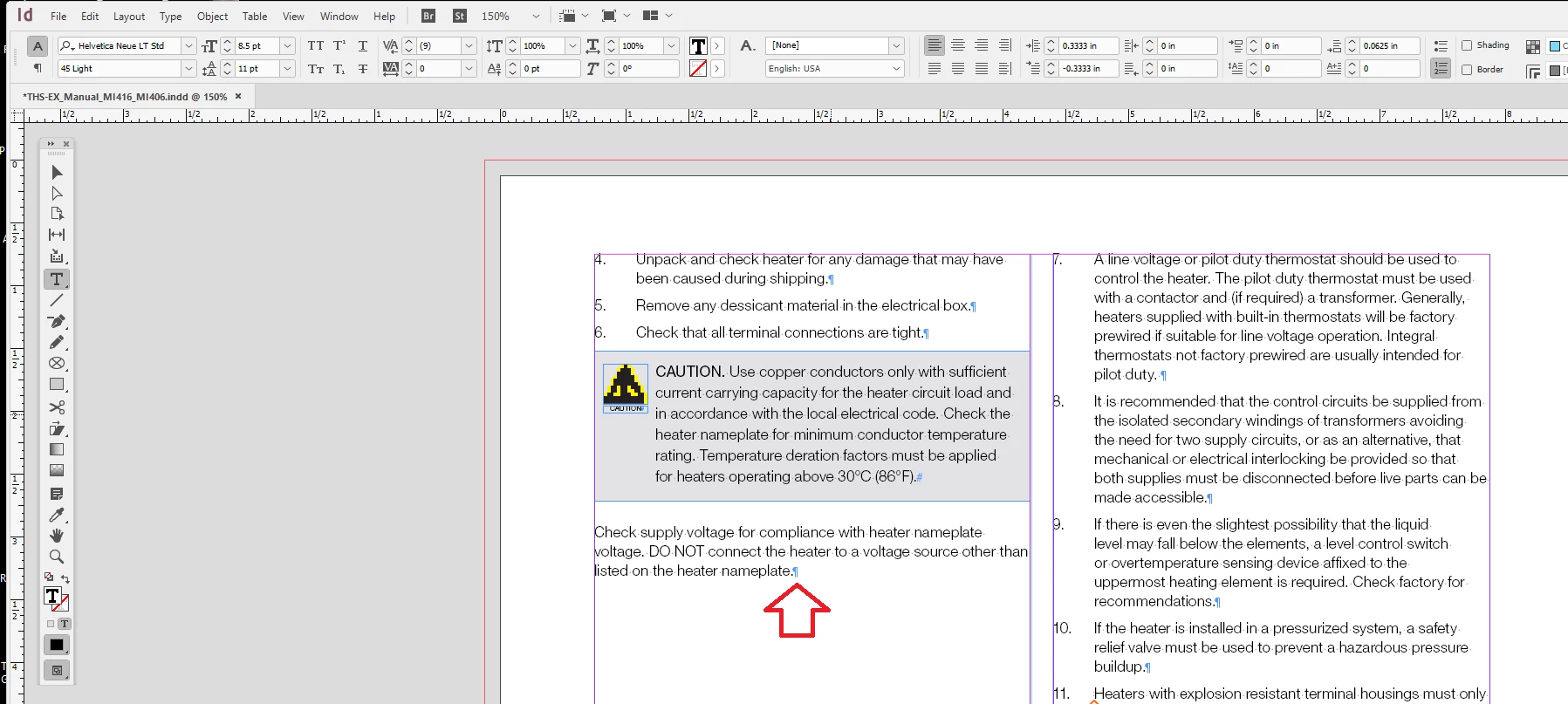
I don't know why it moves my text into the next column like I have a column break. I suspect it might have something to do with the 'keep all lines together'. But it doesn't do that with my other files...
このトピックへの返信は締め切られました。
解決に役立った回答 Scott Falkner

Set the Keep with next value to zero. You have the text defined so it must all fit into one column, assuming the Keep with Next 1 line and Keep all lines together options are consistent.

返信数 3

Willi Adelberger
Community Expert
Community Expert
July 5, 2018

if not all paragraphs fit into a column the keep with next is obsolote, as it is not possible to keep all together in the same column. Set the keep with next to 0.

vladan saveljic
Inspiring
July 5, 2018

set the value "Keep with Next" 0 lines (instead of 1)

Scott Falkner
Community Expert
Community Expert
July 6, 2018

Wish I’d thought of that.

Barb Binder
Community Expert
Community Expert
July 6, 2018

Sorry Scott, I'll fix that now.

~Barb

~Barb at Rocky Mountain Training
Barb Binder
Community Expert
Community Expert
July 4, 2018

Are you trying to get step 7 back (and the following paragraphs) into the left column?

Knowing that you are in a hurry, the quickest approach is to share your file on dropbox and post a link here (public) or hover over my name and message it to me (private).

~Barb

~Barb at Rocky Mountain Training
Scott Falkner
Community Expert
Scott FalknerCommunity Expert解決!
Community Expert
July 5, 2018

Set the Keep with next value to zero. You have the text defined so it must all fit into one column, assuming the Keep with Next 1 line and Keep all lines together options are consistent.

biancaho作成者
Participating Frequently
July 6, 2018

This worked! Thanks! I didn't think the keep number mattered because I had it set to 'keep all lines together'.