Exit
  • Global community
    • Language:
      • Deutsch
      • English
      • Español
      • Français
      • Português
  • 日本語コミュニティ
  • 한국 커뮤니티
0

InDesign: font not displaying properly, letters are zigzagged up and down.

New Here ,
Feb 07, 2024 Feb 07, 2024

Hi all!

I have an InDesign document, using a font I had to install from online (I have 4 types, they are all .ttf from the same link, github; the font is Sukhumvit-Set, and it was not available in creative cloud or fonts.adobe.com). 


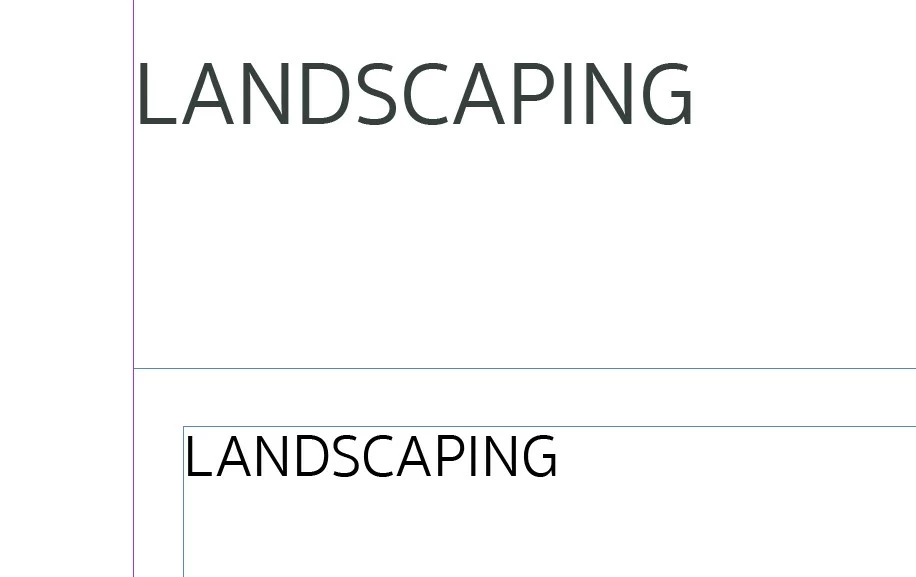
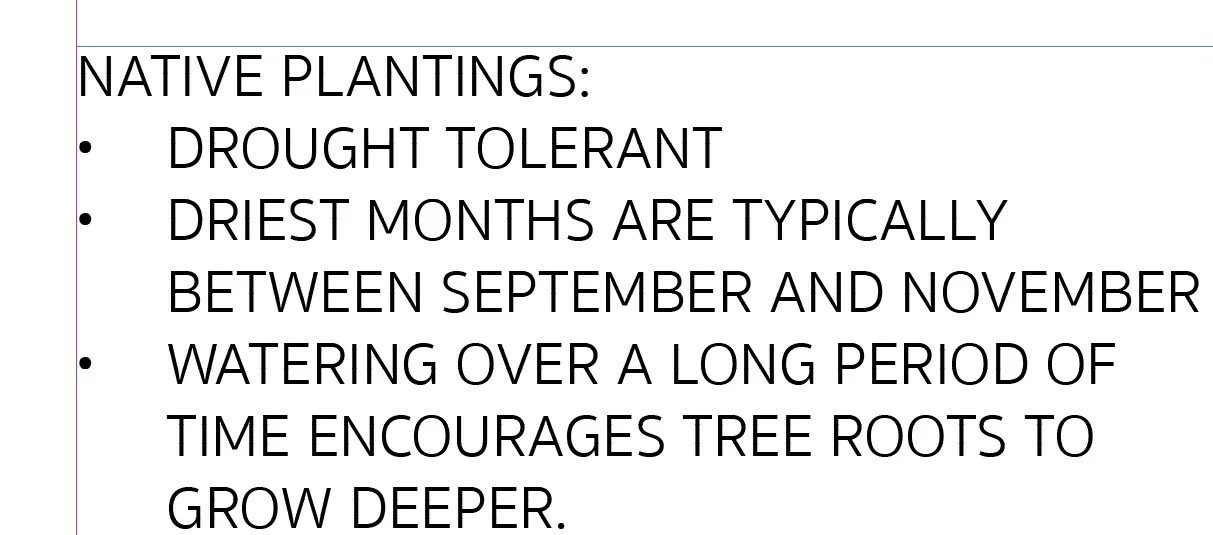
When viewing my ID document using the "Fit Page in Window" option, some of the letters are larger than others (I have to type in all caps for a project). However, when I zoom in closer to the affected objects, the text appears to have fixed itself, and all of the letters are the same height (not zigzagging up and down).


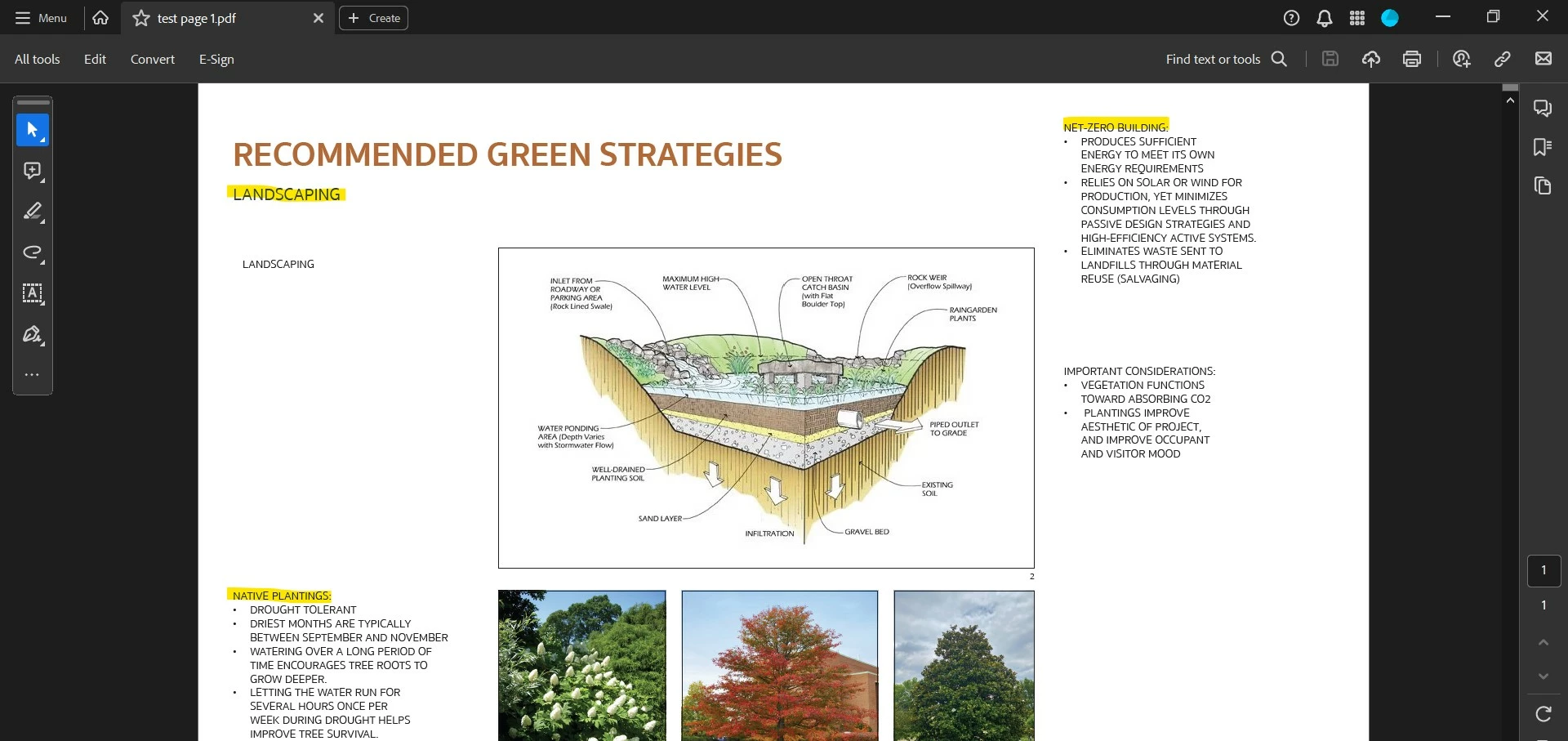
I have also tried exporting to an Adobe PDF, to view how the file outputs, the problem persists. 


I have tried troubleshooting, and a common suggestion was the GPU, but from what I learned, ID on Windows does not have GPU options in preferences. Also, my display performance is set to High Quality.


I attached screenshots of the problem, as well as the fixed appearance when zooming in.


Any help is much appreciated. God bless!


P.S. As I was writing this, I realized that the suggestion that might arise for me to simply use a different font. For the project, I am required to use this font. 
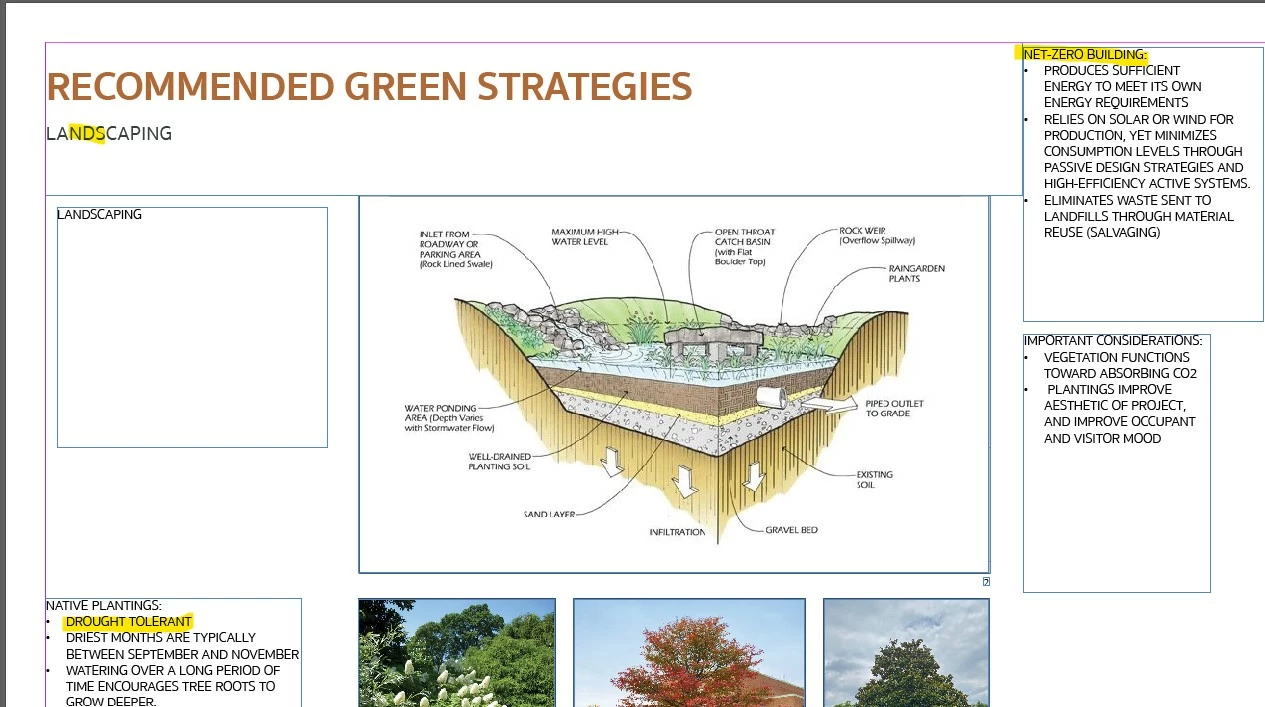
 

examples of affected text using fit page in window.jpg


text appears fine upon zoom - 1.jpg


text appears fine upon zoom - 2.jpg


incorrect display in acrobat.jpg


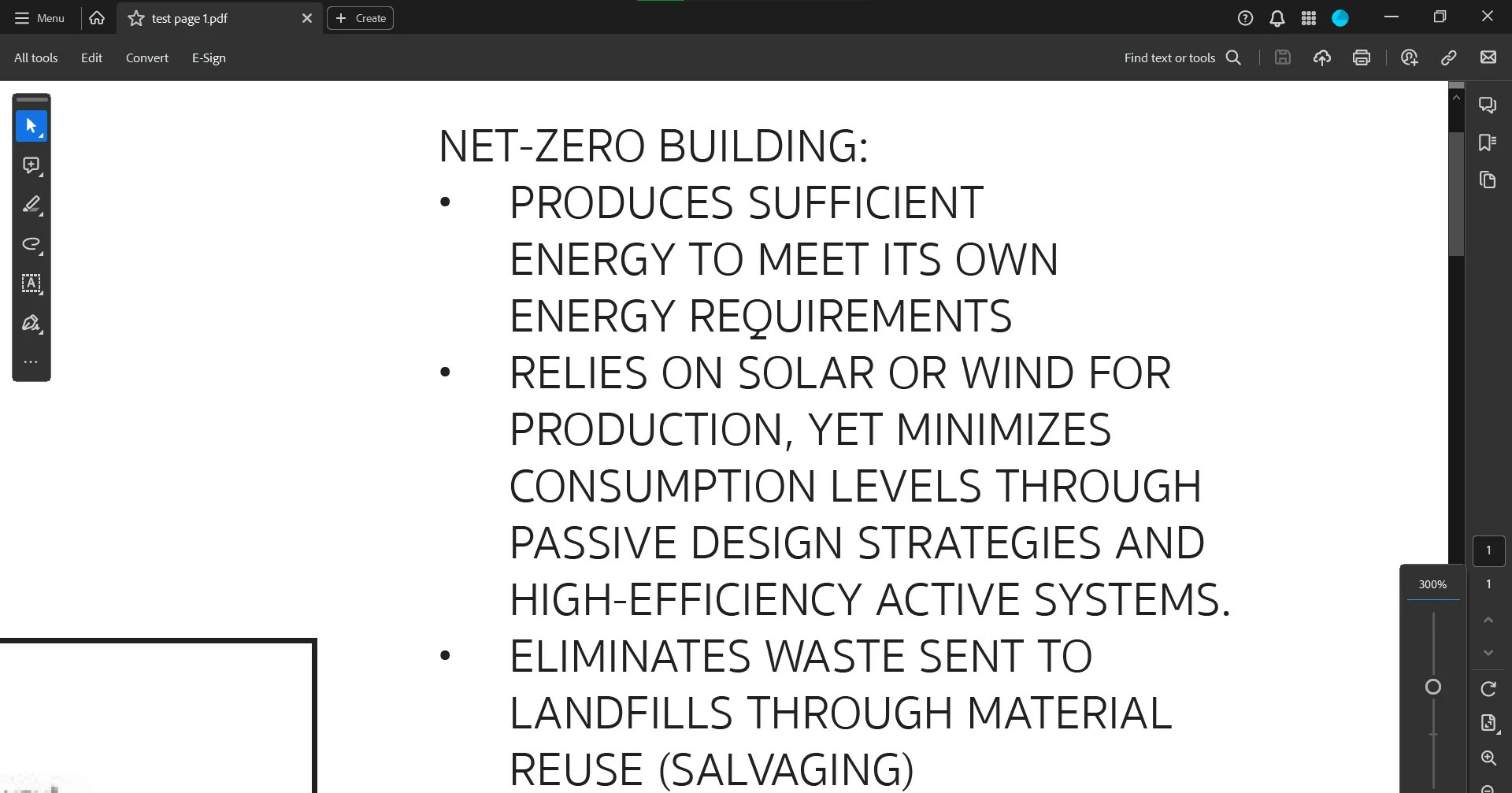
text appears fine in acrobat - 300% zoom.jpg

TOPICS
Type
257
Translate
Report
Community guidelines
Be kind and respectful, give credit to the original source of content, and search for duplicates before posting. Learn more
community guidelines
New Here ,
Feb 07, 2024 Feb 07, 2024

EDIT: I am unsure if my photo captions are visible: 

- the first photo shows the affected text using "fit page in window" in my ID document

- the second photo shows the text appearing fine upon zoom in ID

- the third photo also shows the text appearing fine upon zoom in ID

- the fourth photo shows the incorrect display in acrobat

- the fifth photo shows the text appearing font in that same acrobat PDF. 

Translate
Report
Community guidelines
Be kind and respectful, give credit to the original source of content, and search for duplicates before posting. Learn more
community guidelines
Community Expert ,
Feb 07, 2024 Feb 07, 2024

Frankly, it looks like a sub-standard font. If you're required to use it, then whomever made it the requirement should live with it.

Translate
Report
Community guidelines
Be kind and respectful, give credit to the original source of content, and search for duplicates before posting. Learn more
community guidelines
Community Expert ,
Feb 07, 2024 Feb 07, 2024
LATEST

Or to put it a different way, "you can't make a silk purse out of a sow's ear"!

Translate
Report
Community guidelines
Be kind and respectful, give credit to the original source of content, and search for duplicates before posting. Learn more
community guidelines