

Answered
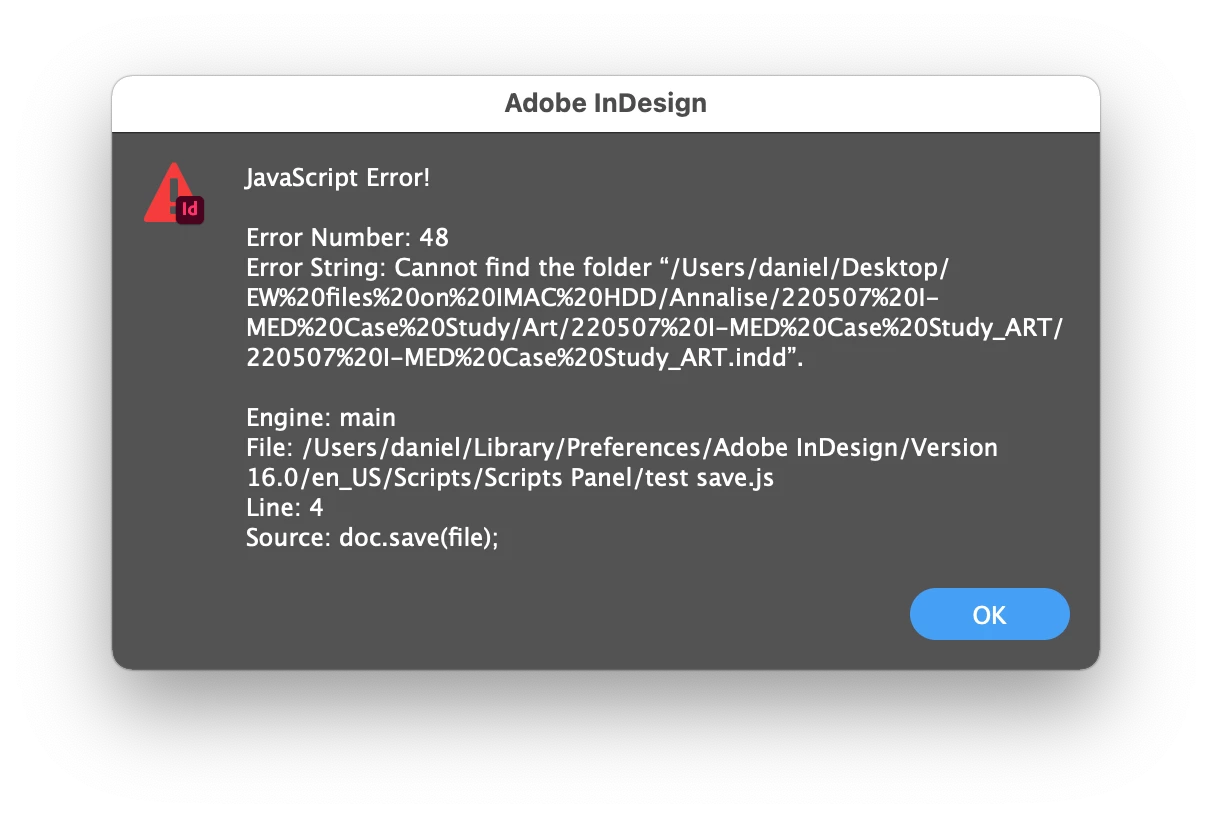
Script to "save as" to overwrite a file
I was wondering if it is possible to write a script to do a save as that overwrites a file without having to deal with the warning dialog boxes e.g "...the file already existi. Do you want to replace it etc."
The reason I want this;
I just found out that say you had a resource-heavy file with a bunch of images etc that was say 50MB, even if you delete all the content so it's a blank document and do a regular save, the file will still be 50MB. But if you did a save as and overwrote it it would go down to say 1MB. So doing regular saves causes a lot of file size bloating. If I could do save as's this would keep all my file sizes way down. I just dont like having to deal with the warning dialog boxes when doing so.
Thanks!
 AdChoices