

Participating Frequently
January 31, 2019
質問

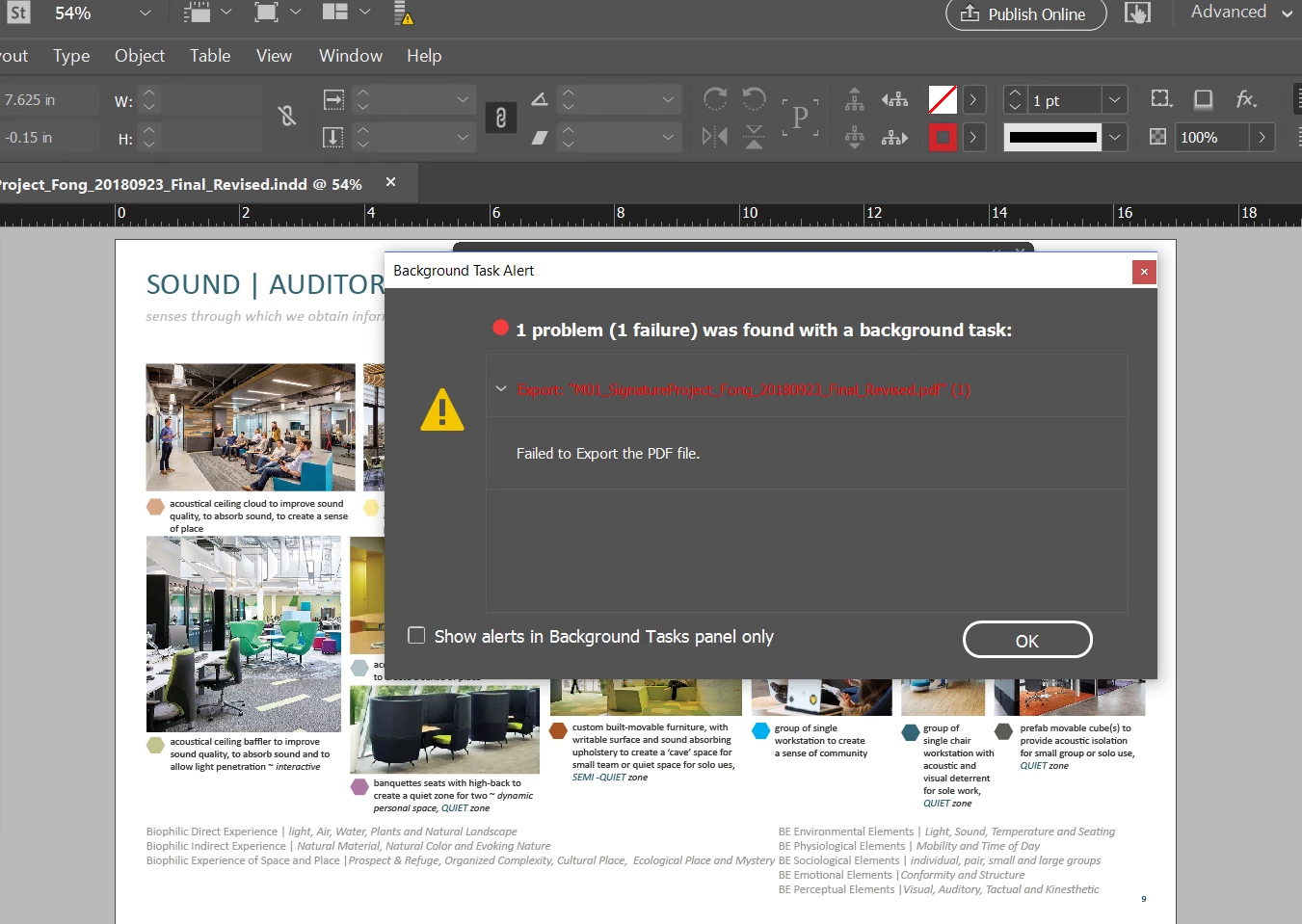
background task alert ... failed to print pdf ... help please
  • January 31, 2019
  • 返信数 1.
  • 2096 ビュー

I shut-down and restarted and this keeps happening.. please help. This is an urgent deadline.

Kind regards,

Kim

    このトピックへの返信は締め切られました。

    返信数 1

    winterm
    Legend
    January 31, 2019

    Things to try:

    1. If you're working on network, collect your ID doc and all linked files (package) locally on your HD, and export from here.

    2. Go back to 'old school' Foreground exporting:

    a) Create text file DisableAsyncExports.txt

    b) Place it in:

    MAC OS: /Applications/Adobe InDesign XX/Adobe InDesign XX.app/Contents/MacOS/DisableAsyncExports.txt

    Win: C:\Program Files\Adobe\Adobe InDesign XX\DisableAsyncExports.txt

    (that said, path where your ID is installed).

    c) To get things back, just remove/rename that text file.

    3. Locate the problem. Watch your exporting process. You should be able to notice on which page export halts on error (encounters some problem). Try to export that page separately. If it fails, look for the problem here. It may be bad link, bad font used, some minor corruption of the page itself, etc. Hard to tell exactly. However, almost everything can be fixed.

    bugeyes作成者
    Participating Frequently
    January 31, 2019

    I am workng on my dell laptop... The file is on my desktop drive.

    I am not on a MAC ....

    winterm
    Legend
    February 1, 2019

    Hi Kim,

    Did you go to the location that was specified in the post previously? What do you see there, can you post a screenshot of it. I suppose you are on a Windows machine, so you have to have InDesign.exe on your computer that is the program that launches InDesign. How do you launch InDesign, do you have a shortcut on Desktop? If so right click it and click on properties, in the window shown you should have a field with the path of the InDesign.exe shown, copy that path and open that folder.

    Regarding creating the file you can have a look at the following link. If you are not able to make it work open notepad, create a new document using the file menu and then save it at the path where the InDesign.exe is present.

    Hope this helps you out.

    -Manan


    Hi Manan,

    Seems like OP has very basic skills, and it may appear unbearably difficult to him/her to troubleshoot this relatively simple issue him/herself.

    @bugeyes:

    Which InDesign version are you using? Is the content of the file sensitive? Maybe you prefer to upload a package somewhere (you know how to package InDesign project, don't you?) and share a link here, or via Private Message. Someone could find and fix the issue for you.