


Exit
  • Global community
    • Language:
      • Deutsch
      • English
      • Español
      • Français
      • Português
  • 日本語コミュニティ
  • 한국 커뮤니티
0

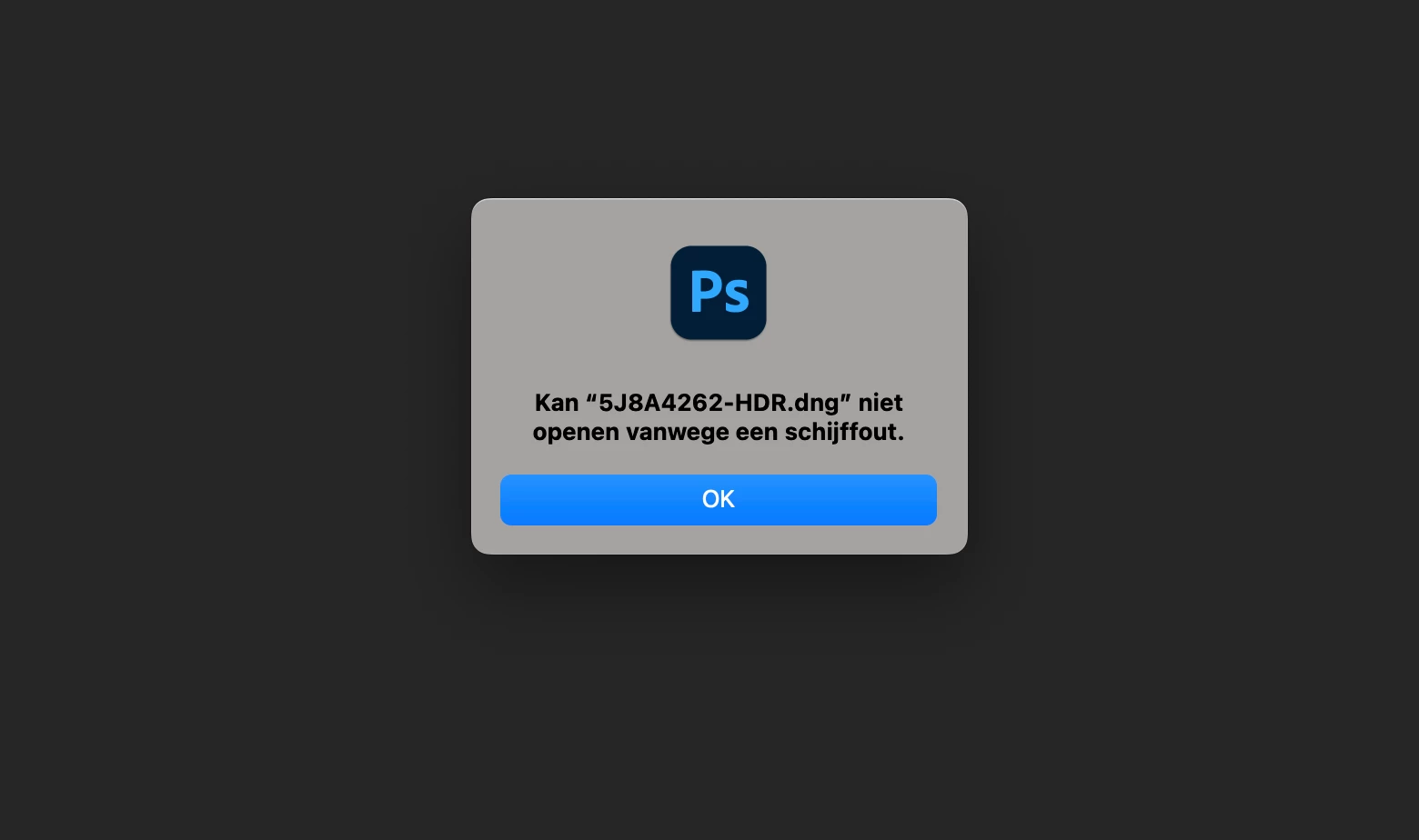
I use LR classic and I can't edit DNG and raw files directly in Adobe Photoshop 2022.

New Here ,
May 17, 2022 May 17, 2022


I use a new Mac studio and i updated PS 2022 and camera Raw to the latest versions. I can import the DNG and raw files directly from the camera (Canon R6) but from LR classic (latest version) i can't edit directly in PS 2022. Before i had never problems with it.
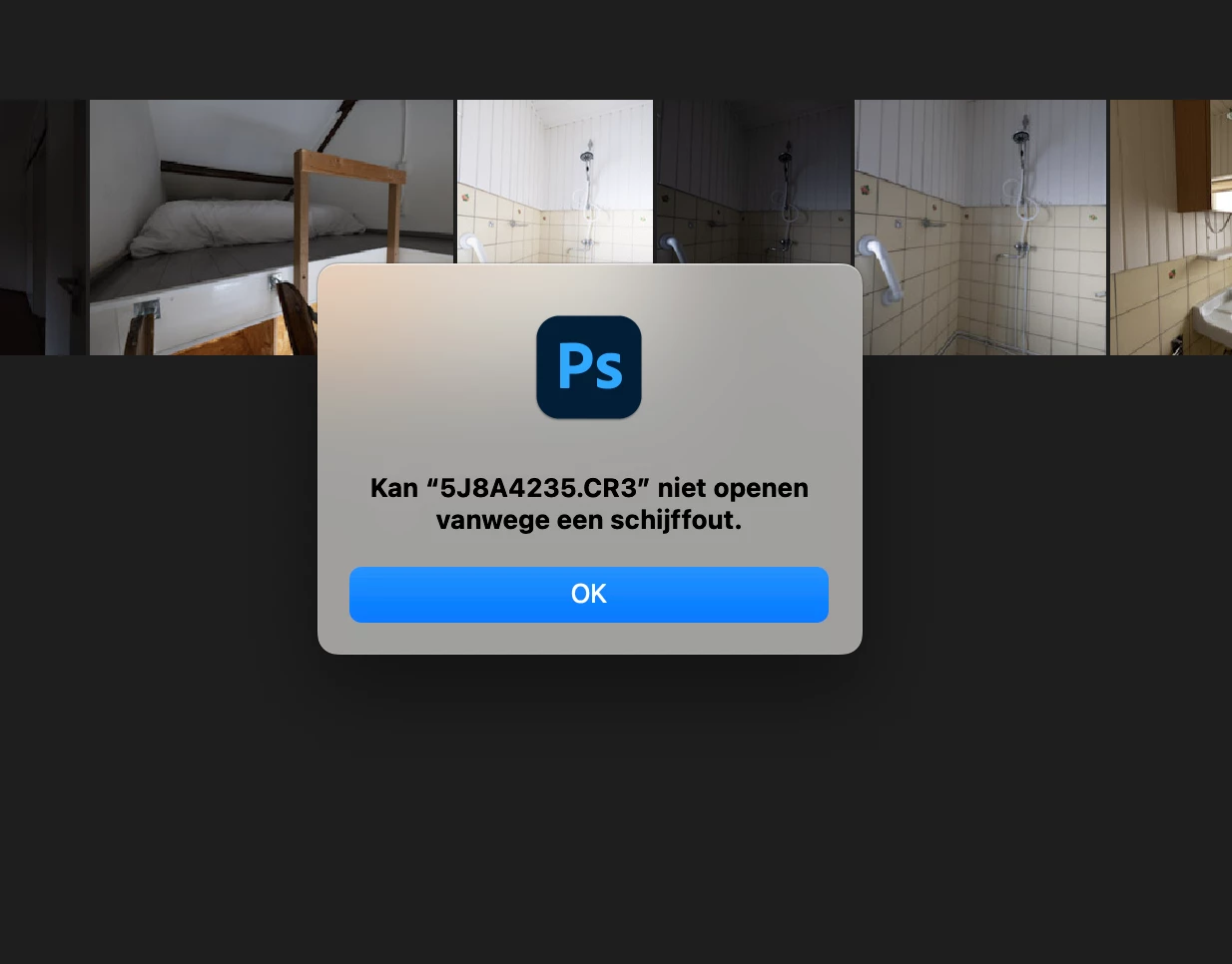
Schermafbeelding 2022-05-18 om 07.31.00.png

Schermafbeelding 2022-05-18 om 07.30.08.png


TOPICS
macOS
345
Translate
Report
Community guidelines
Be kind and respectful, give credit to the original source of content, and search for duplicates before posting. Learn more
community guidelines
Adobe Employee ,
May 18, 2022 May 18, 2022
LATEST

Hi there,


Thanks for reaching out. Sorry for the trouble with Lightroom & Photoshop. If you can clarify a few things for me, we can get to the bottom of this.

Could you please share the operating system you are working on and the exact versions of Lightroom & Photoshop from Help > About Photoshop & Lightroom?


You can  reset Lightroom Classic's preferences by following the steps in this article (prefer using method 2): (https://helpx.adobe.com/lightroom-classic/help/setting-preferences-lightroom.html)

& Reset Photoshop by following the steps in this article(https://helpx.adobe.com/photoshop/using/preferences.html)


If this does not work, please try these steps.


Let us know if this helps.

Thanks!

Sameer K


Translate
Report
Community guidelines
Be kind and respectful, give credit to the original source of content, and search for duplicates before posting. Learn more
community guidelines