



Import is not working in Lightroom Classic in Windows ARM
Hi there.
I have a windows copilot surface pro 11.
So, I am working on Windows ARM.
When I try to import photos to lightroom, I dont see any image on thumbnails at all. Like this>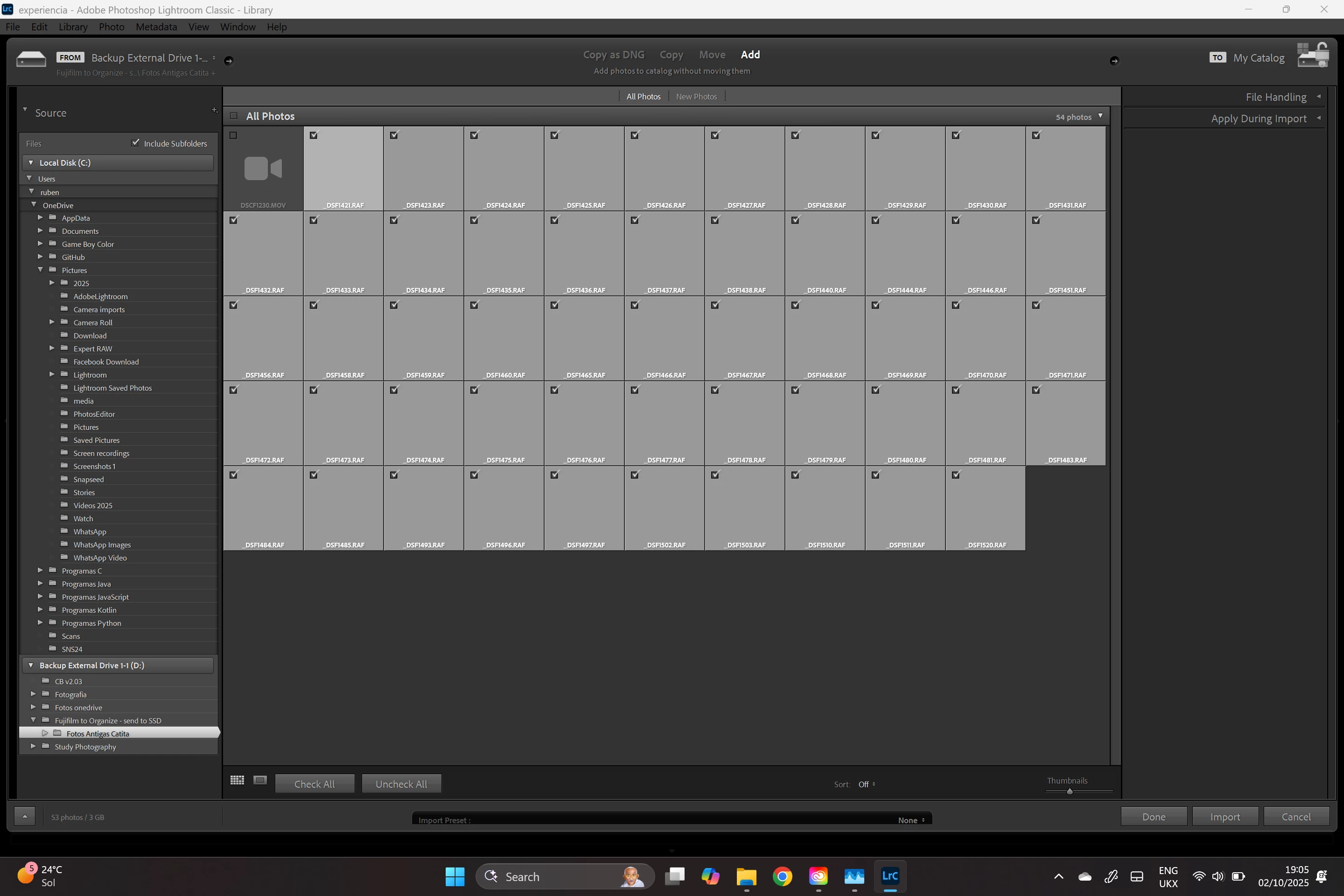
If I select all the images I want to import and click on import, I get this:
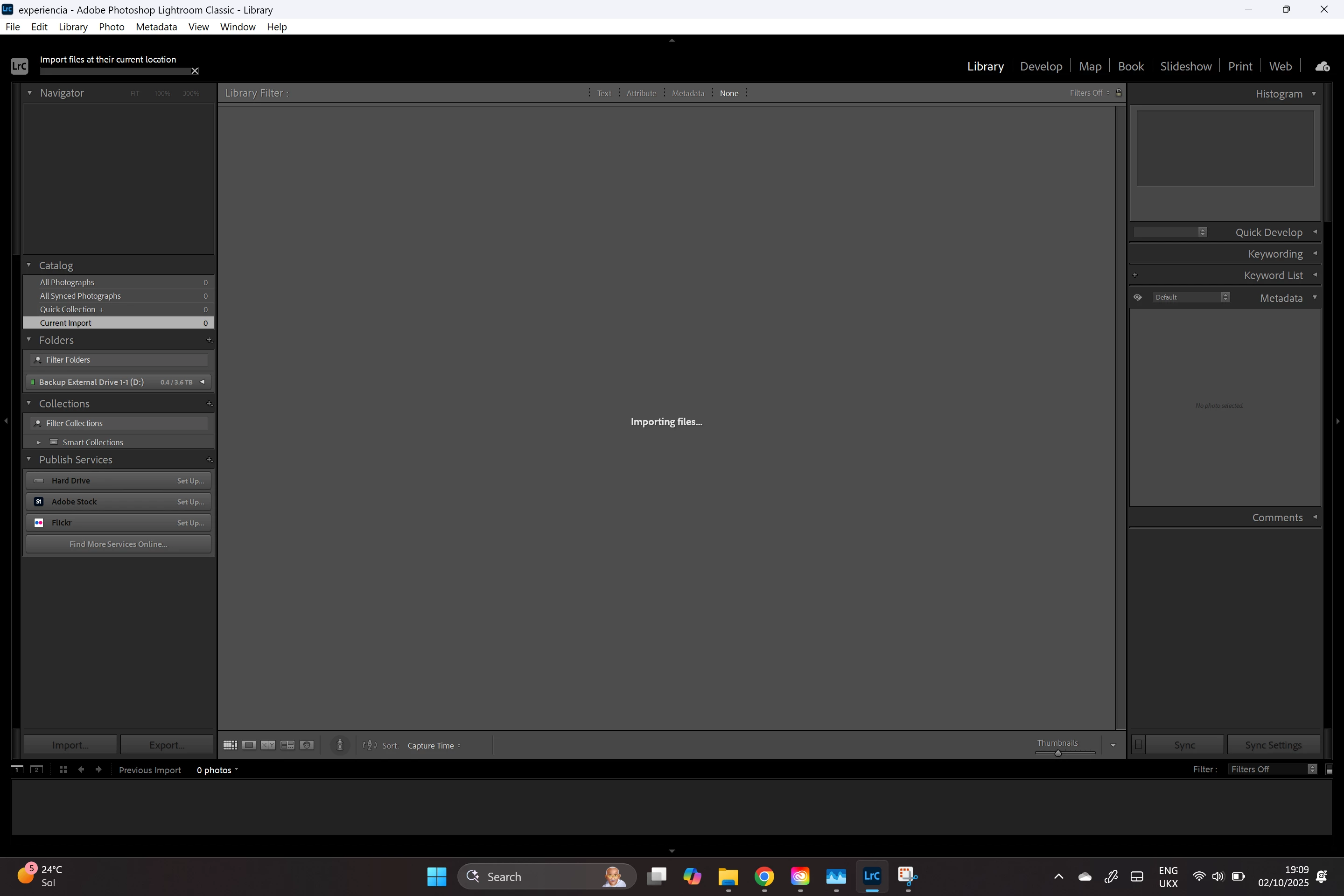
I can leave the computer as long as I want that nothing appens.
Lightroom is not crasched per se. I can still work with the pc. Lightroom is barely using CPU or Ram. Just sits there, for hours if I let.
if I cancel the import I get this: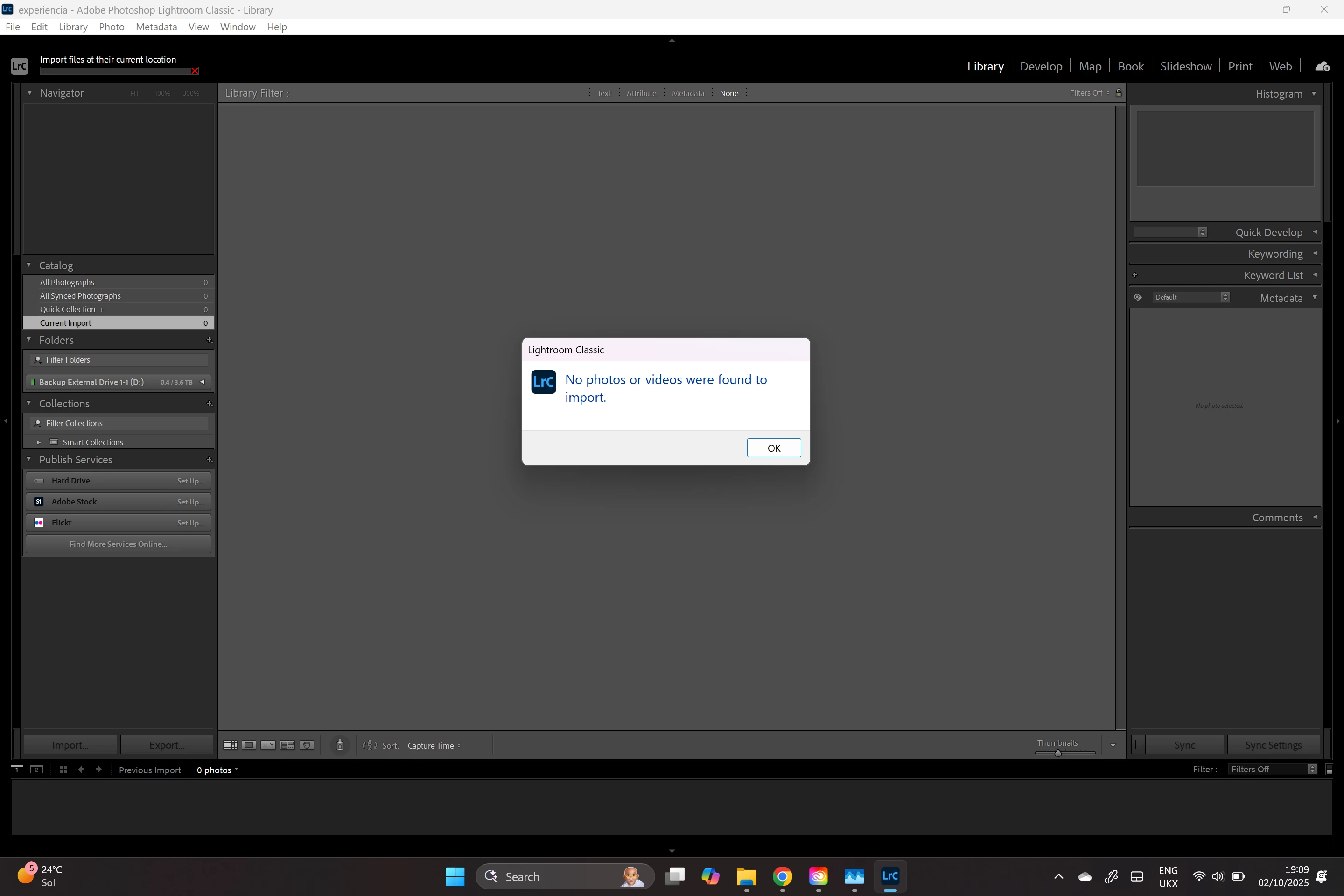
I have enough space in disk.
I am just adding pictures.
I tried having the pictures in the pc hard drive and on a external hard drive.
I tried changing permissions.
I cannot get arround this to import photos into Lightroom.
can you please help me!??
THANK YOU
 AdChoices