


Inspiring
March 25, 2021
解決済み
Imported User Presets not showing up in presets tab Lightroom 10.2 CameraRaw 13.2
- March 25, 2021
- 返信数 7.
- 1695 ビュー
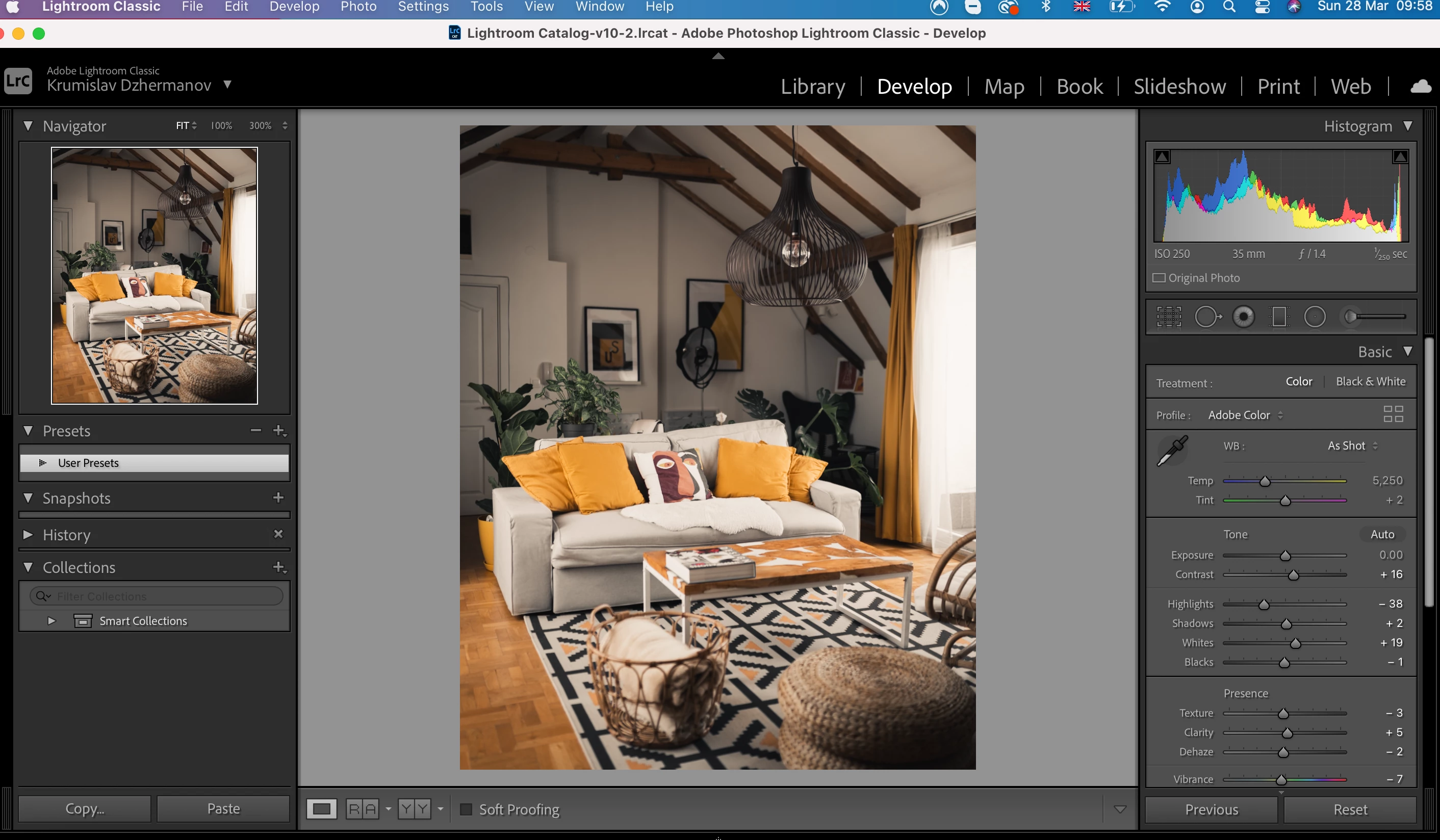
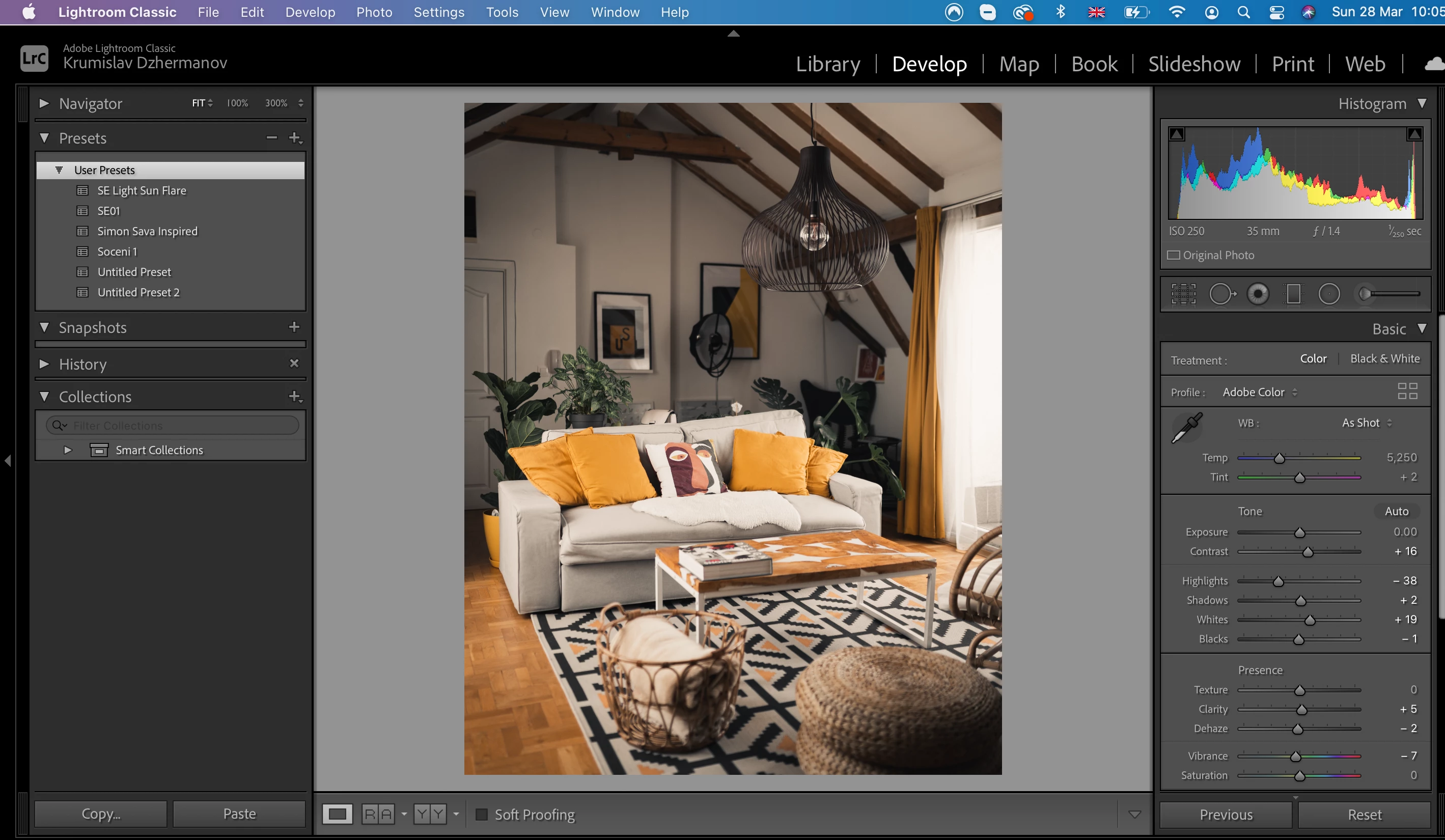
Hello everyone, after reading virtually everything I could on the topic I still haven't got a solution for this.
My User presets aren't showing up in the develop presets tab and when clicking import from there + sign or from File>Import Develop Presets it says presets already imported.
The visibility from Preference is ticked, Store presets with this calatalogue is unticked, yet nothign changes. The presets are all .xpm files.
I have checked and added them to folder CameraRaw/Settings.
Interestingly, I can see them and apply them in Preferences>Presets>Raw defaults (see the screenshot) but this doesn't change anything to the usability in Develop panel.
Any guesses how to fix this would be hugely apprecaited!
 AdChoices