


Participant
January 15, 2022
解決済み
Lightroom Classic 11.1 can't locate my Canon Lens Profile
- January 15, 2022
- 返信数 4.
- 2728 ビュー
Lightroom Classic 11.1
Mac Catalina 10.15.4
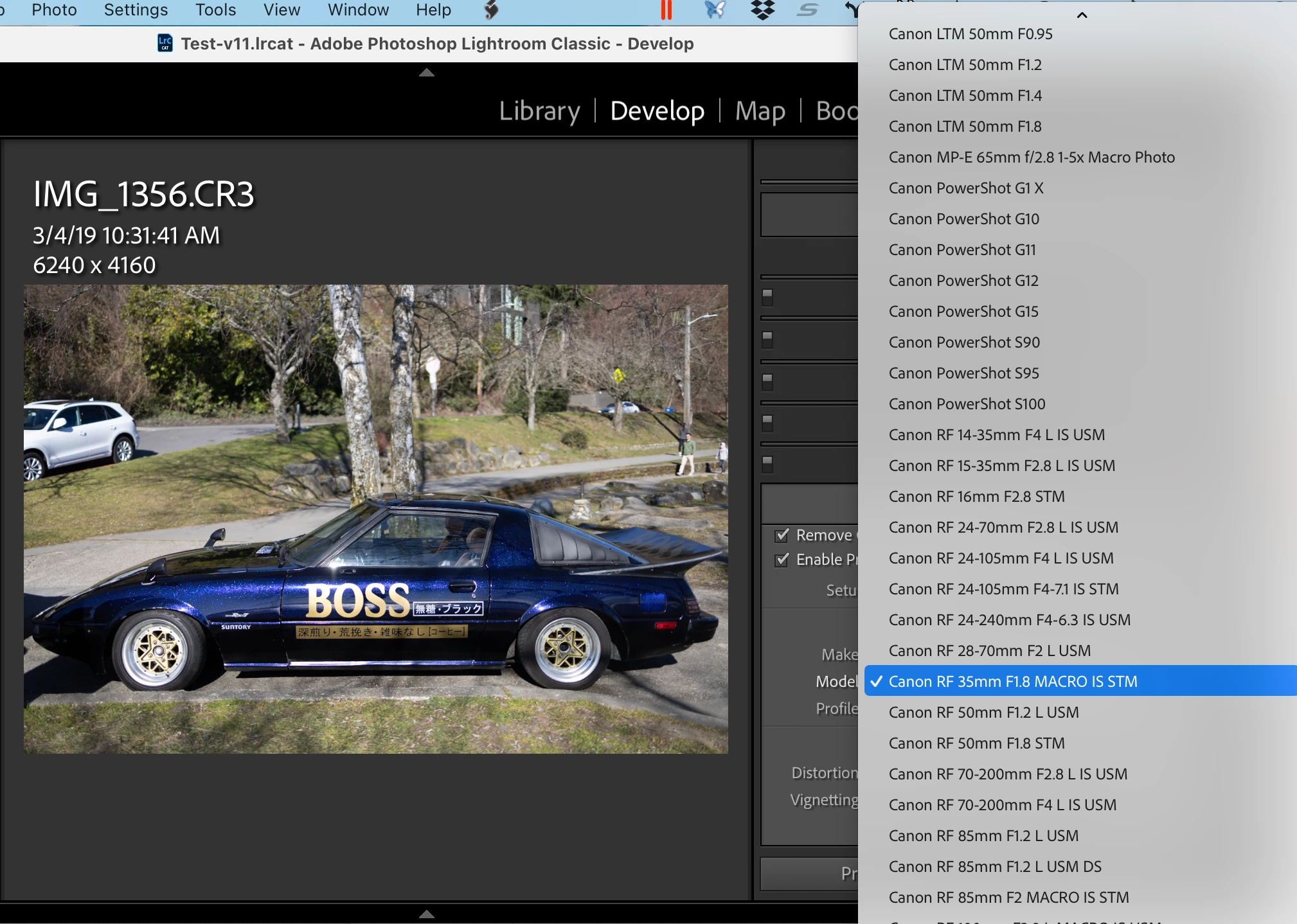
Went to edit some images in Lightroom Classic and now it can't find my Canon 24-105 F4-7.1 lens profile.
I have checked in the Camera Raw Lens Profile directory and it appears there.
Open Lightroom Classic from Creative Cloud
Import images to new folder
Go to Develop Module
Scroll down to Lens Corrections
Tick Romve Chromatic Aberations and Enable Profile Corrections, Setup is Auto as always
Message down the bottom says "Unable to locate a matching profile automatically."
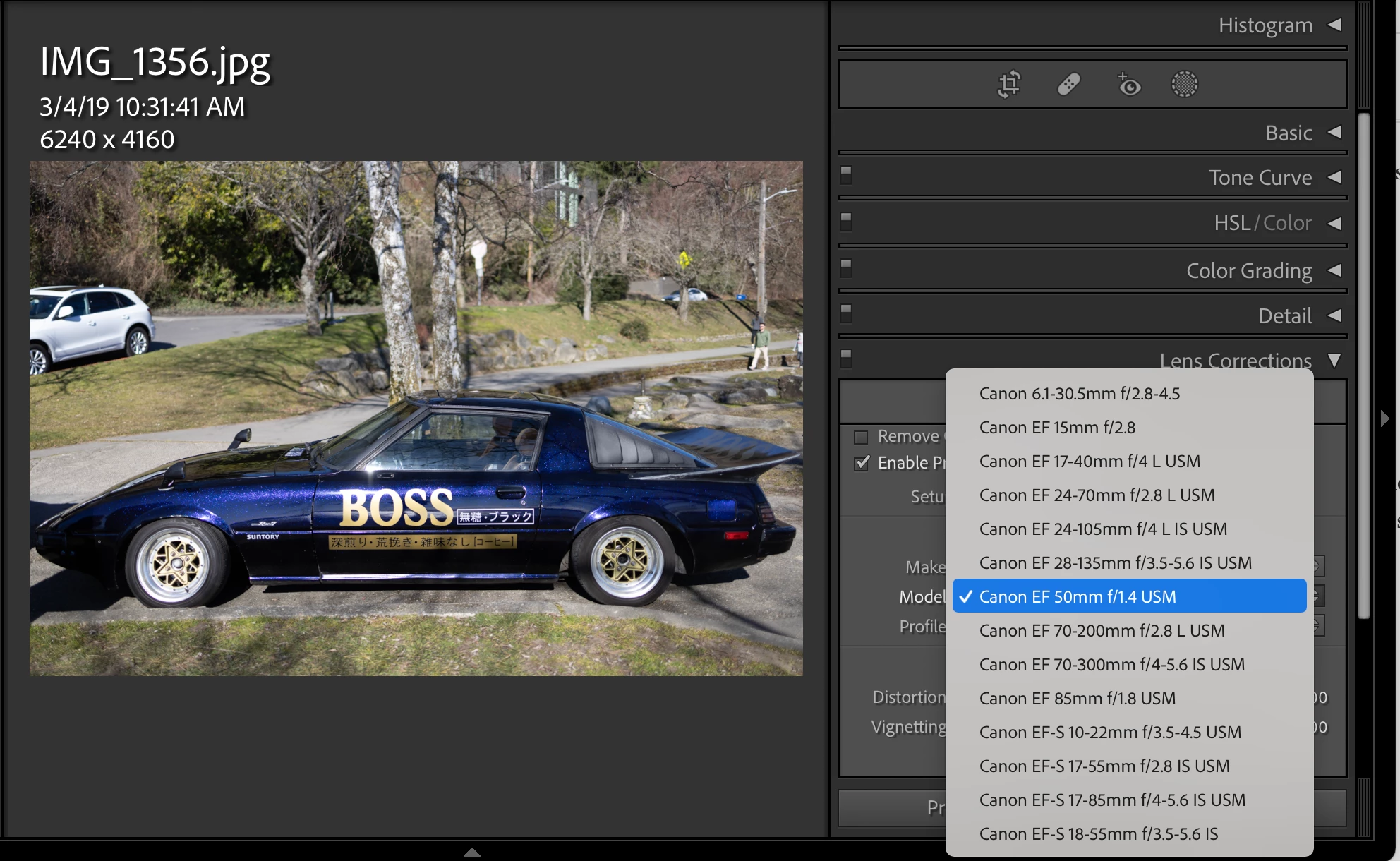
Change Setup to Default, select Canon and it only shows the Canon EF lenses.
 AdChoices