



type1wild
Participant
August 17, 2022
質問

(macOS) Lightroom v5.4 "Photo Unavailable" Error Message - LR can't seem to find my photos?

  • August 17, 2022
  • 返信数 2.
  • 304 ビュー

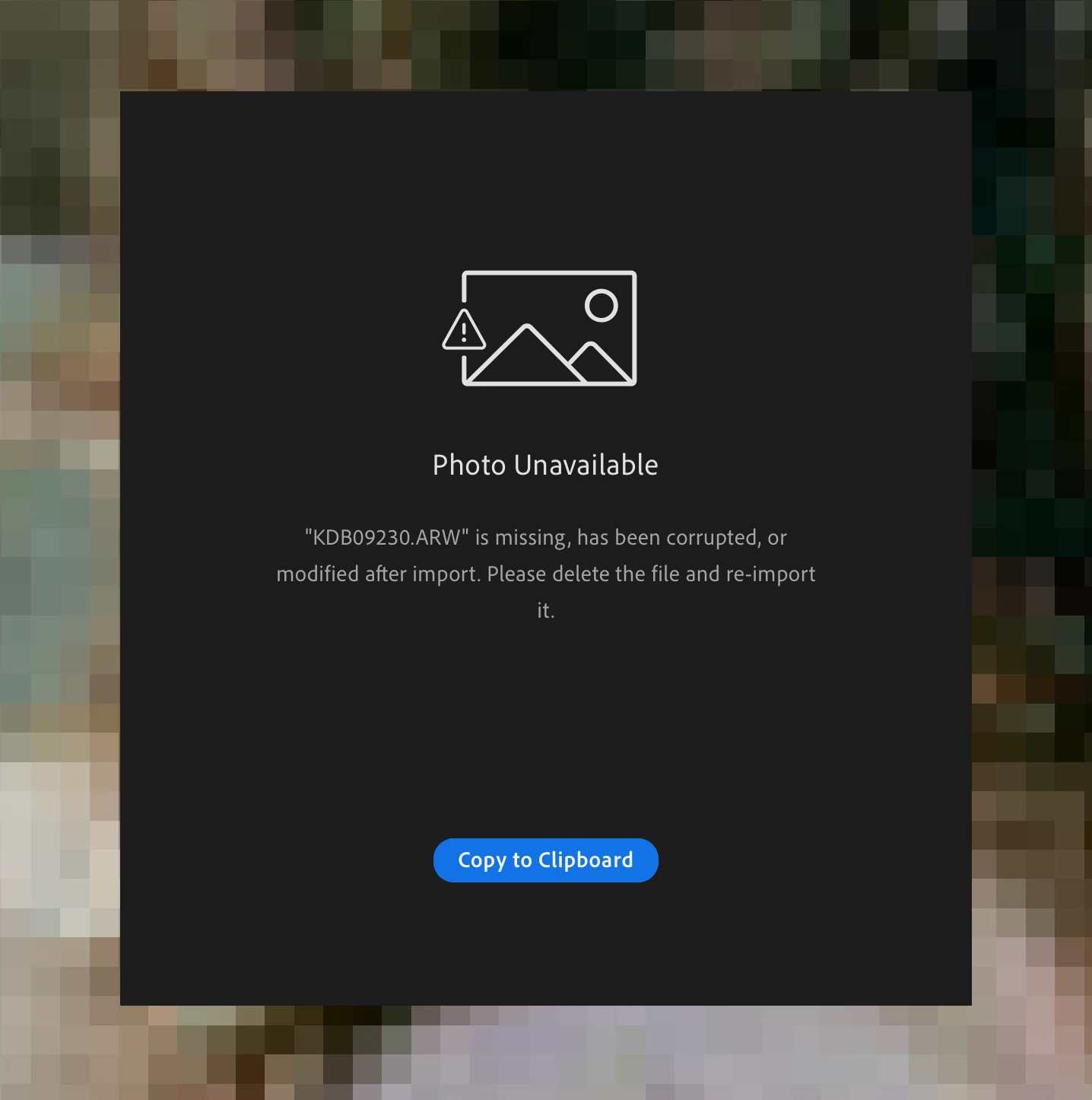
Lightroom is giving me a "Photo Unavailable" error with the following message: ""filename.arw is missing, has been corrupter, or modified after import. Please delete the file and re-import it.", but...

  • My external hard drives are connected and are working properly.
  • I haven't deleted, moved, or otherwise modified the original files.
  • LR is also not allowing me to "locate" the files.


I'm using LR version 5.4.


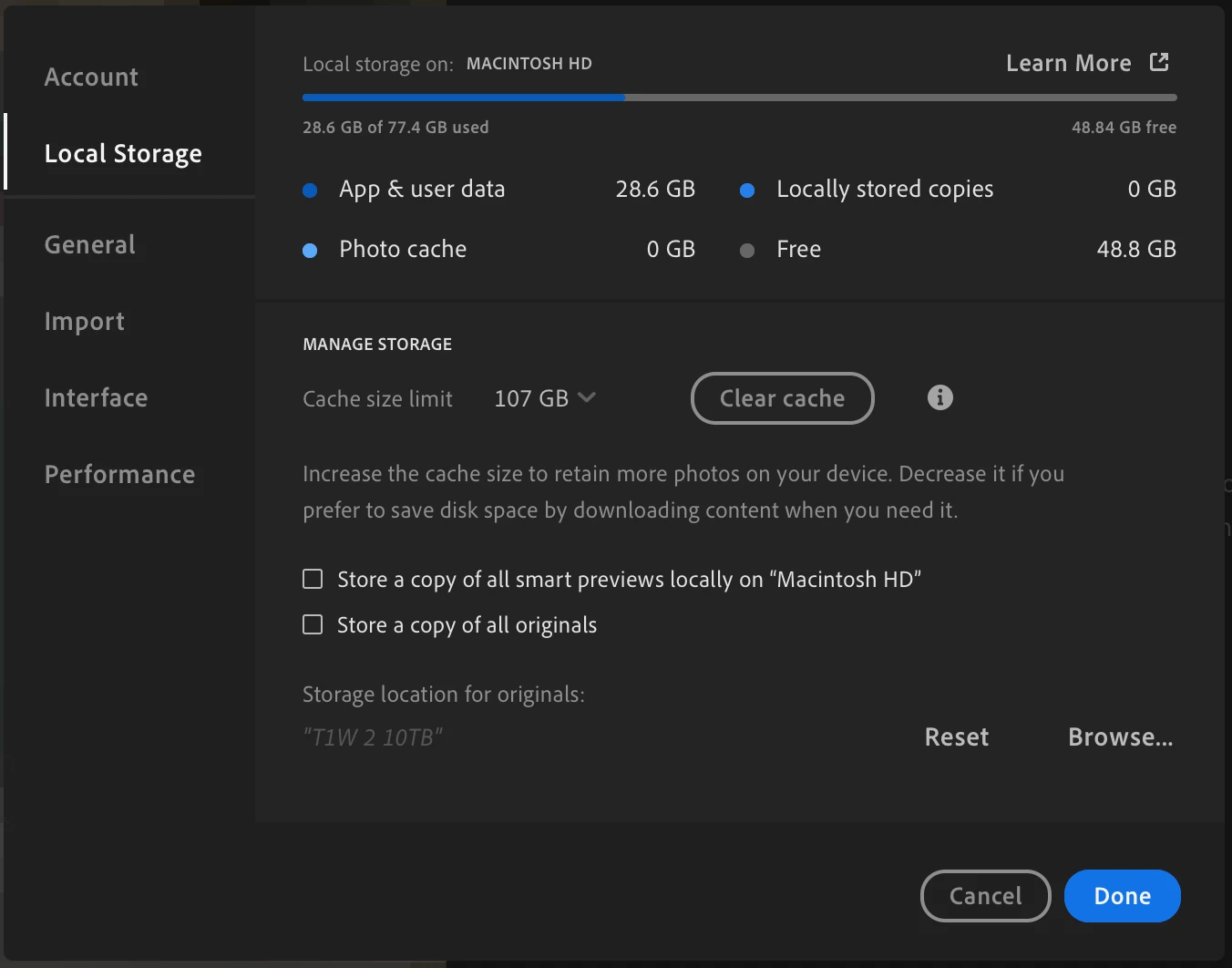
I've attached screenshots of the error message and my LR preferences (in case that helps).


Would love any advice! Been trying to figure out how to solve this but can't find a good answer 😞


{Thread title updated by moderator}

このトピックへの返信は締め切られました。

返信数 2

Rob_Cullen
Community Expert
Community Expert
August 18, 2022

I am curious to see an answer given, but this is what I note in your screen-clip:

No Locally Stored Copies

No Locally stored Smart Previews

No Stored copies of originals.


Do you have anti-virus, or some other app that may be blocking your use of the files in Cloud storage? Are you online when using Lr?

Your preferences mean that Lr must edit all images stored in the Cloud.


Regards. My System: Windows-11, Lightroom-Classic 15.1.1, Photoshop 27.3.1, ACR 18.1.1, Lightroom 9.0, Lr-iOS 10.4.0, Bridge 16.0.2 .
type1wild
type1wild作成者
Participant
August 18, 2022

Hi Rob,


Thanks for the thoughtful answer. Should I have both of those checkboxes selected (smart previews and originals)?


I don't have an antivirus blocking cloud storage and I am online when using LR.


This issue happened a few days ago (about a day before I originally posted), seemingly out of nowhere. I don't believe I've changed anything about LR, my system, my internet connection, etc - at least not that I know of.

Sameer K
Community Manager
Community Manager
August 17, 2022

Hi there,


Thanks for reaching out. I'd love to help you figure this out.

What version of the macOS are you working on right now?


If you are working on macOS 12.3 & above, please follow the steps in this post to allow the required permissions to Lightroom on the macOS: https://community.adobe.com/t5/lightroom-classic-discussions/quick-tips-how-to-give-full-disk-access-to-lightroom-classic-on-macos/td-p/12913413


Lightroom might be having trouble accessing the original from the external drive.

  • Search for Disk Utility from Finder's spotlight search or magnifying glass.
  • Run 'First Aid' diagnostic on the external drive. Check this to learn more: https://support.apple.com/en-us/HT210898
  • Restart the computer.


Try these steps & let me know how it goes,

Thanks!
Sameer K

type1wild
type1wild作成者
Participant
August 17, 2022

Hi Sameer,


Thanks for taking the time to respond. Unfortunately these solutions didn't work - I had already given LR full permissions, and the disc had no issues (I ran first aid and restarted anyways).

To answer your question, I'm using MacOS Monterey Version 12.1 on the M1 Max chip.


Do you have any other ideas?