



Cerezine
Known Participant
November 1, 2024

P: (10032638) Photoshop 2025 crashing when opening EPS files

  • November 1, 2024
  • 返信数 9.
  • 1379 ビュー

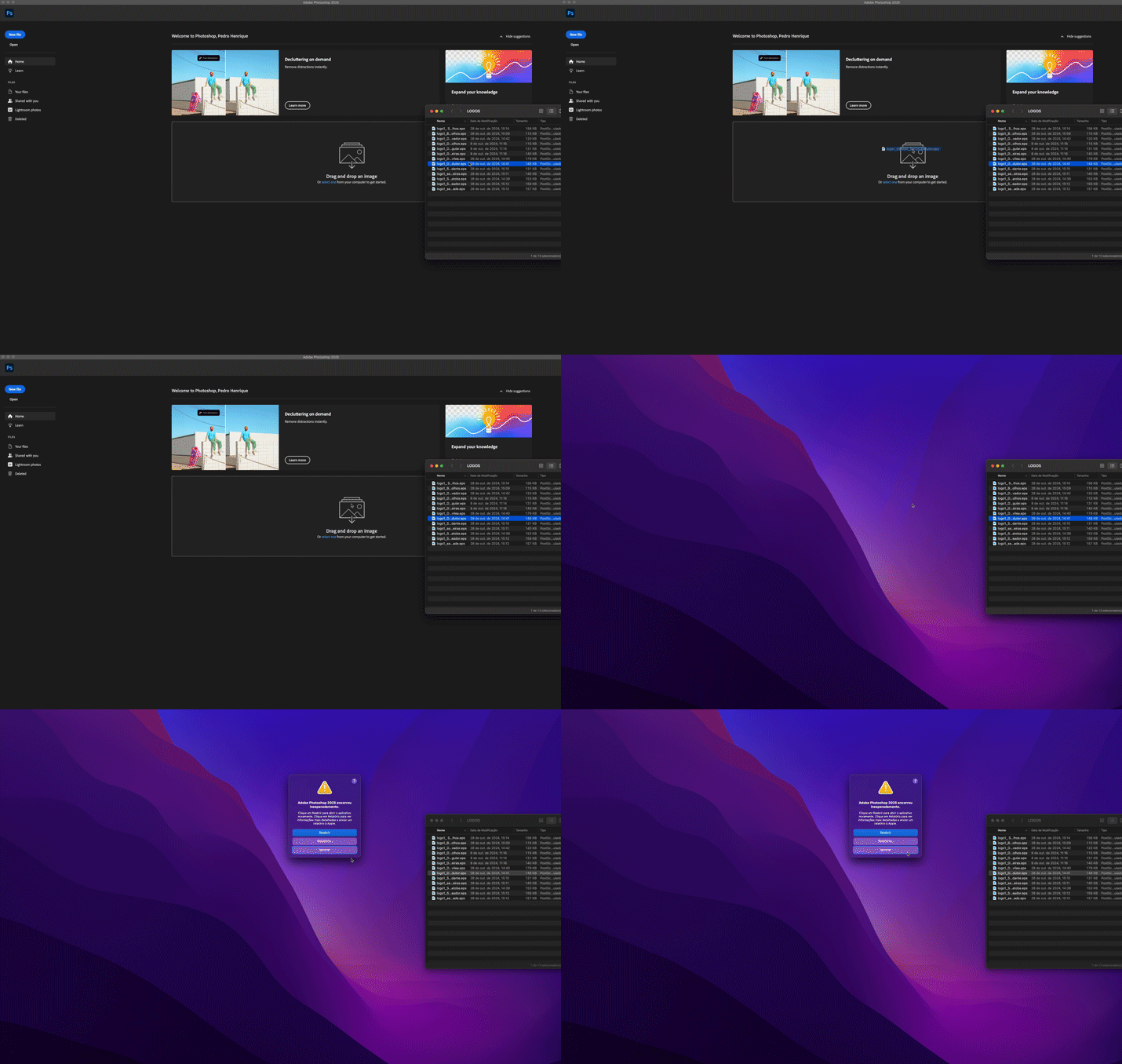
Photoshop 2025 (26.0.0), immediately closes when opening EPS files, no matter the method. Dragging and dropping to the shortcut, opening directly in Photoshop, or even using "File > Place Embedded/Linked" – it simply crashes.

I've tested this on two different machines (both Macs) with Ventura, Sonoma, and Sequoia (all clean installations, as I thought it might be a macOS issue), but the problem persists.

I didn’t migrate any custom presets, shortcuts, or make any changes in preferences that could interfere.

The strange thing is: not all EPS files cause Photoshop to crash. A few open as they should.

I export all my EPS files with AF Designer before using them in Photoshop. I’ve never had an issue like this in all these years.

For context: I primarily work with product retouching, so I'm unable to apply labels/logos due to this issue. Any help or workaround to resolve this problem would be greatly appreciated.


Attached image from the moment of sadness:
.

返信数 9

Participant
July 29, 2025

I am having this issue using 26.5.0 as well. Anyway that I try to open an EPS file for a project at work immediatly crashes photoshop.

Participant
May 7, 2025

Came here to say it's May 7, 2025 — and this bug is still happening with no recourse other than to install a previous version.

Participant
May 7, 2025
Apparently the reality is that fixing this issue is either unexpectedly difficult or so low on Adobe’s list of bugs to fix,
that maybe we should not expect to see a solution until Photoshop 2026 ?

Maybe there are not enough users who find this issue a “problem" or we would be hearing from them too?
Now, if we had a hundred posters also complaining, we would be in better shape to get Adobe to fix this bug.

Just thank the coding gods that as long as we can use the previous PS 2024 version on our current Mac OS machines
the “fix” is doable.  This IS a recourse and honestly a mostly an easy one too. Lucky us. 🙂

Unless your drive space is super critical (a bad idea anyway when using Adobe apps) keeping the previous version installed
for when or if you need it, is going to be the least problematic solution.


Adobe Community


spjpgrdHB just posted in a community you follow.


Oct 31, 2024 05:55 PM in Photoshop ecosystem Bugs
Re: P: (10032638) Photoshop 2025 crashing when opening EPS files

Came here to say it's May 7, 2025 — and this bug is still happening with no recourse other than to install a previous version.
Participant
April 2, 2025

Thank you though!

Participant
April 2, 2025

I still have Photoshop 2024 on my computer. I don't want to have to use that version, I want to use the Beta version that I have, it has many more features. They need to fix this!

Participant
April 1, 2025

This is happening to me as well. I am a student and need to be able to open the eps in Photoshop for an assignment. 

Participant
April 1, 2025
While it is inconvenient, it should be possible to install a version of Photoshop 2024 and use that to open EPS files.
Just make sure it is the previous revision of Photoshop and not the one that includes the problem.

That is delineated by the actual Photoshop version and not by the name that includes 2024 or 2025.
Hopefully there are no exceptions that I am not aware of that precludes that solution.

Adobe does make it easy enough to install an older version.
I am disappointed that in the time Adobe has had, they still have not solved this issue.

Here are the requirements for Photoshop 2024:
https://helpx.adobe.com/photoshop/system-requirements.html
and
https://helpx.adobe.com/photoshop/system-requirements/2024.html
Cerezine
Cerezine作成者
Known Participant
March 13, 2025

It happened again. Now in the latest Photoshop 26.4.1.

Participant
November 23, 2024

Same issue as others but not with all eps files.  Photoshop 2025 v26.1.0 was used.  FYI, problem does NOT exist with Photoshop 2024 v25.12.0.  Meaning, the eps files that crash instantly with PS 2025 do not crash PS 2024.

 
Sameer K
Community Manager
Community Manager
November 14, 2024

The team is investigating this crash. Thanks for adding the details & sharing the sample files. 


Best, 

Sameer K

Anshul_Saini
Community Manager
Community Manager
November 6, 2024

Hi @Cerezine,


Thanks for providing all these details — I understand how disruptive it is to have Photoshop crash when working with essential EPS files. To help investigate, could you share a few of the EPS files that aren’t opening? It would also be helpful to know the exact version of the app used to export them and if they’re opening correctly in that app.


Once we receive the files, I’ll forward them to our product team for further investigation. We’ll do our best to find a solution so you can continue your work smoothly.


Looking forward to your response!


Best regards,

Anshul Saini

Participant
November 6, 2024

Hi, Photoshop crashes when I open an EPS file also.


Crossing my fingers for a fix.